
Participant
July 23, 2018
Answered

My Photoshop files opening small for other people

  • July 23, 2018
  • 2 replies
  • 562 views

I need to send a PSD to a client, but when he opens it up it is tiny. However, it looks completely fine on my screen.

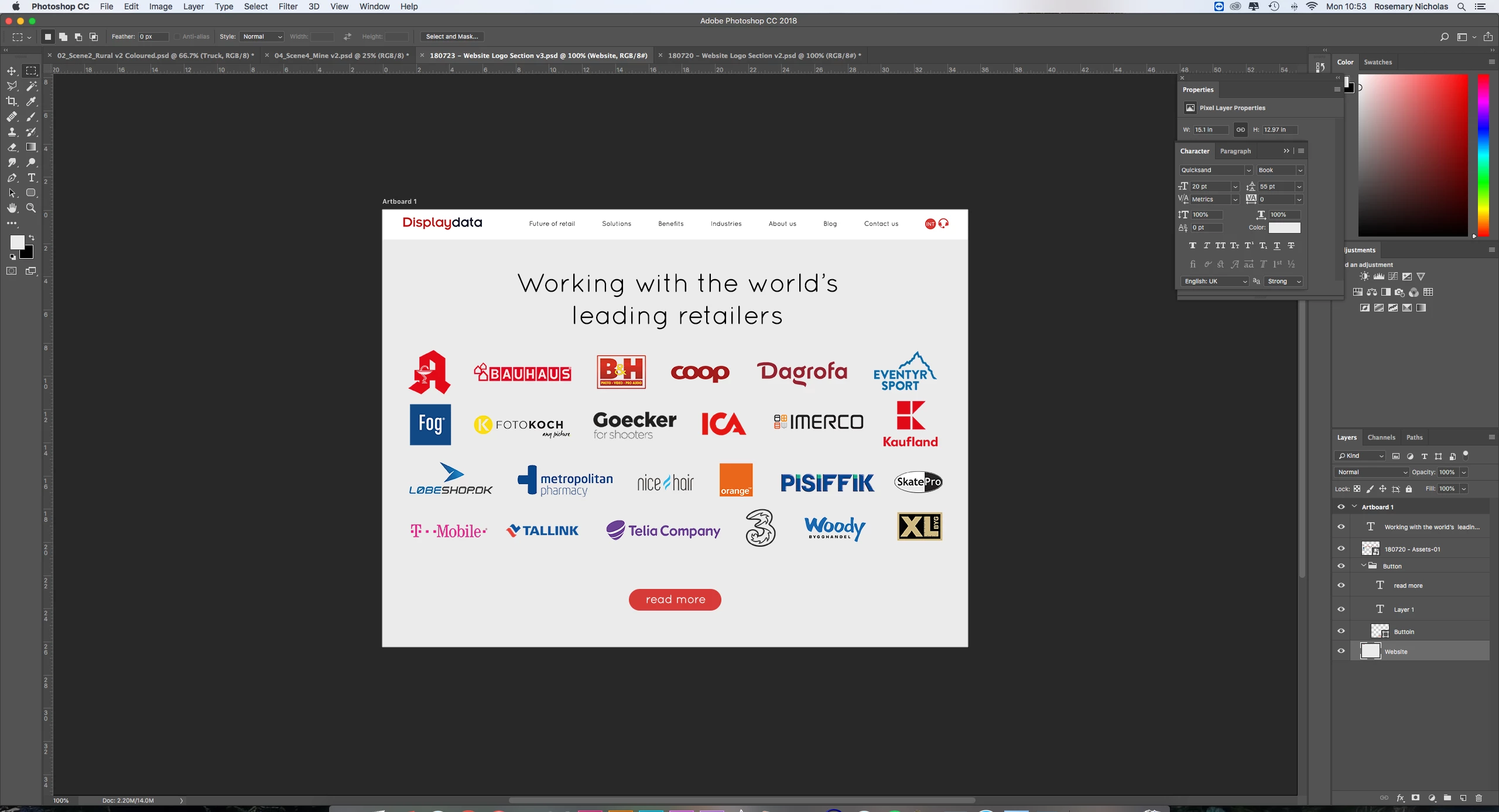
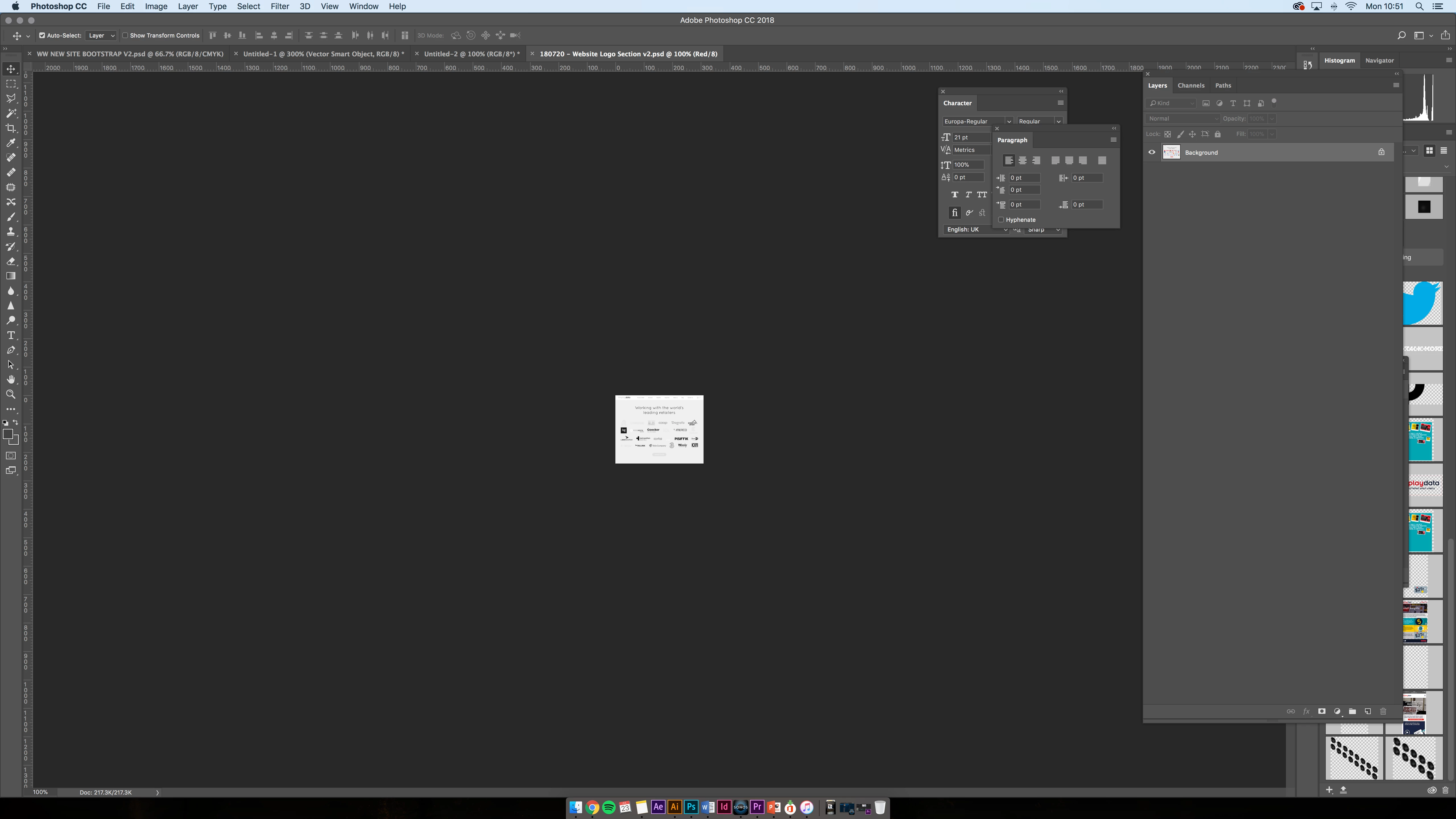
Could somebody help? I'm not doing anything different to what I have done previously, and I have even used an older file as a template which has worked previously. I have attached a screenshot from my machine and my colleagues, both are at 100% zoom. Both CC 18
This topic has been closed for replies.
Correct answer JJMack

What display does your friend have.  Does it have a higher DPI resolution than your display.  If it does the Image at 100% zoom on his display will be smaller physically on his display then the image zoomed to 100% on you lower resolution display.  The pixels on your display are larger then the pixels on their display.

2 replies

JJMack
Community Expert
Community Expert
July 23, 2018

looking at the tab and rulers the file are different in size if the ruler are both set to pixels and the one viwewing the red chanel is of couse grayscale

JJMack
jane-e
Community Expert
Community Expert
July 23, 2018

The size shrank to 21.3 K.

Your colleague has a flattened copy.

You are in RGB; your colleague is in Red.

You have different names: Version 2 for the colleague; version 3 for you.

First: confirm you have the same file.

roseynickAuthor
Participant
August 6, 2018

Apologies I see that image is wrong, Here is a better example which I came come across today of this issue. The first screenshot is what I am viewing, and the second one is from another computer (the second computer is a laptop so I understand that the screen is scaled down, but other users are on larger screens also see my file as a reduced size) The only noticeable difference is that the 'Doc' panels are displaying different figures.

JJMack
Community Expert
JJMackCommunity ExpertCorrect answer
Community Expert
August 6, 2018

What display does your friend have.  Does it have a higher DPI resolution than your display.  If it does the Image at 100% zoom on his display will be smaller physically on his display then the image zoomed to 100% on you lower resolution display.  The pixels on your display are larger then the pixels on their display.

JJMack