My Photoshop freezes when I opening file or produces repeated images during zoom or move
I think I am part of a community of PS users that has been facing this particular issue or issues similar to this for years and Adobe has done nothing to fix this problem.
Whenever I enable by GPU Processor under Edit -> Preferences -> Performance, I start to get issues like this whenever I try to either open my file from Lightroom, or even from the opening page per say. (Images attached below)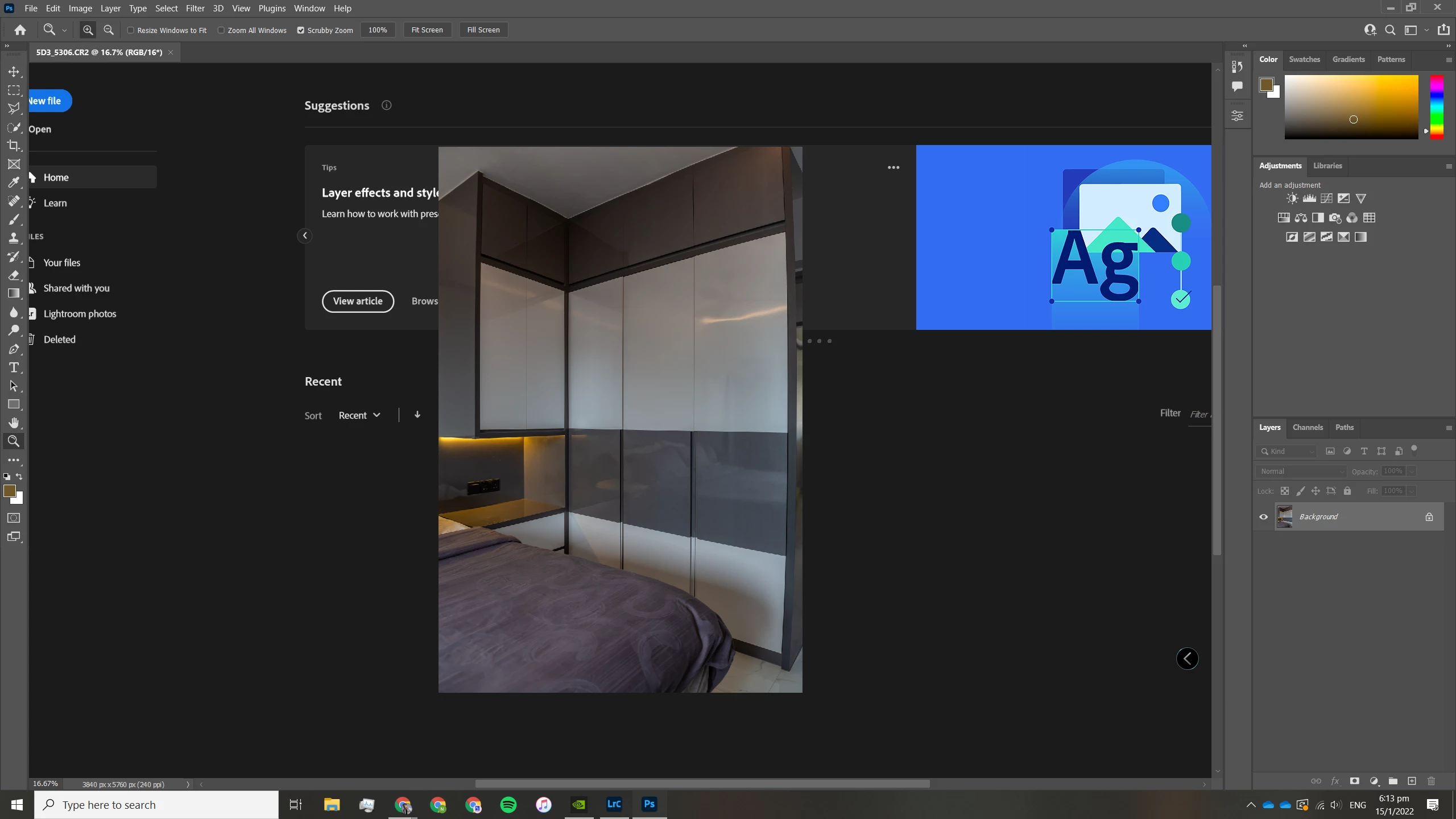
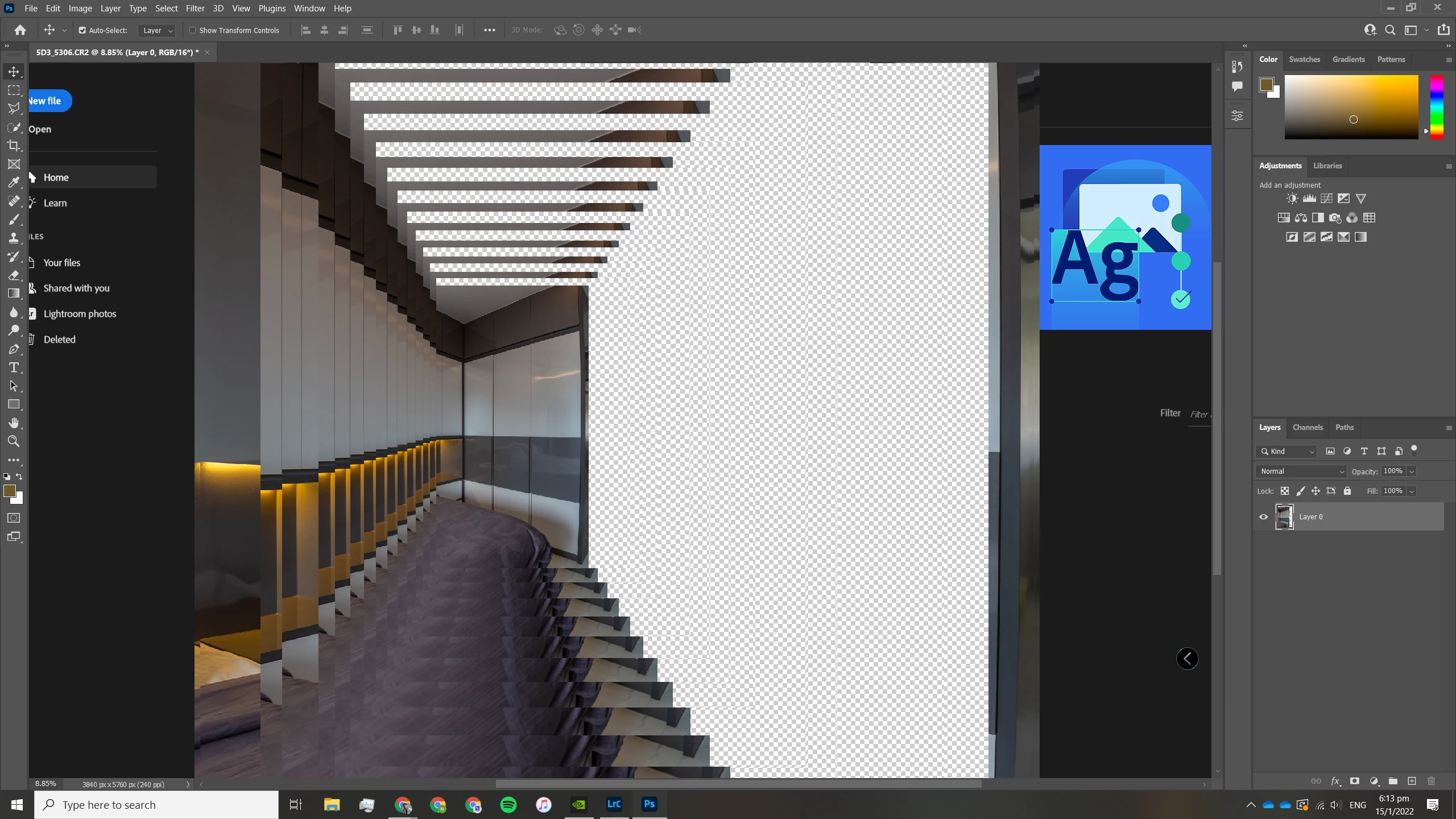
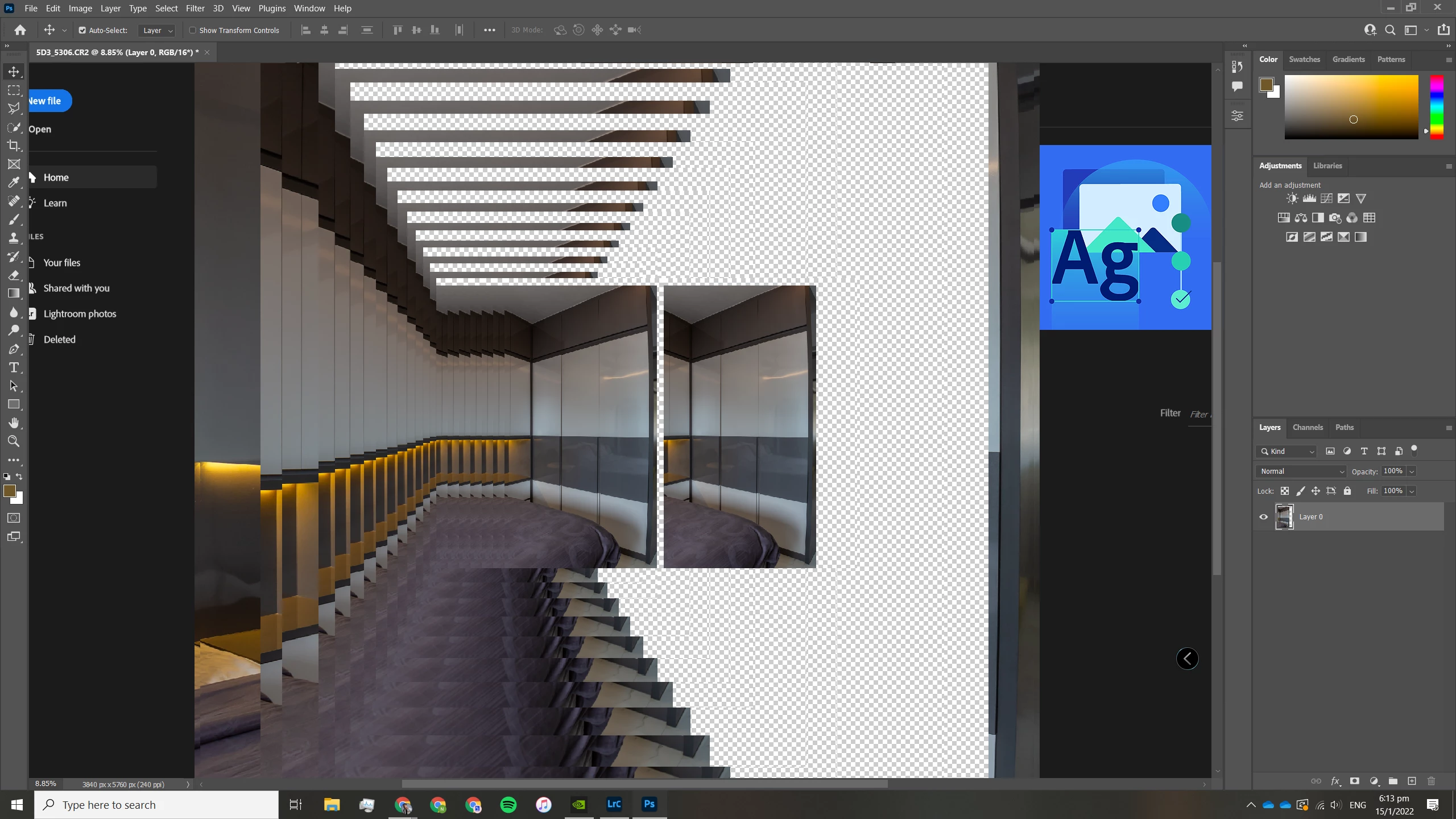
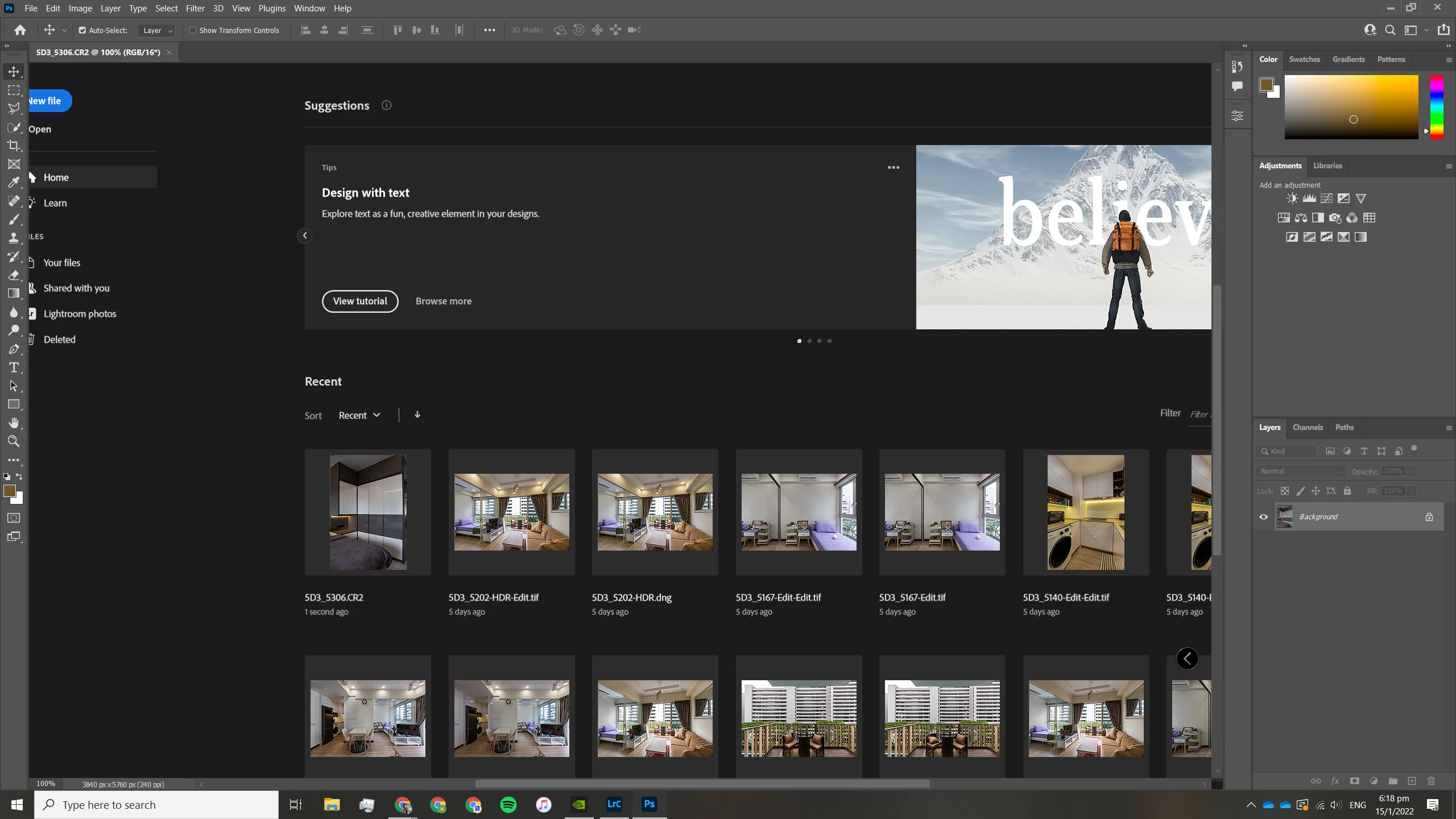
Now this issue goes away when I deselect the "Use Graphics Processor" option under the same Edit - Preference - Performance method, but then why would I want to do that. Yes, now Photoshop works, but it is insanely slow, and just defeats the purpose of using PS in the first place.
I've note that there have been users that have faced similar or same issues over recent years and yet there's still yet to be a fix to be found! In fact, if you look at the other respective older posts, you'll see a sizeable group of people having the same issues!
https://community.adobe.com/t5/photoshop-ecosystem-discussions/photoshop-2020-canvas-quot-freezes-quot-and-remains-on-screen-on-windows/td-p/10880575/page/4
https://community.adobe.com/t5/photoshop-ecosystem-bugs/p-freezing-cursor-stuck-when-scrolling-flick-panning/idi-p/11104865
Tried everything. Uninstalling and installing older versions of PS. Uninstalling and installing my graphics driver. Restarting and rebooting the computer. Fresh Windows install.
Before I get whacked over how I don't have the latest hardware or what, here are my specs:
CPU: Ryzen 5600x
GPU: EVGA RTX 2080S
RAM: 2x16GB 3200Hz
SSD: NVME 1TB 980
Monitor: AOC 2560x1440p 144Hz
Please, if nyone that has a fix for this, I would greatly appreciate it if you could share your solution for me and the community at large. This issue has actually been around for such a long time, but the devs still haven't come out with a viable solution. This is greatly interrupting my workflow, and its disappointing to know that this is still an issue. I have attached a link below to a screen recording for a better understanding of the issue. Many thanks in advance!
Photoshop Zooming Freeze Problem with GPU Processor on
 AdChoices