Participant
August 30, 2022
Question

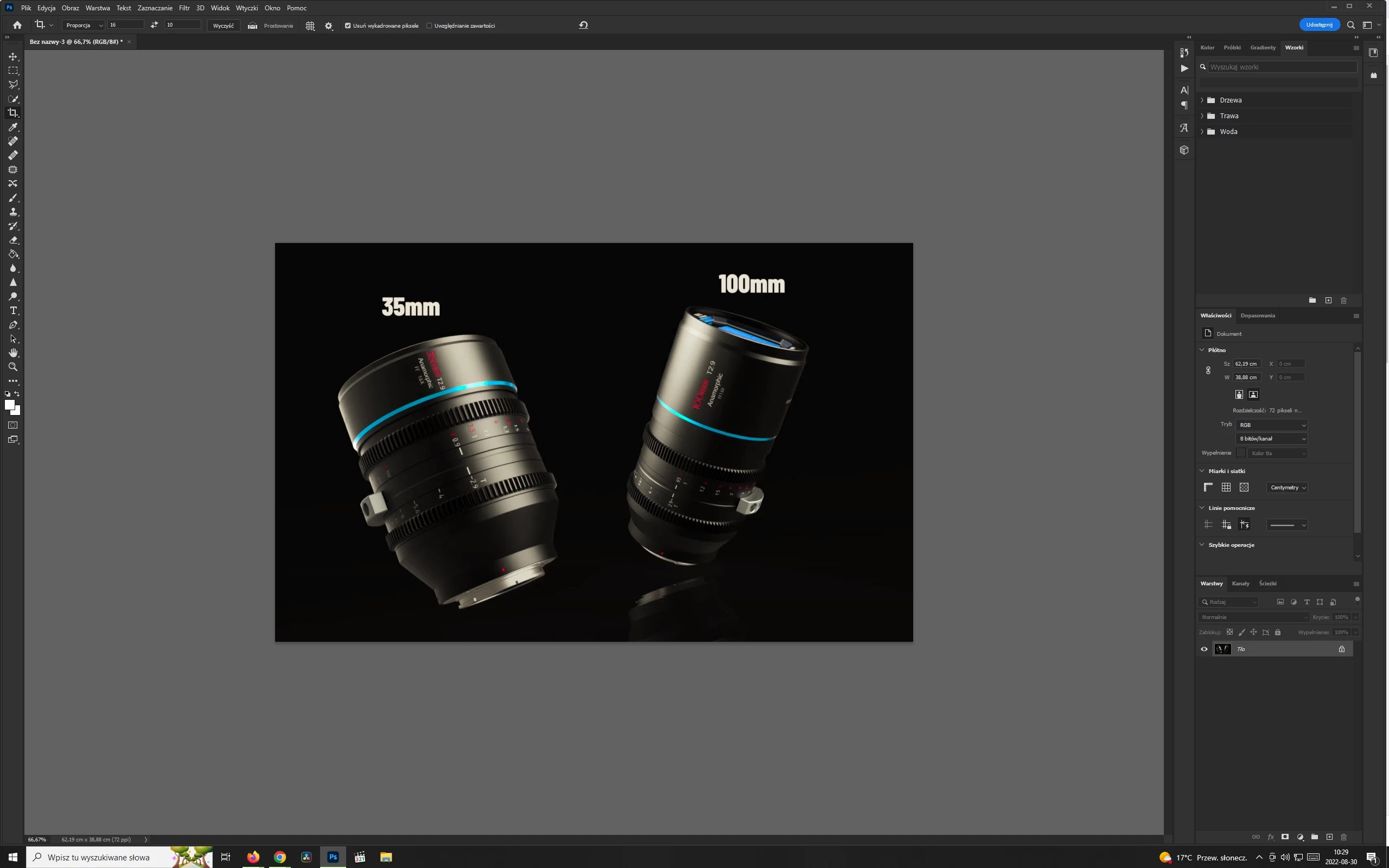
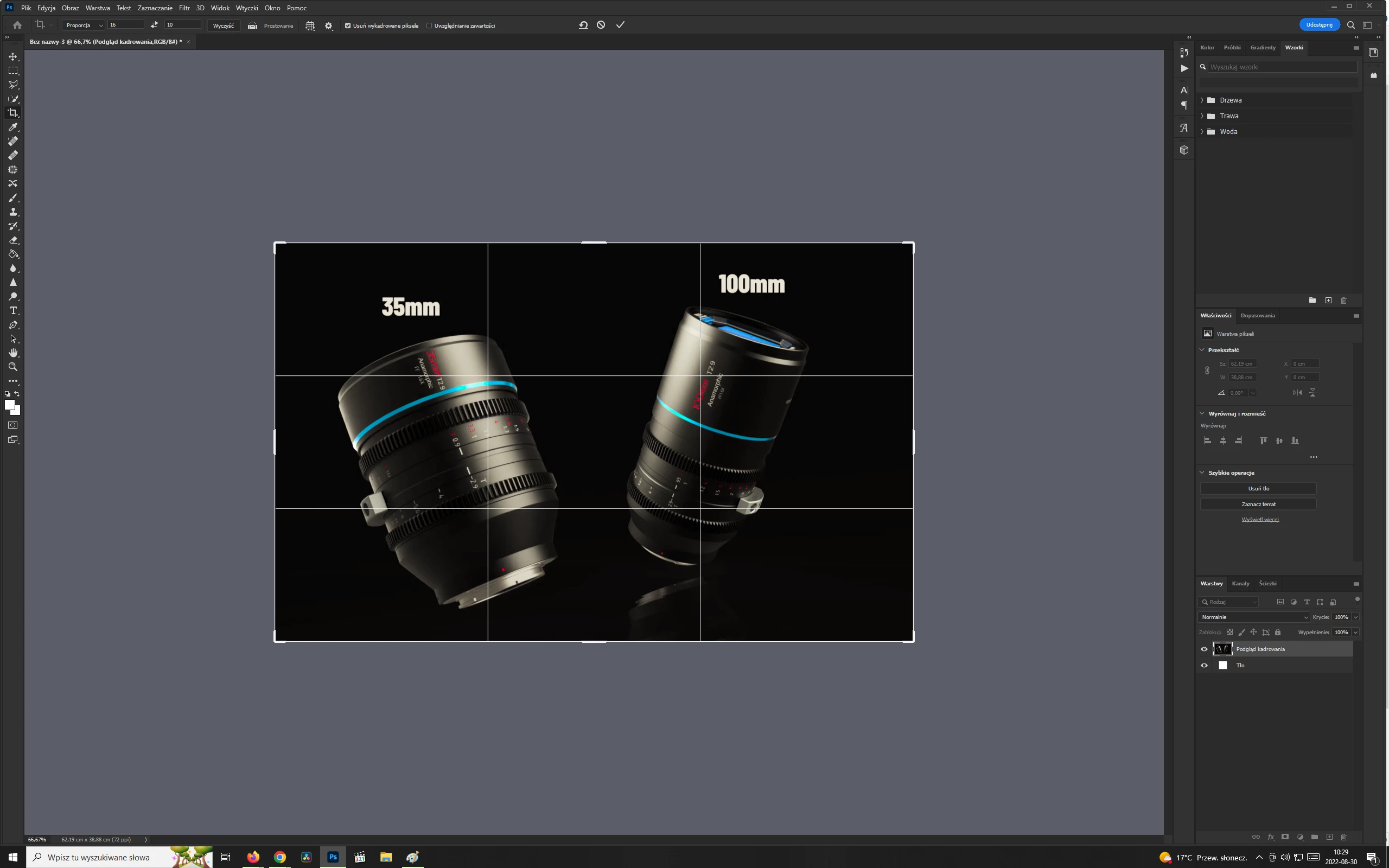
My Photoshop window became "yellow"

  • August 30, 2022
  • 1 reply
  • 174 views

Hi,

Something weird happened to my Photoshop lately. The whole interface seems to have gotten a yellow-ish tint. It's not a screen issue, as it's not happening in other apps. To make it even more weird, the tint changes when I use the crop tool. The screenshots below were made seconds apart - first is the default yellow-ish look and the second is what happens when I use the crop tool.

I was on vacation the last 10 days, no one used my computer in the mean time nad I came back home to this. This is the latest version. My only clue is it might be some Windows (I'm running Windows 10 64-bit) update. Has this happened to anyone else? How do I fix this? I'd really appreciate any help...
This topic has been closed for replies.

1 reply

davescm
Community Expert
Community Expert
August 30, 2022

It looks like a faulty monitor profile, although I am not sure why the crop tool would affect it.

First try a preference reset just in case something as gone askey in Preferences.


If the problem still remains:


If you have a calibration device , use it to make a new profile and the calibration & profiling software should install it.


If you do not,  go to the Windows search bar and type in Color Management. Change the monitor profile to sRGB for a standard monitor, or Adobe RGB for a wide gamut monitor. Neither of these are as accurate as a proper profile made for your monitor, but they should help identify the issue and give you a temporary 'fix' whilst you wait to calibrate and profile your monitor.


Close and re-open Photoshop.


Dave