Kayceee
Participant
February 17, 2018
Answered

My PS crashed

  • February 17, 2018
  • 2 replies
  • 332 views

Hello.

I've updated my photoshop to the latest version.

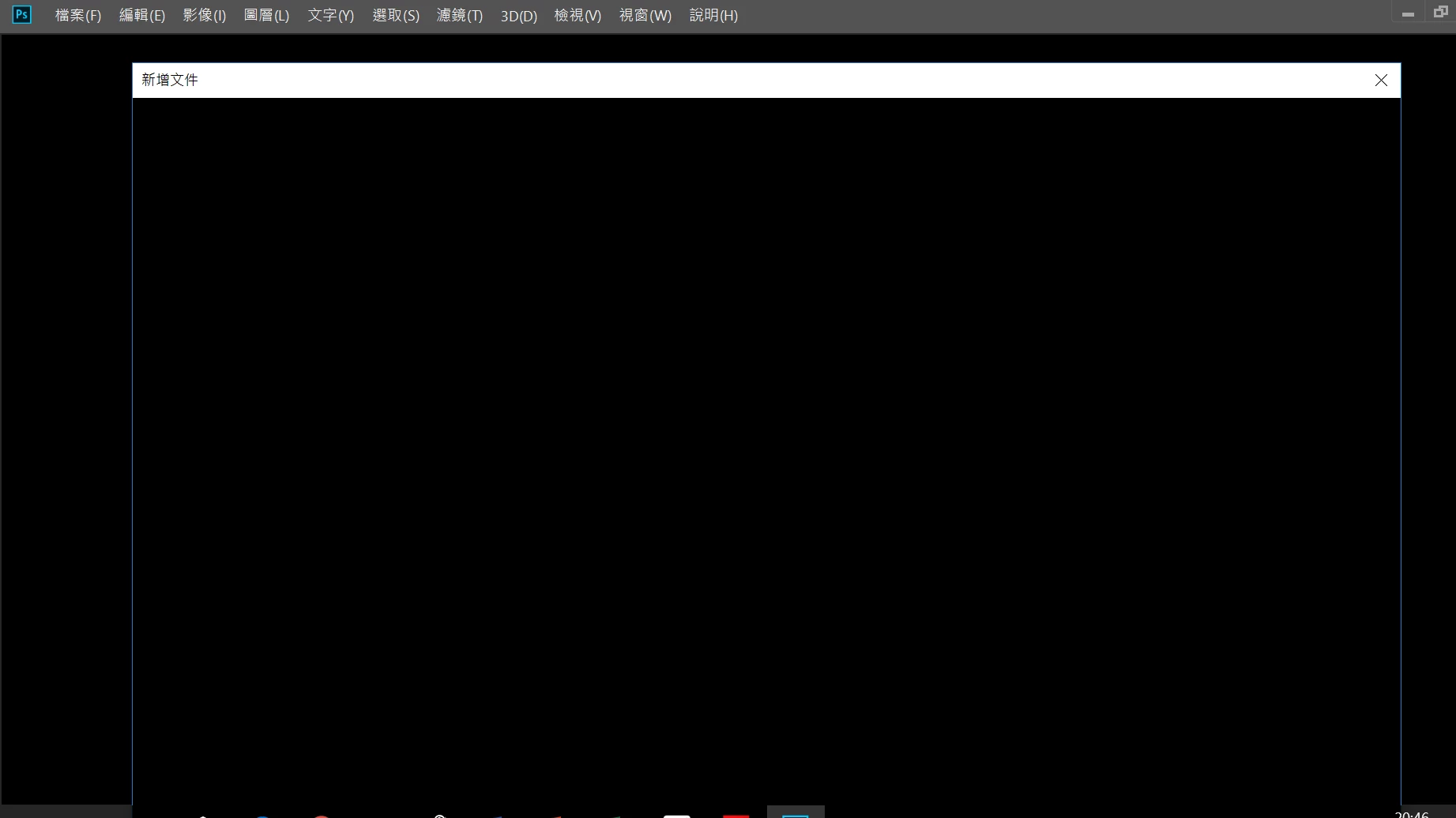
After that, this is what photoshop shows(pitch black screen) every time I open it.

I've tried to reinstall photoshop and even tried to switch to the older versions but it just won't work.

PLEASE HELP ME!!!
    This topic has been closed for replies.
    Correct answer

    Hi

    Looks like it could be an issue with your GPU drivers

    Take a look here

    Troubleshoot Photoshop graphics processor (GPU) and graphics driver issues

    Try updating your GPU driver from the manufacturers website

    2 replies

    Correct answer
    February 17, 2018

    Hi

    Looks like it could be an issue with your GPU drivers

    Take a look here

    Troubleshoot Photoshop graphics processor (GPU) and graphics driver issues

    Try updating your GPU driver from the manufacturers website

    kglad
    Community Expert
    Community Expert
    February 17, 2018

    change your workspace.

    if you're unable to do that, reset your preferences -  https://forums.adobe.com/thread/375776

    [moved from Downloading, Installing, Setting Up to Photoshop]