
WizardGFX
Participating Frequently
June 8, 2017
Answered

My soft brushes act weird on some documents

  • June 8, 2017
  • 1 reply
  • 1327 views

I don't know why but my soft brushes don't blend in with some documents at all, they sort of look hard even when the hardness is set to 0 percent, while on other documents they appear fine, please see the images for better understanding.
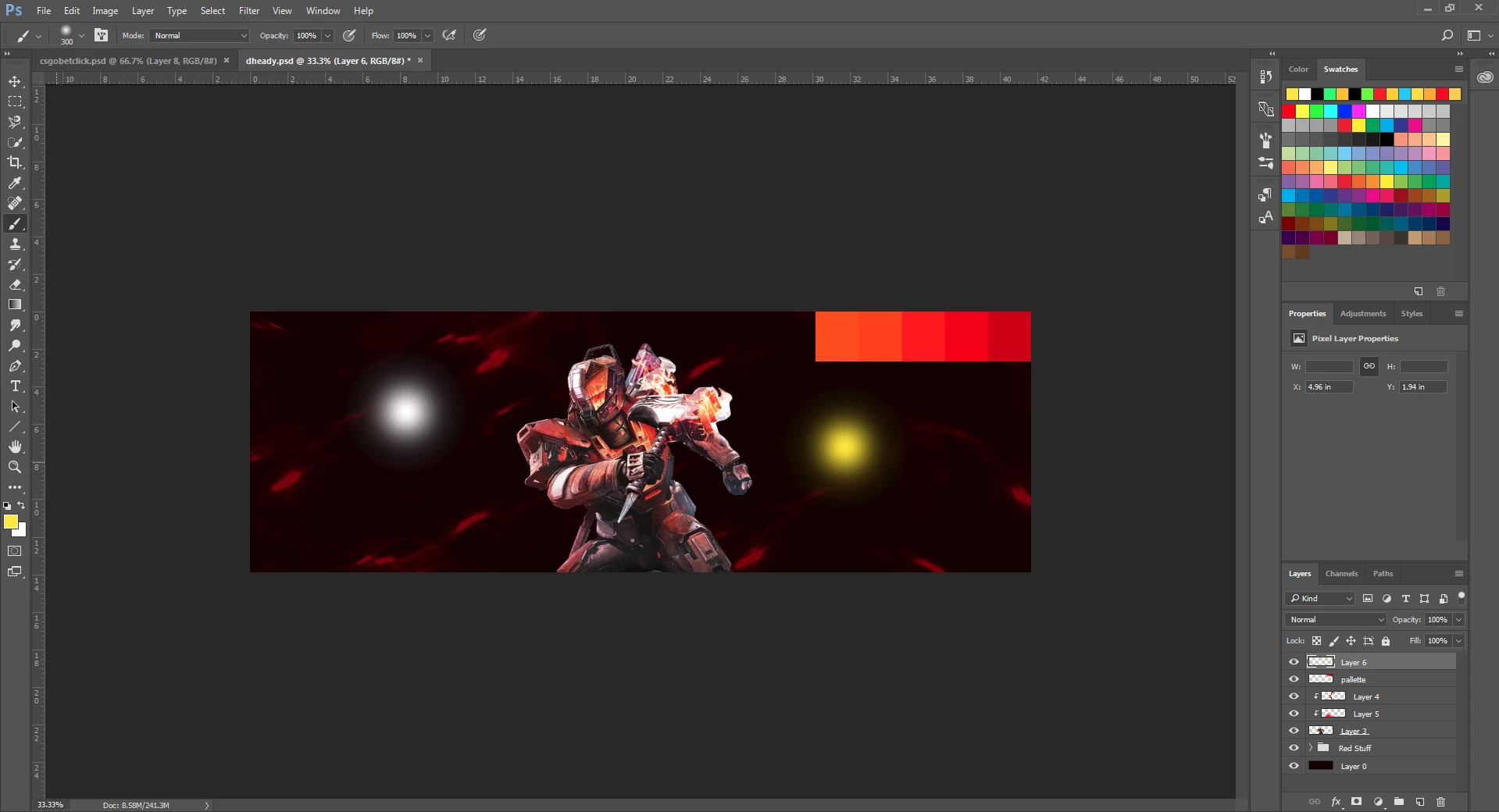
this is how it looks when it doenst work (this is the problem)
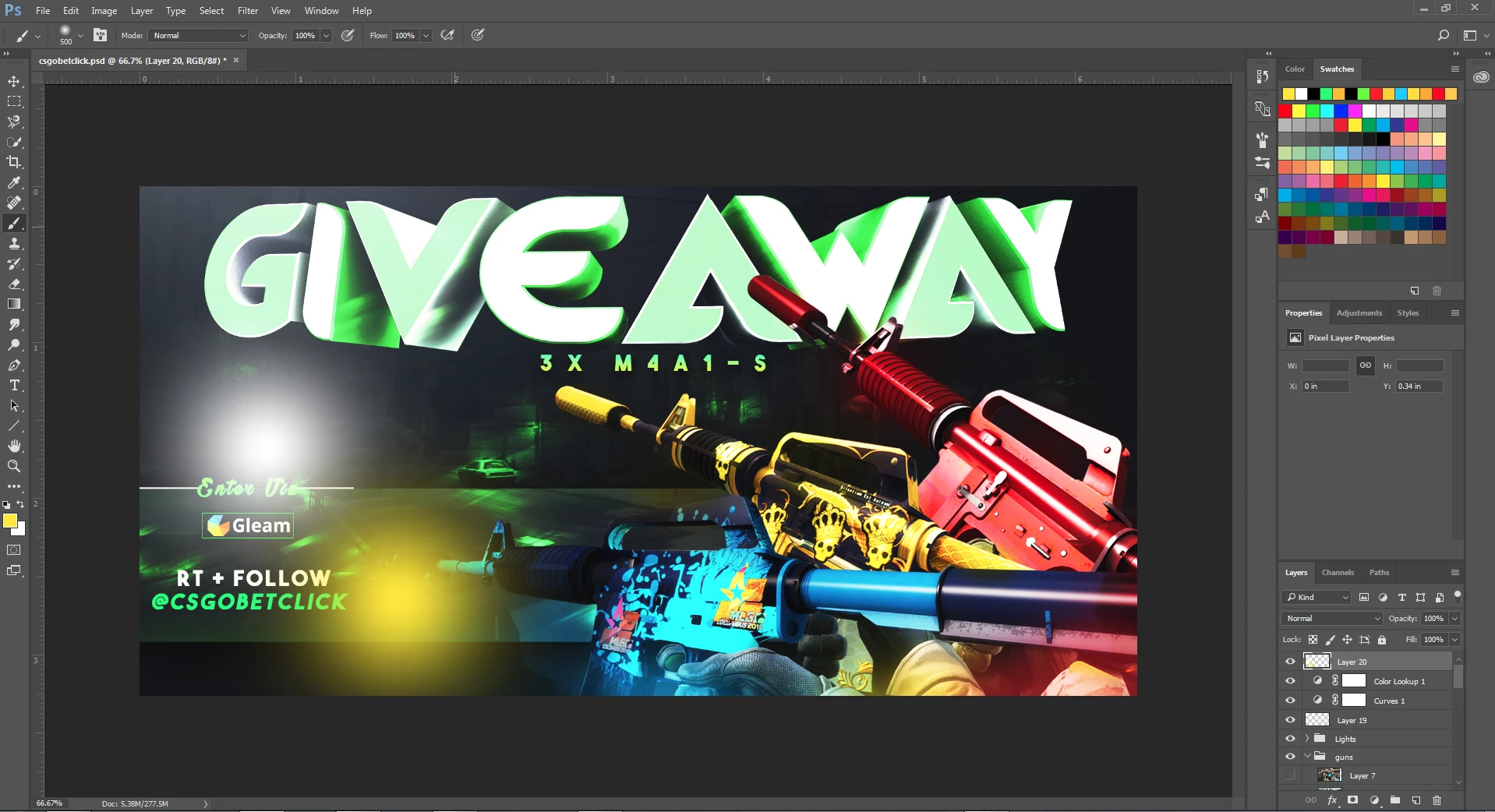
this is how it looks when its working fine..

Please  help me :3 i have lots of pending designs to make and with this issue i cant do anything..

i tried reloading basic brushes

uninstalling the program and everything

nothing seems to be working :3
This topic has been closed for replies.
Correct answer davescm

Thank you so much for the response.

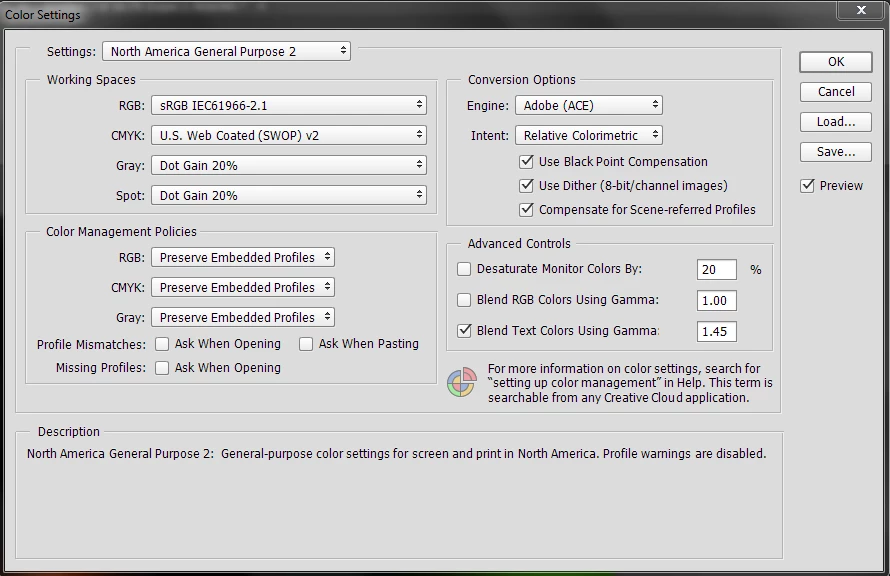
I've set this to my Color Settings:

And for the desktop color management things, I'm letting that being controlled by nvidia control panel, I hope that's fine?


Those settings look fine.

I would also check "Missing Profiles - Ask When Opening" . This will let you know when you open a document without a profile so you can Assign an appropriate profile (usually sRGB will work fine - it will be obvious if it is incorrect). Then save the document with ICC profile checked.

Dave

1 reply

davescm
Community Expert
Community Expert
June 8, 2017

Hi

Can you show a section of what each looks like using the same size brush and with both documents at 100% zoom. This is important , at lower zoom levels the blend is using previews - the only accurate view is 100%. Normally this is not noticeable but on certain images it becomes very apparent.

Once you show that comparison we can take it from there

Dave

WizardGFX
WizardGFXAuthor
Participating Frequently
June 9, 2017

all 3 strokes are of same size, please see that red stroke appears to be fine while blue and lemon green stroke appears weird.

however on this document, all strokes appear just fine (except for the red one)

davescm
Community Expert
Community Expert
June 9, 2017

Hi

As per my previous post above, can you show these comparisons at the same brush size and both at 100% zoom.

At any other zoom level you are not looking at the actual image blend.

Dave