
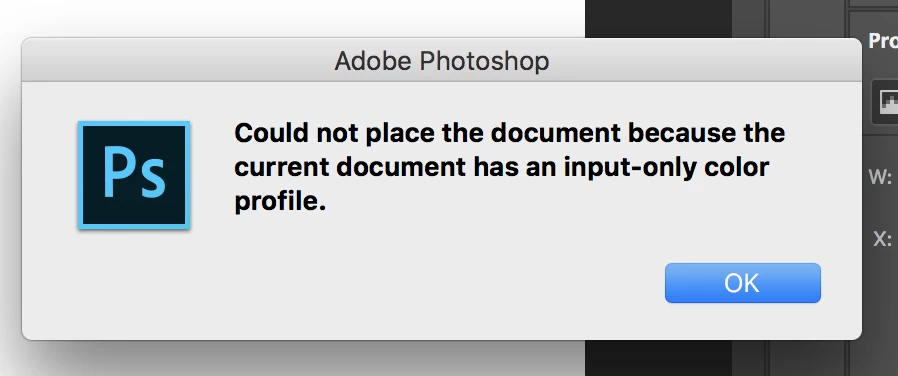
My tale of woe ... and "Could not place the document because the current document has an input-only color profile." error!
I journeyed for hours to get to a cabin in the woods. My wife and children were asleep when i arrived, so i decided to use the time to start a personal photoshop project. I'm still a PS beginner, but I use Premiere a bit and am Adobe-familiar to some degree.
So, i created a 22" x 22" canvas to make a collage. I drag one photo onto it no problem. The next i drag on and BAM! I get this error:
So, then i google this error and get this adobe forum posting:
Input-only color profile. What in the heck is that?
So, i praised Google and did what it told me to do, but i continue to get the error.
To be specific, I did the following with one of these problematic photos:
1-double-clicked it to open in the workspace.
2-went to Edit->Convert to Profile
3-selected :
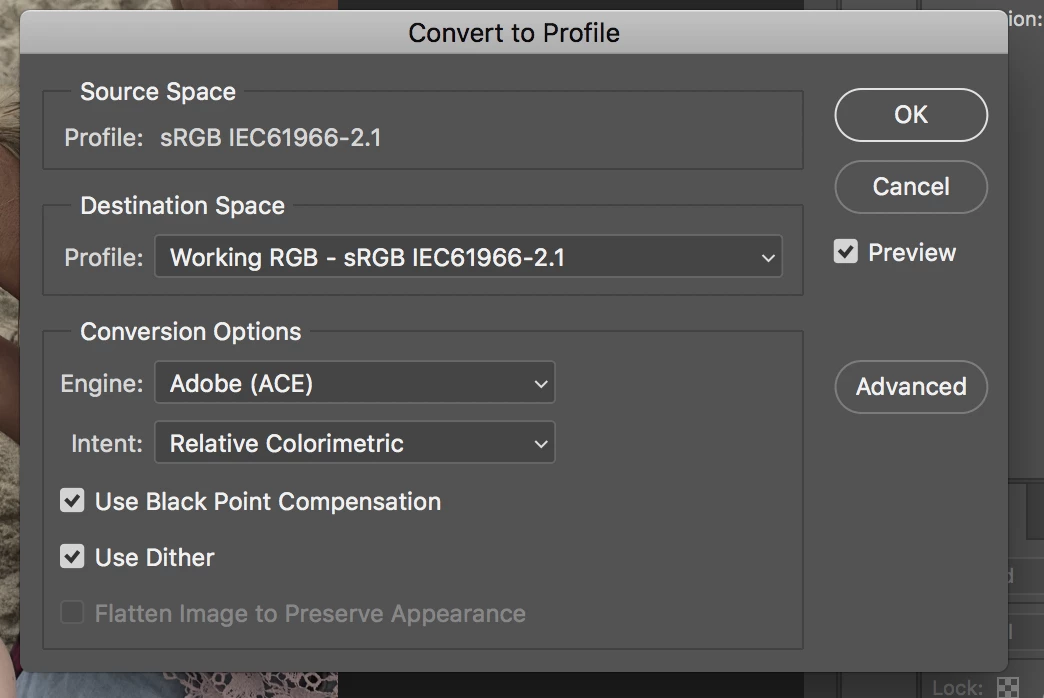
which is what the forum post said to use....
4-I then save the photo with CMD-S.
5-I dragged it back into the canvas and got the SAME error.
What am i missing here please? THANK YOU
 AdChoices