April 24, 2019
Answered

Nahtlose Muster in Photoshop erstellen

  • April 24, 2019
  • 1 reply
  • 1294 views

Hallo Community!

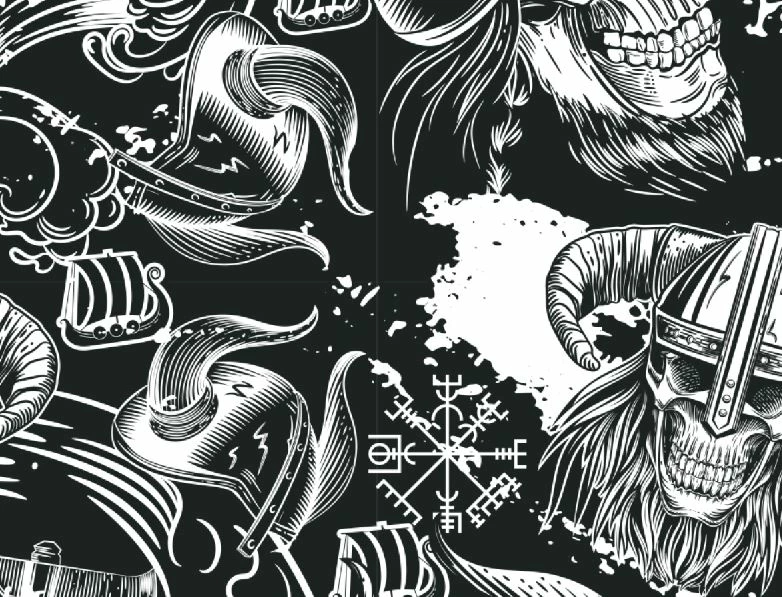
Seit längerem plagt mich ich ein Problem mit dem erstellen von nahtlosen Mustern. Ich bekomme es einfach nicht hin diese hässlichen Linien am Rande der Bilder wegzubekommen (im Bild weiß). Meine Vorgehensweise ist folgende ich gehe unter bearbeiten auf den Punkt Muster festlegen und anschließend erstelle ich das Muster über Ebenenstil und Musterüberlagerung und füge die Bilder zusammen. Die Bilder sind 100% nahtlos jedoch immer wenn ich ein Muster erstellen möchte entstehen diese unschönen Linien. Wie bekomme ich diese weg?

Ich bedanke mich recht herzlich für eure Antworten!

Beste Grüße

Max
This topic has been closed for replies.
Correct answer Mike_Gondek10189183

Hello Max,

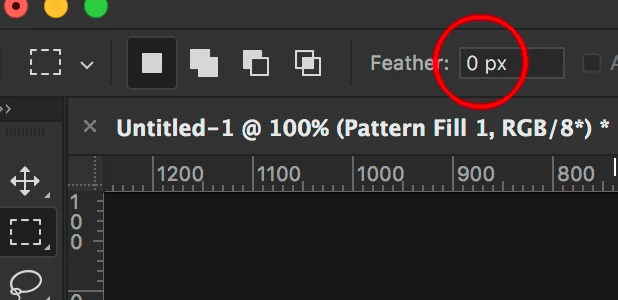
How did you select prior to using edit >> define pattern. You must have feather at zero if you use the frame select. I usually do a select all.

Can you post a copy of the .psd file (using dropbox, google drive or similar) you used to make this pattern, so we can analyze. If you can use filter >> other >> offset and the hairlines appears, then your .psd file is bad.

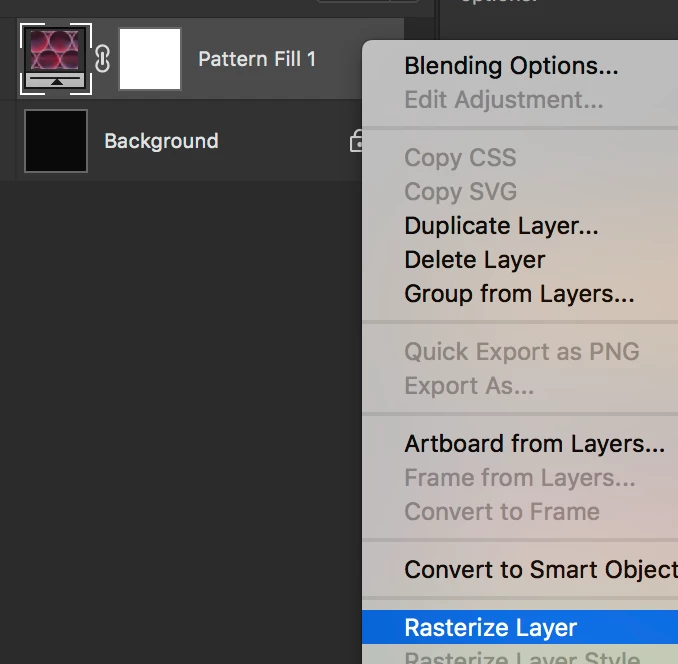
If you rasterize the layer as a test does the hairline disappear?

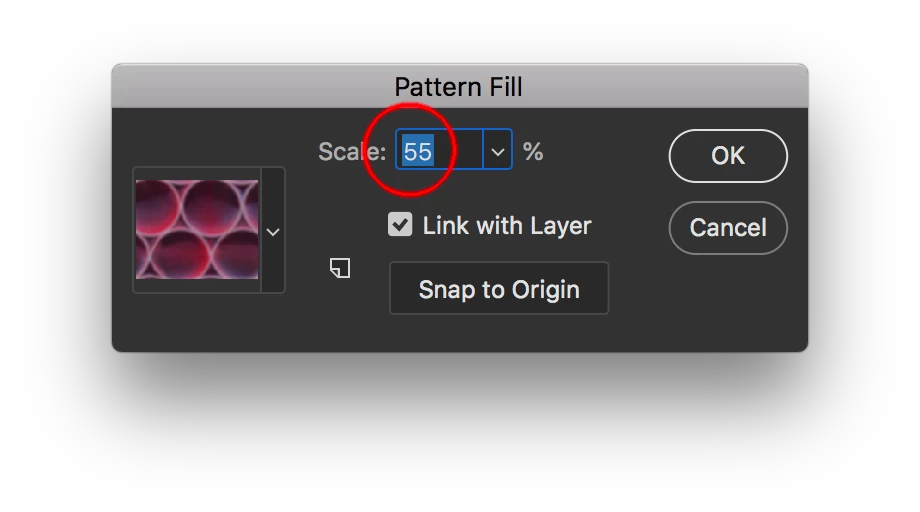
Did you resize your pattern? Do that here for a pattern adjustment layer.

If you scaled otherwise, make sure resample: bilinear was used.
how to eliminate lines which appear when a tile is repeated in photoshop cs6?

1 reply

Mike_Gondek10189183
Community Expert
Mike_Gondek10189183Community ExpertCorrect answer
Community Expert
April 24, 2019

Hello Max,

How did you select prior to using edit >> define pattern. You must have feather at zero if you use the frame select. I usually do a select all.

Can you post a copy of the .psd file (using dropbox, google drive or similar) you used to make this pattern, so we can analyze. If you can use filter >> other >> offset and the hairlines appears, then your .psd file is bad.

If you rasterize the layer as a test does the hairline disappear?

Did you resize your pattern? Do that here for a pattern adjustment layer.

If you scaled otherwise, make sure resample: bilinear was used.
how to eliminate lines which appear when a tile is repeated in photoshop cs6?

April 24, 2019

Thanks for your answers!

The feather was adjusted to zero and rasterize layer did not disappear the hairlines.

But I have found a solution now I first created the pattern from an .eps file and now I saved the picture to a png file and did the define pattern option again and now the lines disappeared. Very tricky.

Thank you for your time!

Mike_Gondek10189183
Community Expert
Community Expert
April 25, 2019

Sounds like the bitmapping process of the EPS  created anti aliased edges, and that the hairlines were in pattern and not in the creation of pattern adjustment layer.

Another way that might help is to duplicate layers with multiply blend mode

I added a curves layer incase hav[ing dark grey was preferred overr dark black

SKOL!