Need Help Matching the Curve of Scaled Object to Original
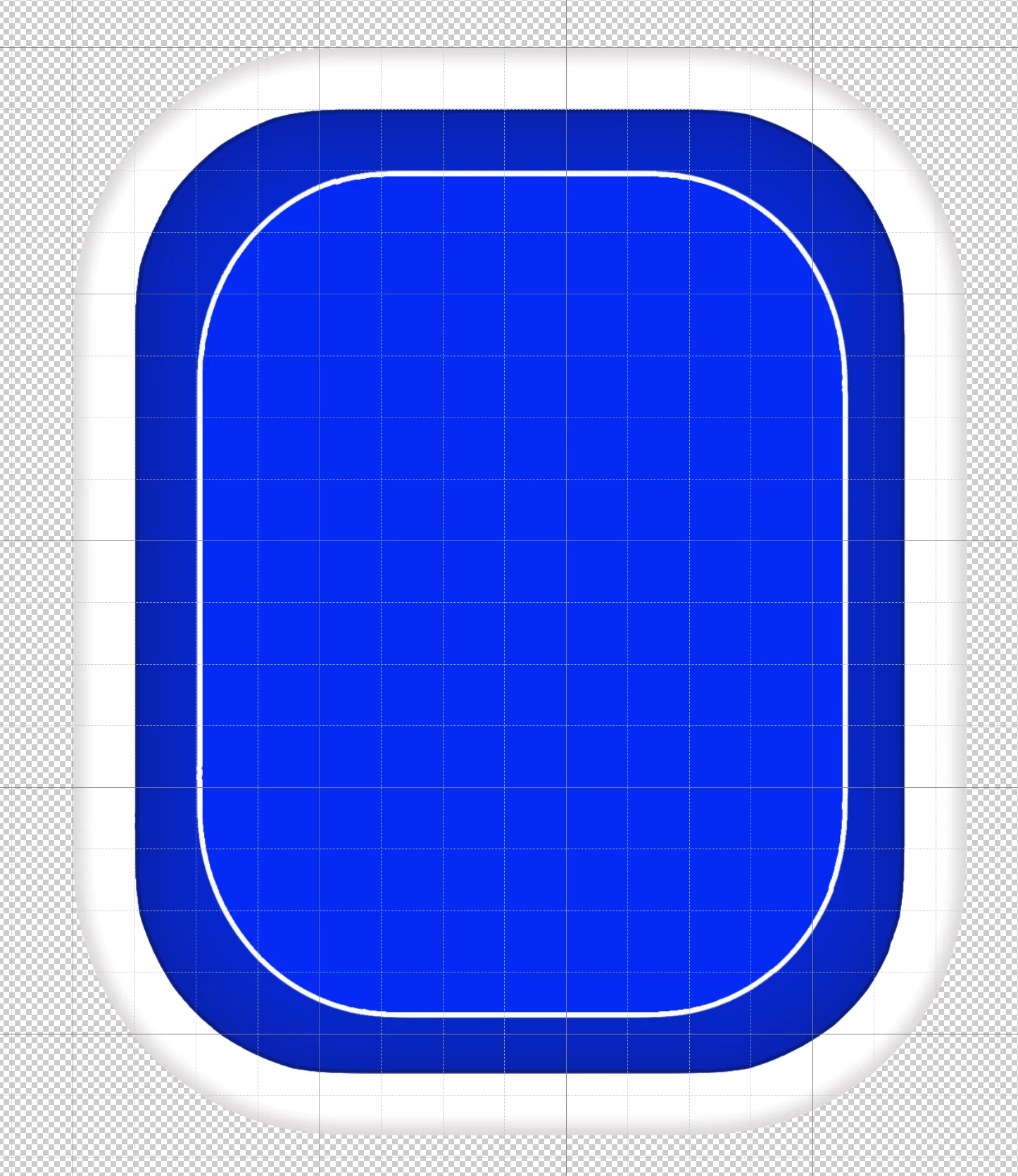
Hi everyone. I am stumped by this problem and hoping someone can help me as I've searched and can't find an answer. I'm working in Photoshop and created a rectangle with rounded corners. I then made a copy of this rectangle and scaled the copy smaller to fit inside. I'm trying to match the smaller copy's proportions to the original. However, when I scale it, the original and scaled versions' curves don't match up. On the straight sides, it works great and I can have the same distance from the original to the scaled object all around. However, I don't have the same result on the curved corners and I find that the angle/radius(?) of the curve changes from the original to the copy and I can't keep a constant distance between the curves of the two objects. Is there a way to have the scaled object's curved corners match the angles/radius of the original object's curved corners? I have included a picture of what I'm trying to do. The scaled object is blue with a thin white border on the outside of it. I appreciate your help.
 AdChoices