Answered
Need help to create and use distortion layer to create cloth banner flying in the wind please.
Can not find any Adobe learning resources for this.
Any help appreciated.
Can not find any Adobe learning resources for this.
Any help appreciated.
Hi
A displacement map can be used with the displacement filter as stated above by by Norman. If you do make sure that you save the displacement map as a PSD with "maximise compatibility set in Preferences.
A similar map can also be used as a depth map with a 3D object.
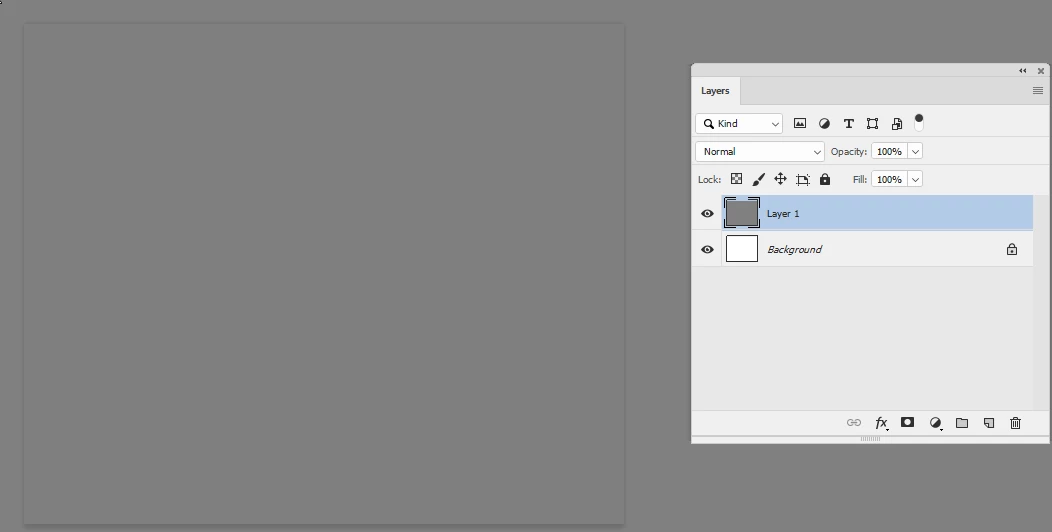
Work in 16 bit and start with a layer filled with 50% grey
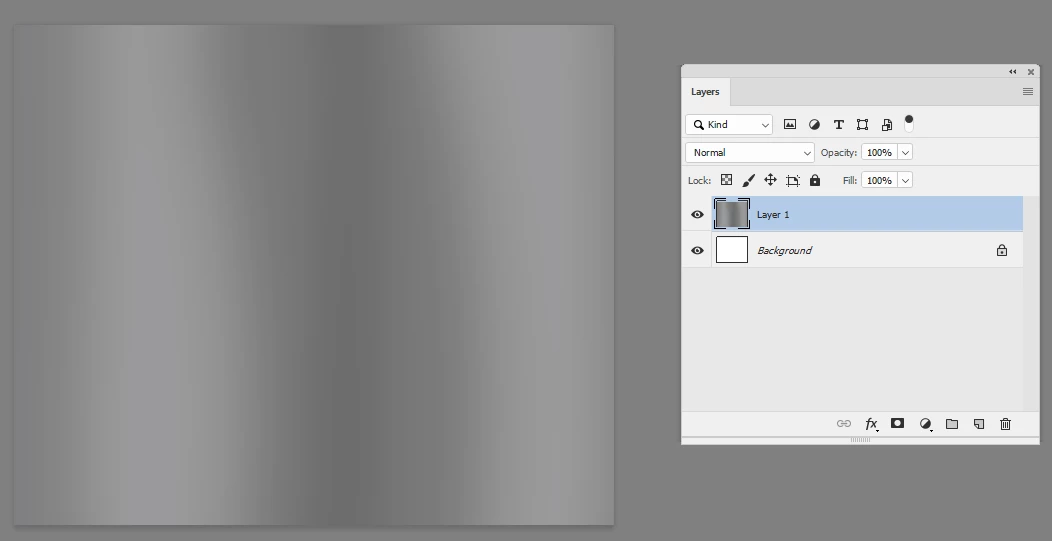
Paint lighter where you want to material to come toward you and darker where yopu want it to move away
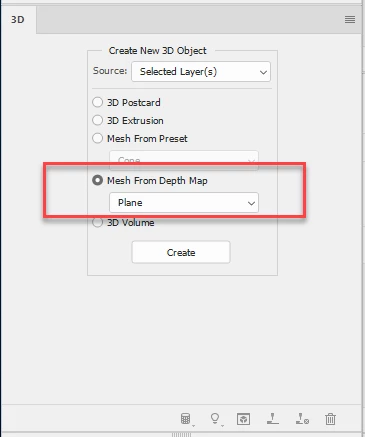
Use 3D Mesh from depth map
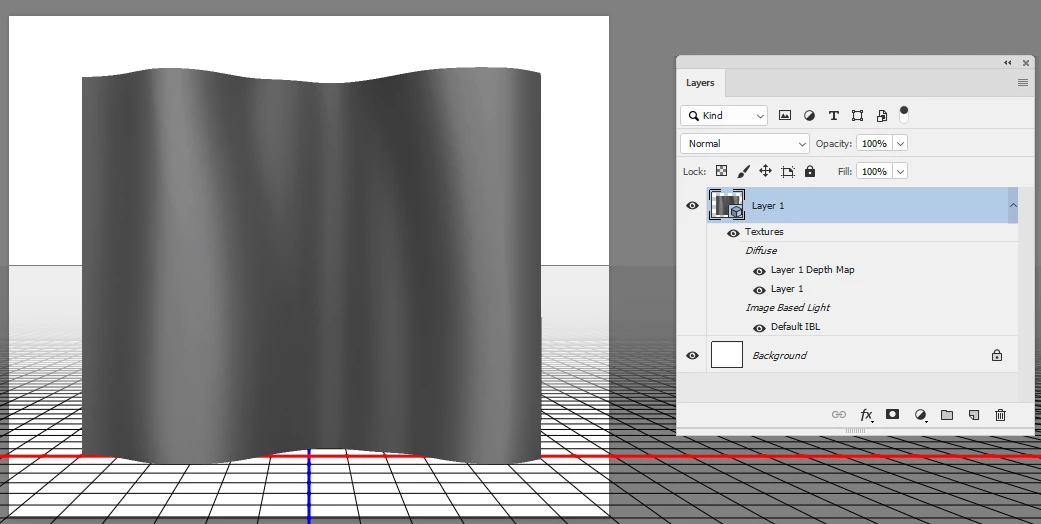
Go to the 3D material and click the folder next to Diffuse then choose Edit texture
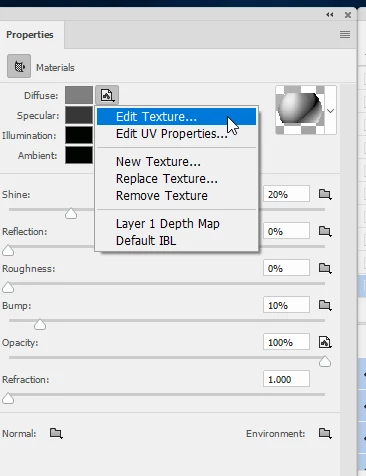
This will open a psb and where you can add the flag material or pattern and when you save and close it the model will be updated. I used some text and a couple of simple shapes
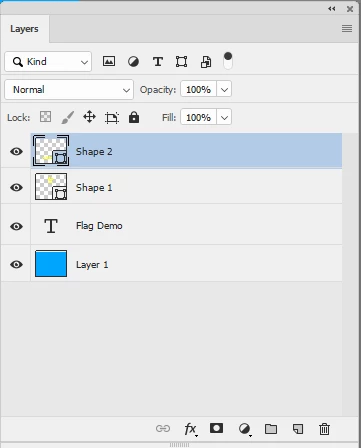
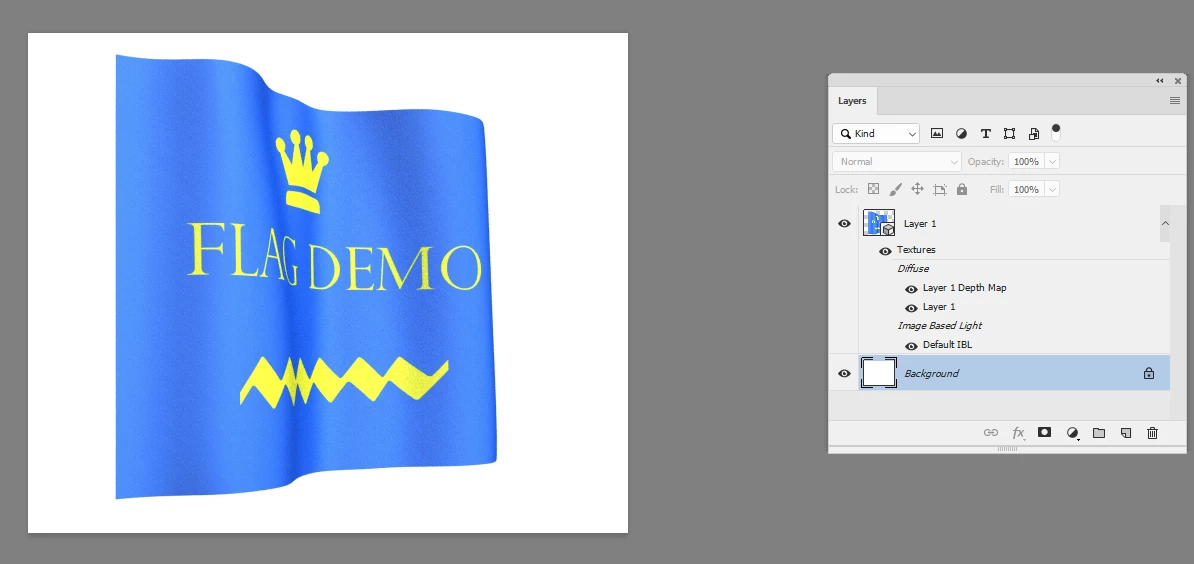
Position the camera and render
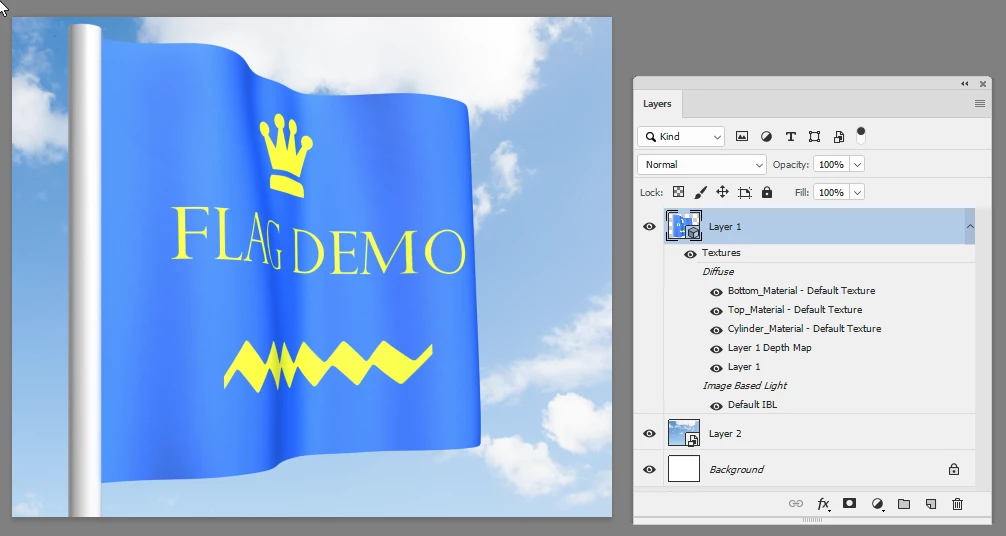
You can of course add other objects such as a pole and a background such as a sky
Dave
Already have an account? Login
Enter your E-mail address. We'll send you an e-mail with instructions to reset your password.
 AdChoices