The print shop wants me to not use any flavor of CMYK.
By @Chris Panny
Yeah that sounds odd. Using CMYK numbers always assumes a specific CMYK, because the numbers only get you the color you expect when the values are applied to a specific set of process color inks. For example, putting US Web Coated SWOP values through a different process (such as sheet fed uncoated) will get you slightly different colors. (RGB is the same way; sRGB values produce a different color than Adobe RGB values, and if someone tells you no RGB color space was used, that just means an RGB color space was assumed but they don’t realize it.)
The print shop’s requirements are understandable, they’re consistent with what was standard practice…30 years ago. Things have changed, today’s software lets you do things like use a “safe CMYK” workflow, where whether or not CMYK images have profiles, any profiles will be ignored and they will be printed literally according to the CMYK values. This workflow has been supported by Adobe InDesign for many years, they can set it up in InDesign Color Settings. So it should not be necessary for them to make clients strip ICC profiles because they should be able to simply have InDesign ignore them.
If the print shop is OK with everybody converting to default CMYK, then I guess they’re OK with that. But even then…you might want to clarify what they think the defaults are, because the US default (Web Coated SWOP v2) might be different for China/Asia; Photoshop includes CMYK defaults for US, Europe, and Japan and they are not the same.
Now, it’s possible that what is going on, and a reason it might not be a big deal to them, is that maybe the print shop is just doing it the way they’ve always done it since before modern color management, and if they work with hundreds of US print jobs every year, maybe they are quite used to files coming in as US Web Coated SWOP, and so maybe their entire operation for US customers is set up and built around that. That’s just speculation for why they don’t feel like they need to be more specific. But, they should still understand that they are using a specific CMYK, even if it is a default.
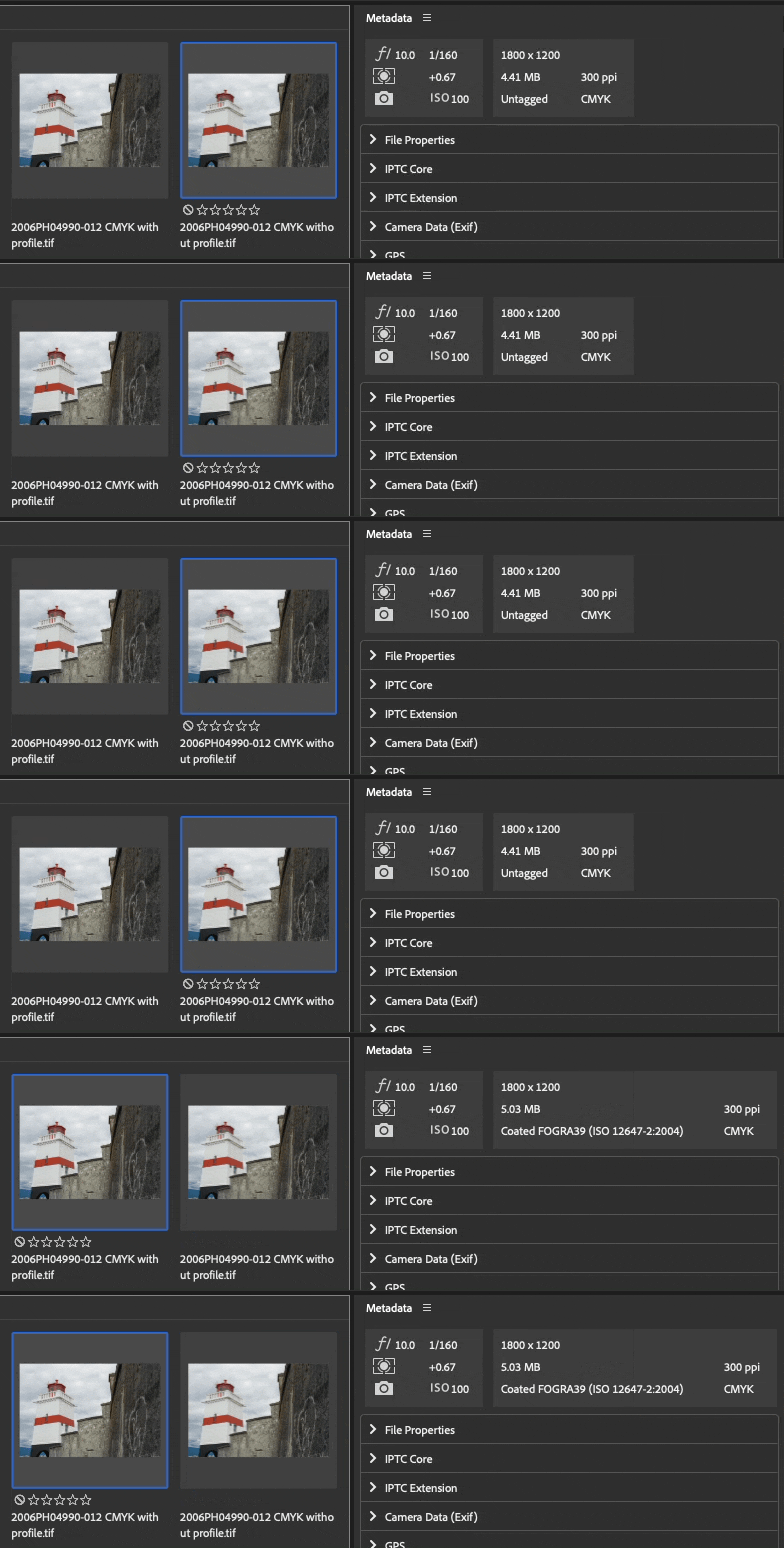
As for the results you’re getting from Photoshop, that’s odd…Normally, it should be enough to do what you first mentioned: Save a copy with profile embedding disabled. Bridge should report it as Untagged. That’s what I got below, after doing Save a Copy with and without the CMYK profile from Photoshop 24.1 and viewing them both in Bridge 13.0.1.583.
Thanks for your reply. It gives me things to consider. It's an odd request to strip out the ICC but that's how the print ship requested it. I connected with another designer who also worked with the same print shop and even the same rep and he also thought it was an odd request.
As for PS not removing the ICC as I described, I don't know why it wouldn't do this. In the end, it was faster for me to creeat a blank document that was not color managed and copy | paste the images to the blank doc.


 AdChoices