Inspiring
March 30, 2017
Answered

Need to reset CS6 preferences from a saved preferences file

  • March 30, 2017
  • 1 reply
  • 1499 views

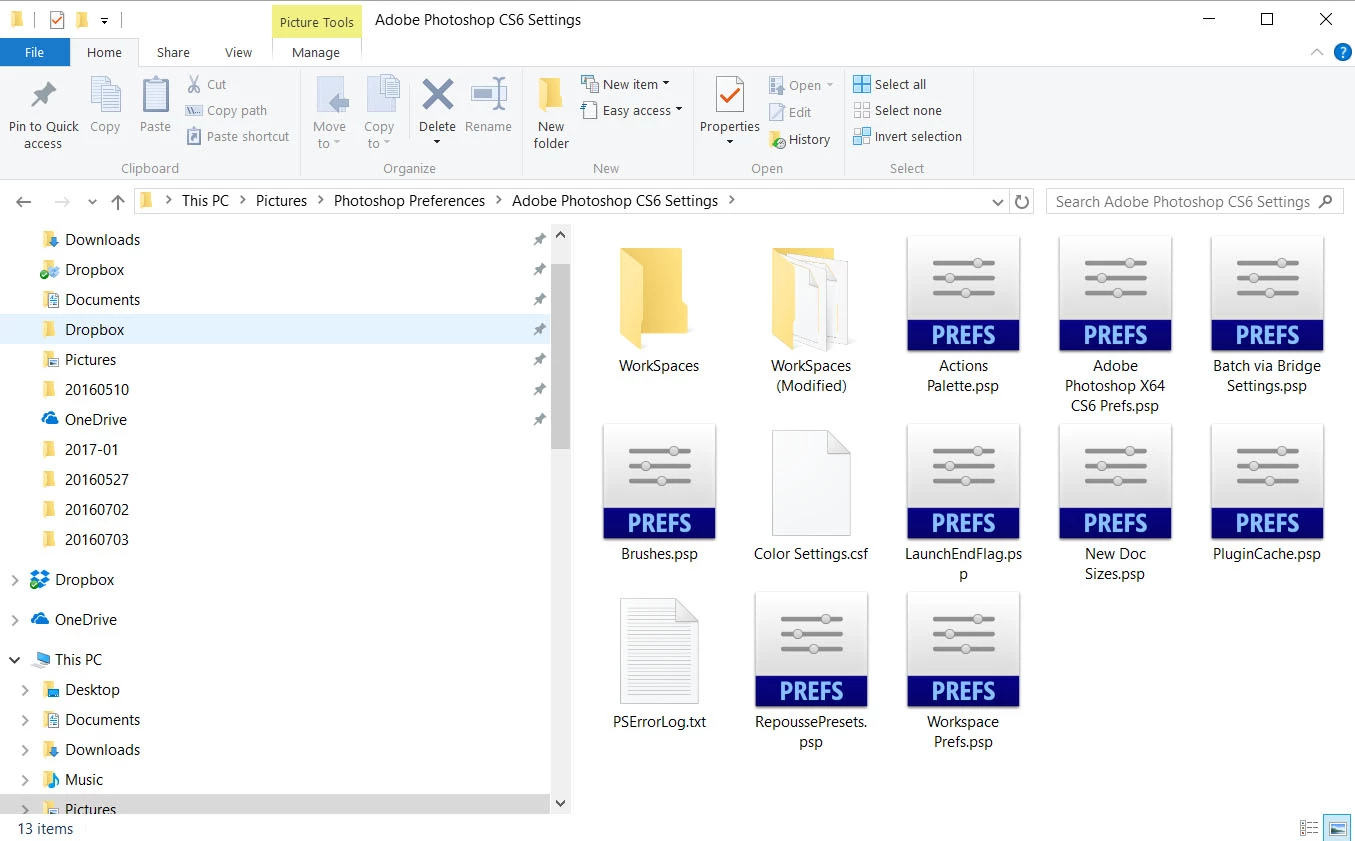
Hi, sorry to bother you with this but I can't find a direct procedure or answer to ..... how do I reload Photoshop CS6 preferences from a saved file?

Here's the preference file I saved.....including the open file, image 2 below
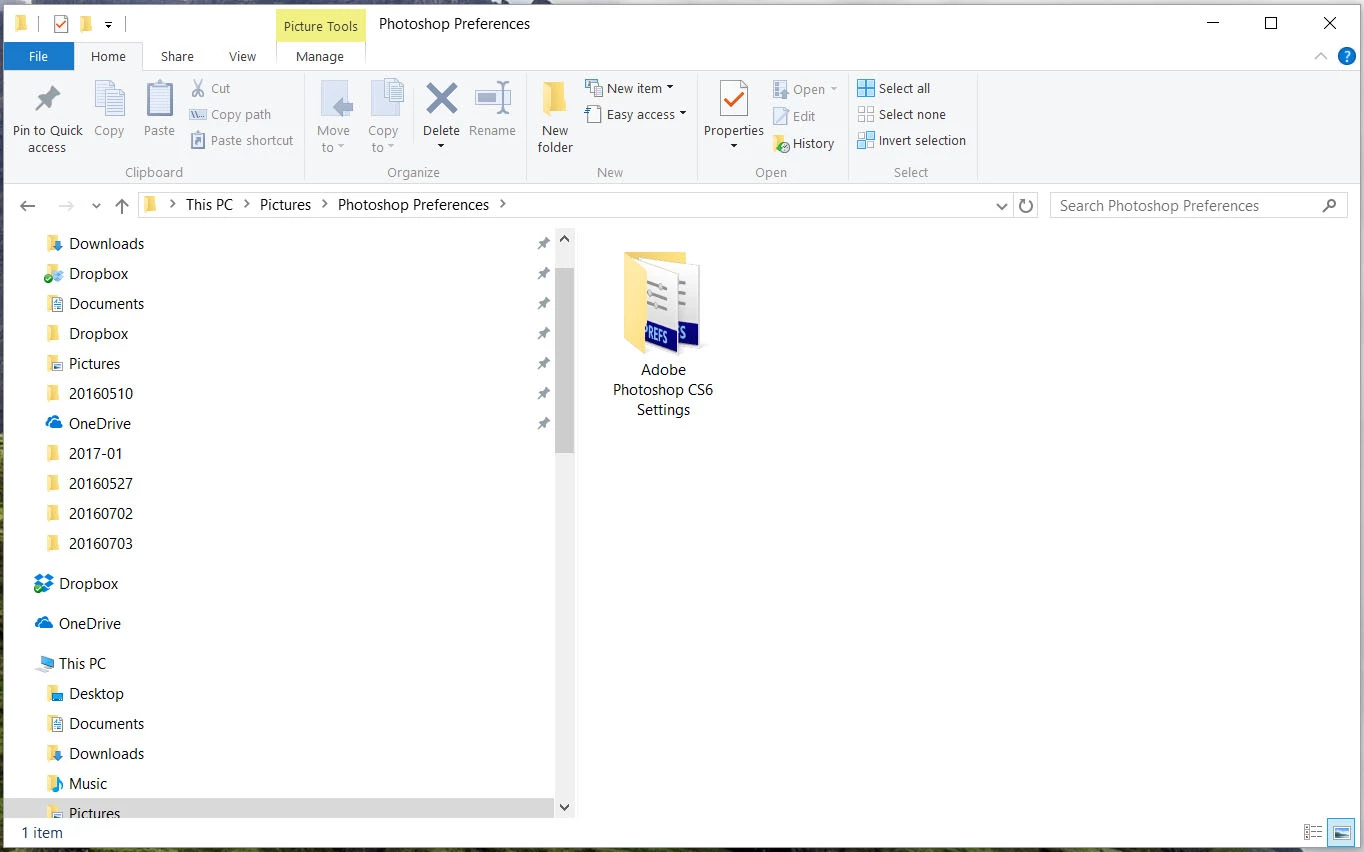
How do I go about entering this file into the CS6 preferences folder under Users/Apps/ etc?

Or what can you suggest as a safe procedure to do so?

Thank much for your time,

BAB

This topic has been closed for replies.
Correct answer Yahor Shumski

Hi

Try to replace the original Settings folder under Administrator account. Keep in mind you have to turn on visibility of hidden folders or go directly to: C:\Users\[YourUserName]\AppData\Roaming\Adobe\Adobe Photoshop CC 2017

1 reply

Yahor Shumski
Yahor ShumskiCorrect answer
Inspiring
March 30, 2017

Hi

Try to replace the original Settings folder under Administrator account. Keep in mind you have to turn on visibility of hidden folders or go directly to: C:\Users\[YourUserName]\AppData\Roaming\Adobe\Adobe Photoshop CC 2017

Inspiring
March 30, 2017

Thanks.  I'm assuming you mean right click on the saved folder, then 'send to' CS6 preferences folder.  Here's the preferences folder in Adobe CS6......looks to be exactly the same, i.e., I can just replace the whole folder.