
Answered
Neural Blur Filter Terminates and requires a complete restart
I attempted to use the Depth Blur Neurofilter to create a Depth Map. I deselected the subject click box and selected an area that I wanted to be in focus. The system did some work and completed. I then said OK. It took forever to complete. I wanted to create a Depth Map so I went back into the filter. Application hung with the attached picture.
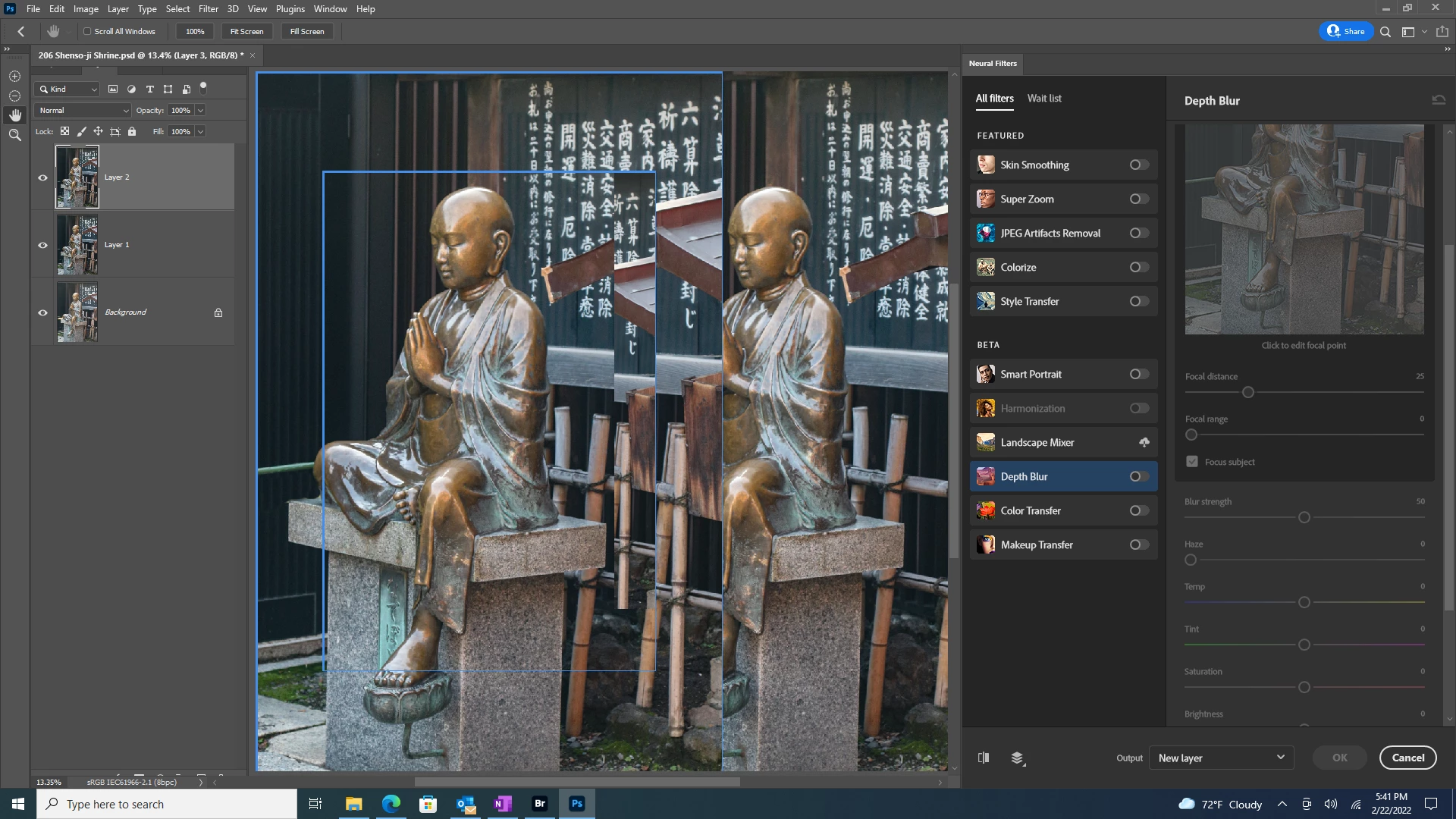
I am on the most recent version of Photoshop CC. Windows 10 completely updated. My GPU passed the GPU check. This picture has been cropped and I did some corrections with the paint tool. After several minutes, the problem resolved itself. Incredibly slow. My computer is a quad processor with 3 terrabytes of storage.
 AdChoices