Inspiring
October 23, 2020
Question

Neural filter dialog not opening

  • October 23, 2020
  • 3 replies
  • 389 views

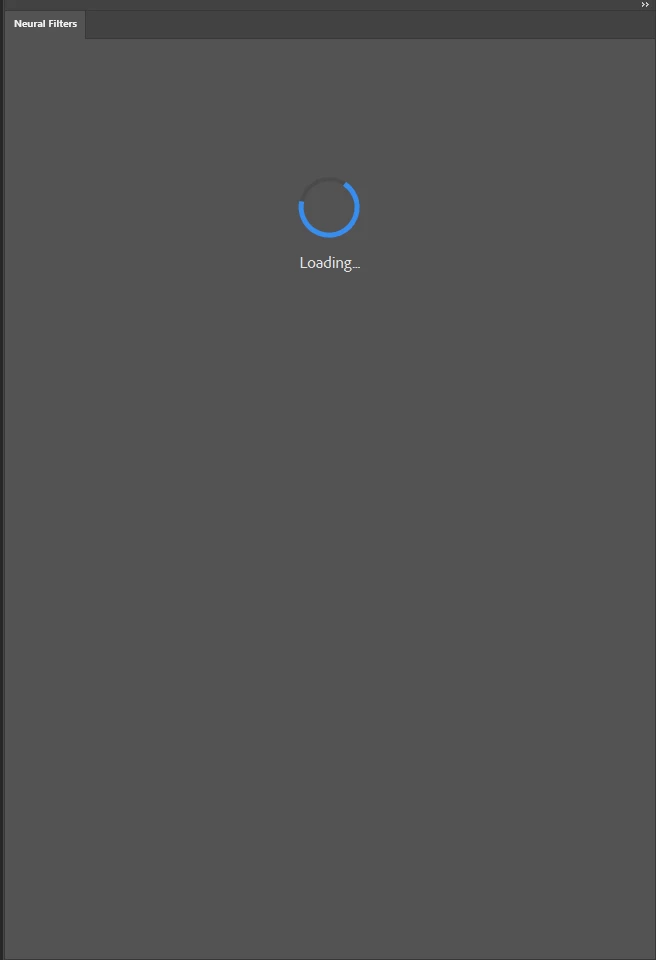
Anyone else tired of looking at this? After repeated attempts I give up. It just doesn't open. In addition it locks the application so I'm forced to kill PS via Windows Task Manager.

 

This topic has been closed for replies.

3 replies

Barb Binder
Community Expert
Community Expert
October 23, 2020

No argument from me. Providing your feedback directly to Adobe is the next step.


Again, https://feedback.photoshop.com/.


~Barb 

~Barb at Rocky Mountain Training
Barb Binder
Community Expert
Community Expert
October 23, 2020

Hi @perrybrus :


You tried all three listed steps to no avail? 


In that case, I would write up the issue here: https://feedback.photoshop.com/. This is a brand new feature (three days old) so Adobe needs your feedback. (This is a user-to-user forum—meaning, users helping other users).


FWIW, I'm using it with no issues on my MacBook Pro (Catalina 10.17.4), but I think I remember hearing at the MAX keynote on Tuesday that this feature requires a lot of processing power (my MacBook must meet the requirements), and that these filters need to access the cloud servers.


~Barb 

~Barb at Rocky Mountain Training
perrybrusAuthor
Inspiring
October 23, 2020

I have a very powerful custom stationary workstation. It runs very hardware demanding software such as 3D Studio Max and others. I don't have any issues with any rendering processes or highres video or imaging editing. The quoted fix is stated as the way to fix any issues with neural filters not opening. Im on W10. I think it's an instability issue with PS. Typical when launching something that hasn't been tried and tested long enough.

Barb Binder
Community Expert
Community Expert
October 23, 2020

Neural Filters feedback and known issues: 

https://helpx.adobe.com/photoshop/using/neural-filters-feedback.html 


~Barb

~Barb at Rocky Mountain Training
perrybrusAuthor
Inspiring
October 23, 2020

"Choose Image > Mode > RGB Color to convert your Grayscale image to RGB and then use Neural Filters again." The problem applies to images in all types of color modes. The suggested work around doesn't fix the issues at hand. It doesn't have anything to do with what color mode my images have. The neural filter dialog doesn't open no matter what.