Participating Frequently
September 10, 2022
Question

Neural filters all greyed out

  • September 10, 2022
  • 3 replies
  • 622 views

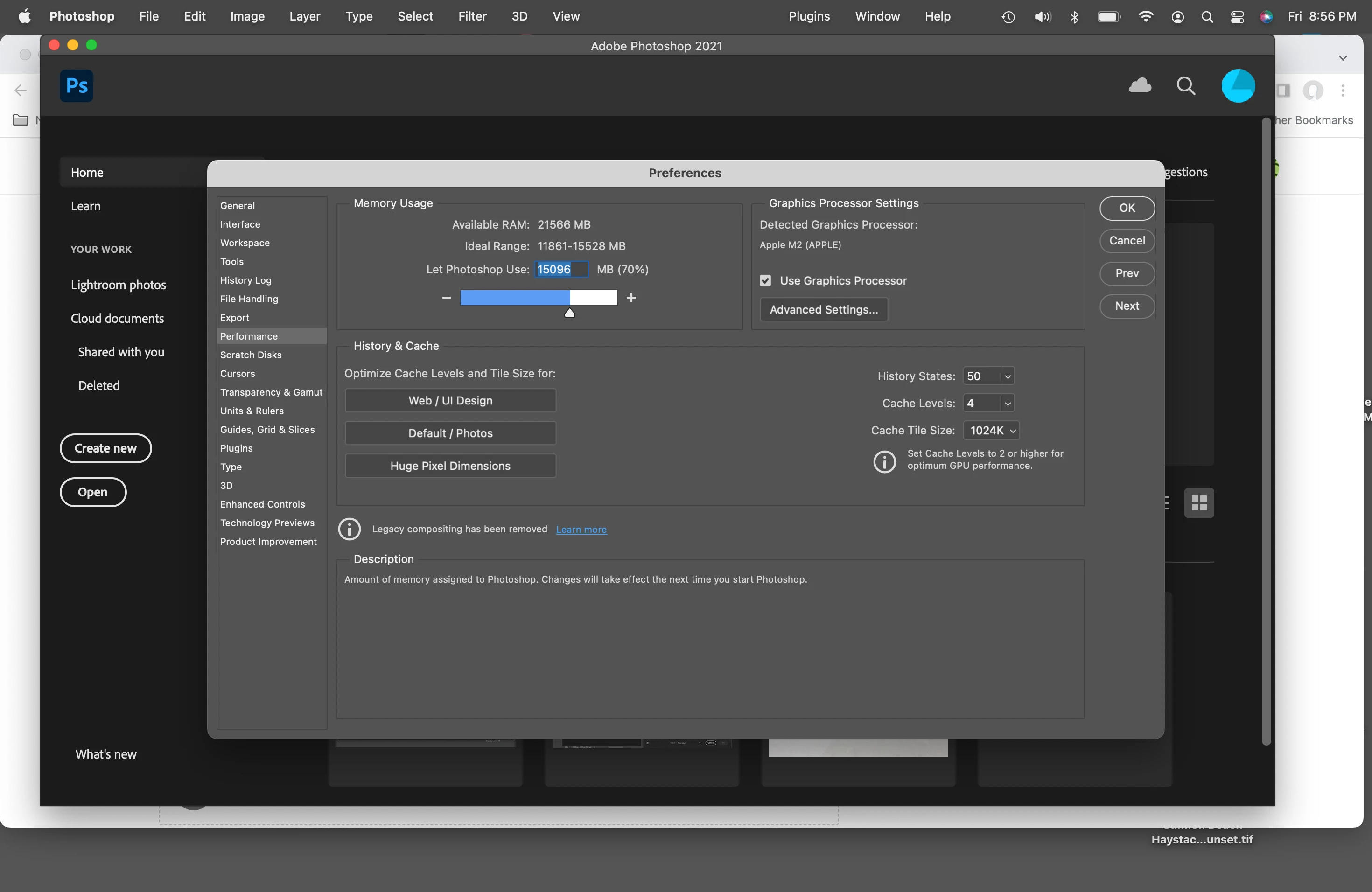
Transferred old Macbook Pro new M2 Macbook Air (OS 12.5.1 - 24 gig RAM) PShop is version 22.5.9 Graphics processor is enabled.

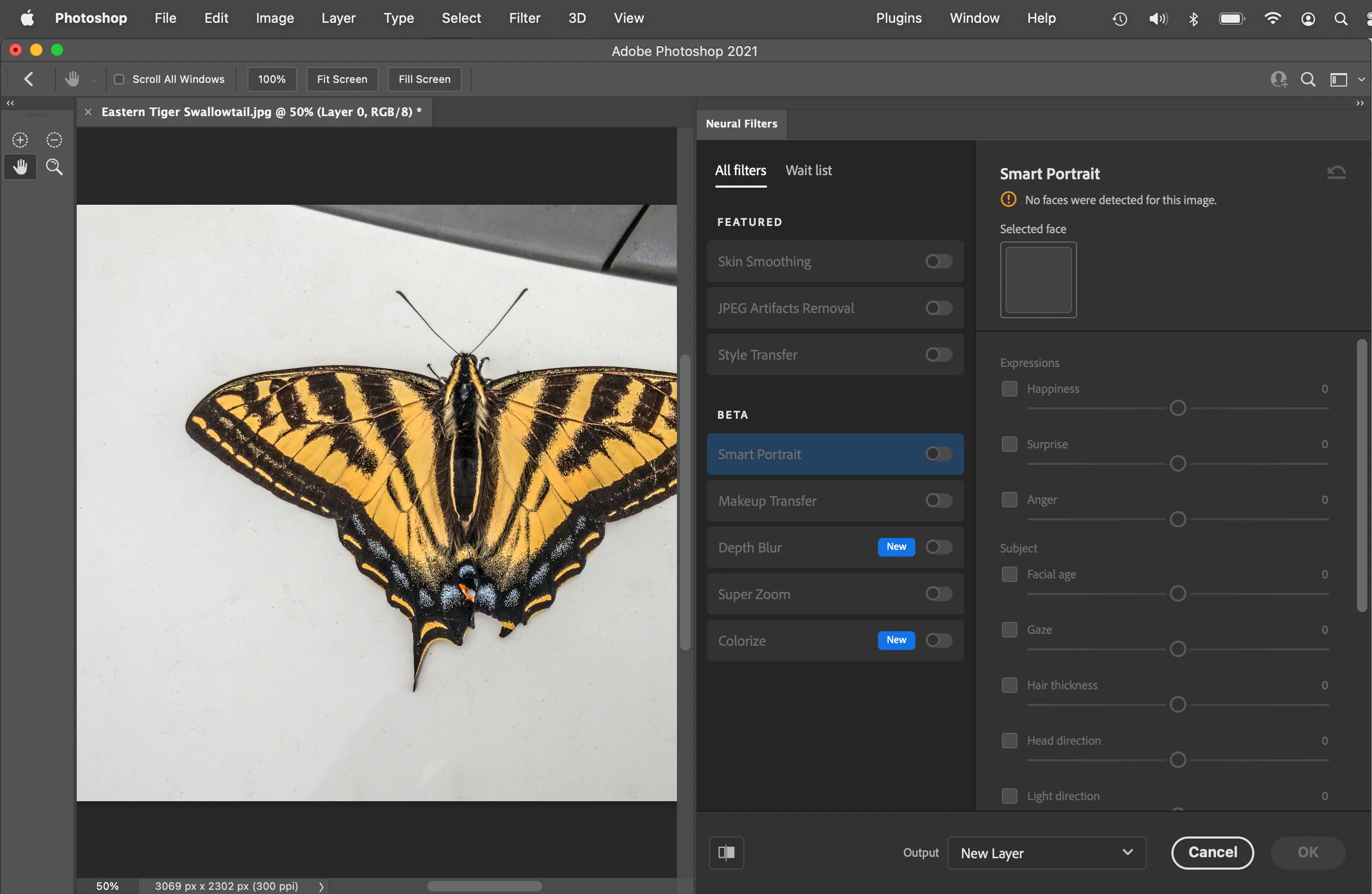
Neural filters are all greyed out.

Help!


This topic has been closed for replies.

3 replies

336homeAuthor
Participating Frequently
September 17, 2022

So, I usually get a notification when there's an update for PShop. This time AFAIK this didn't happen. When I launched PShop from the dock it launched what I thought was the latest version - but it actually wasn't and the neural filters didn't work. So I phoned Adobe support and they told me that there was in fact a newer version. Did a search in my applications folder and found the newer version - that I wasn't aware had been installed. Dragged its icon to the dock and launched it and presto everything now works.

Bojan Živković11378569
Community Expert
Community Expert
September 10, 2022

What is happening when you click to enable filter?

barbara_a7746676
Community Expert
Community Expert
September 10, 2022

Double-click on the little circular symbol on the right side of the filter name.

Some filters need to be downloaded -- those with a little cloud icon on the right.