Question
New Artboards and Layers go on top in the layers panel, can this be reversed
Hello fellow designers.
I am a simple man, with simple needs. I have always wondered if you can reverse the order of the artboards in the layers panel. I understand in a traditional way of using Photoshop, you will likely start in the background and build layers on top.
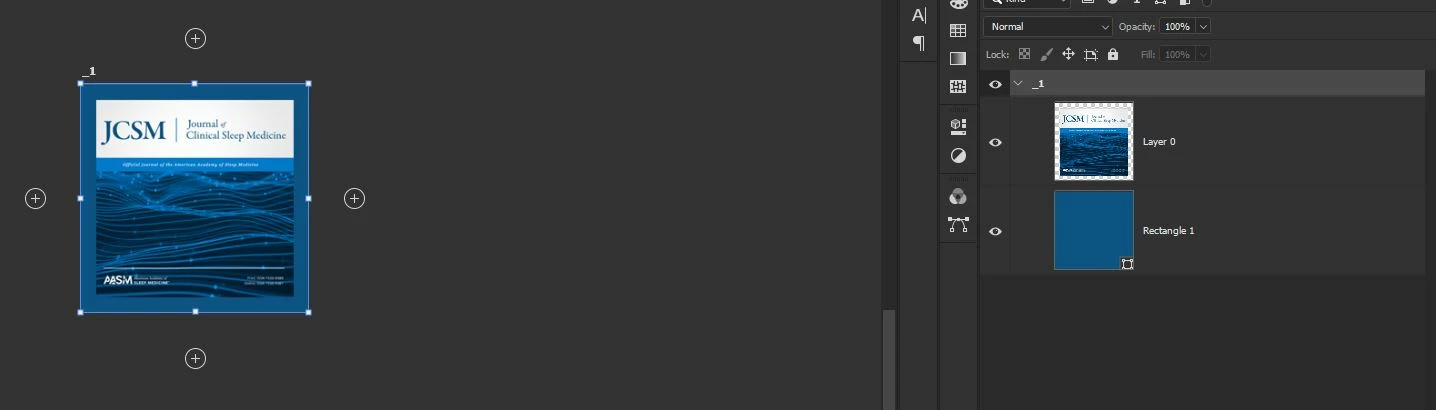
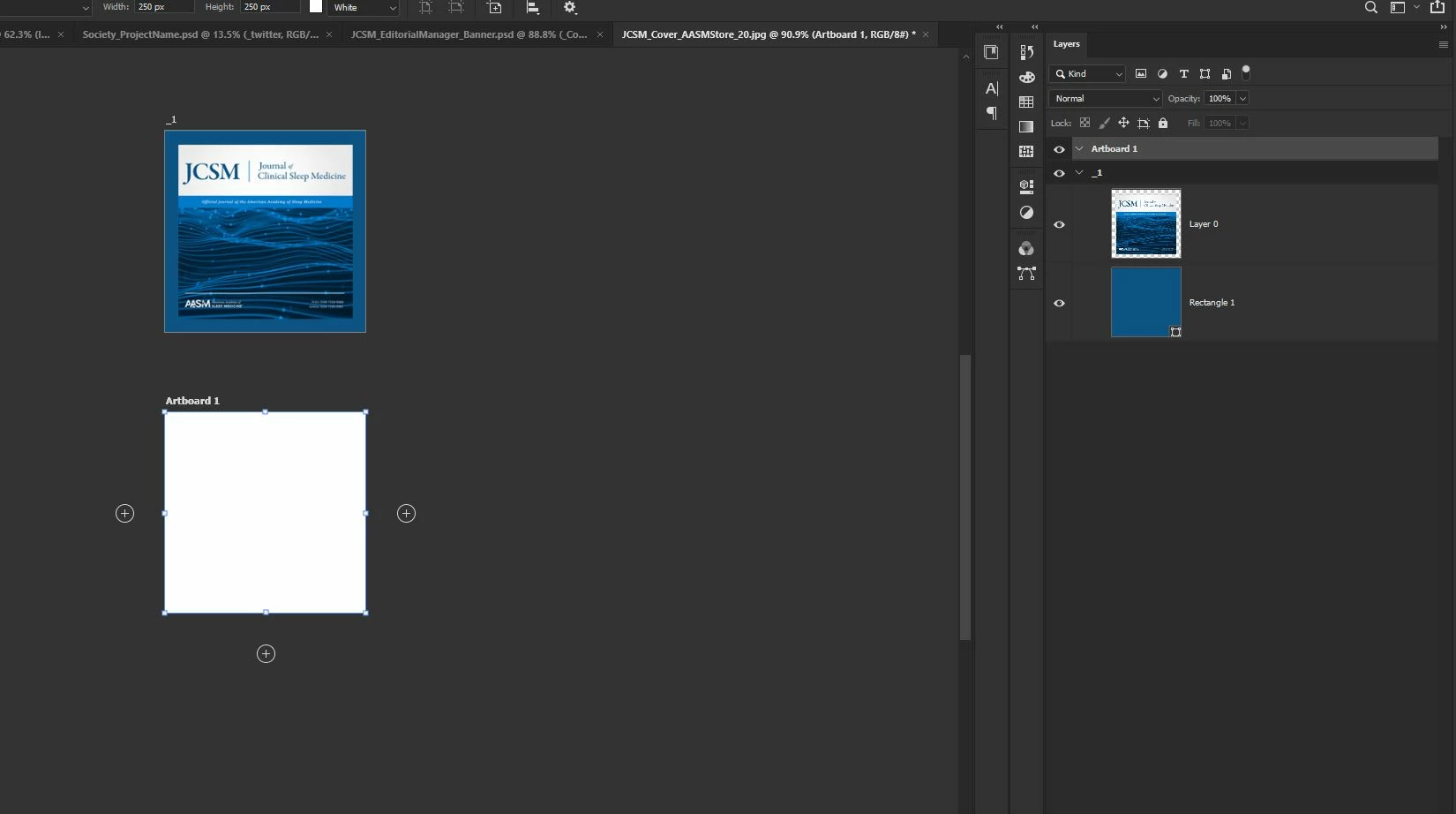
However, when working with artboards this default becomes troubling or not ideal for me when working with a photoshop doc with lots of artboards. If you try to duplicate an artboard down, there is a disconnect between adding a new artboard below the old one on the canvas and then seeing it go on top of the last canvas in the layers panel. How can I reverse this without manually moving them below, that is super annoying and not what I'm after.
 AdChoices