

New Canvas area affected by adjustment layers with Fill
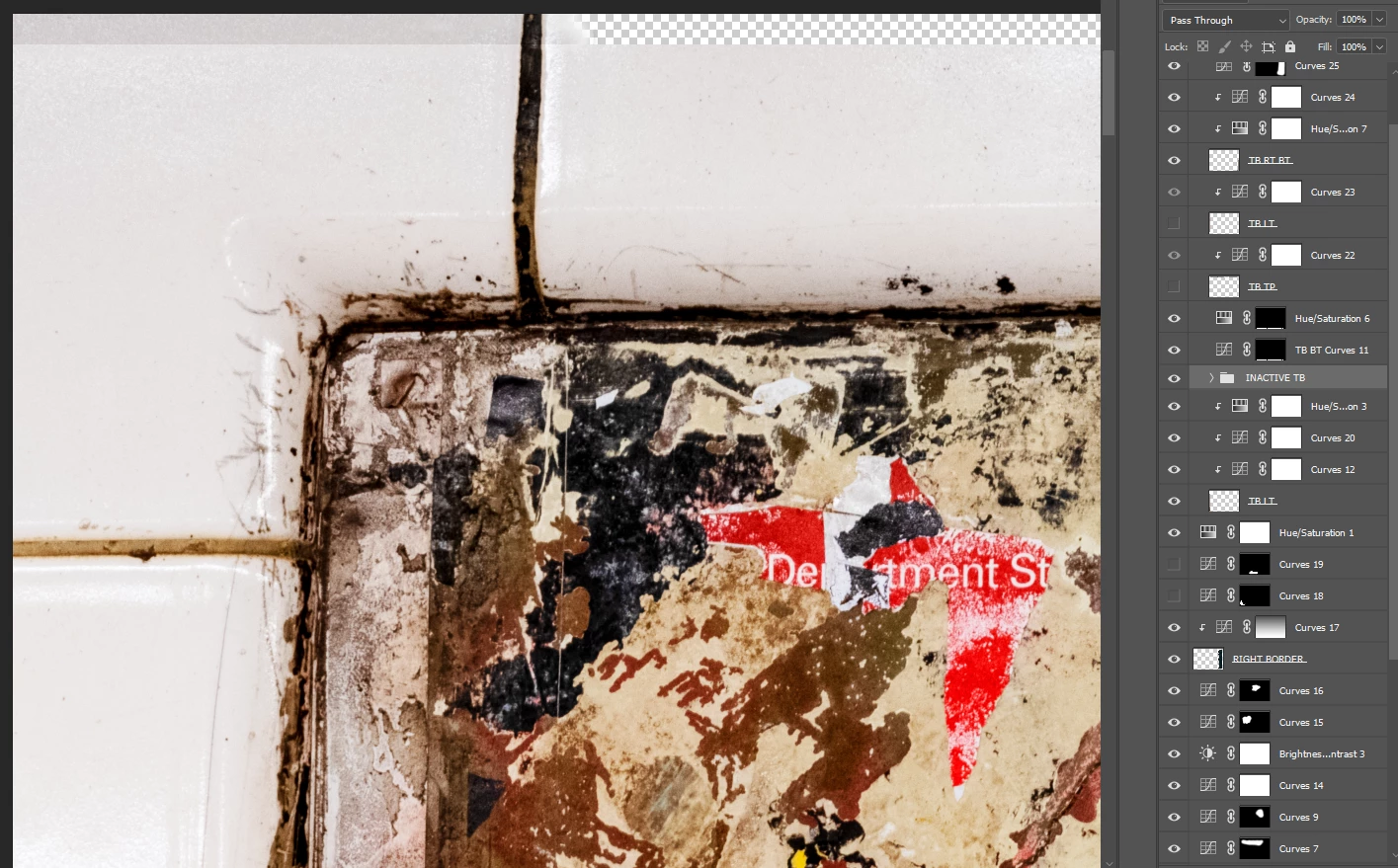
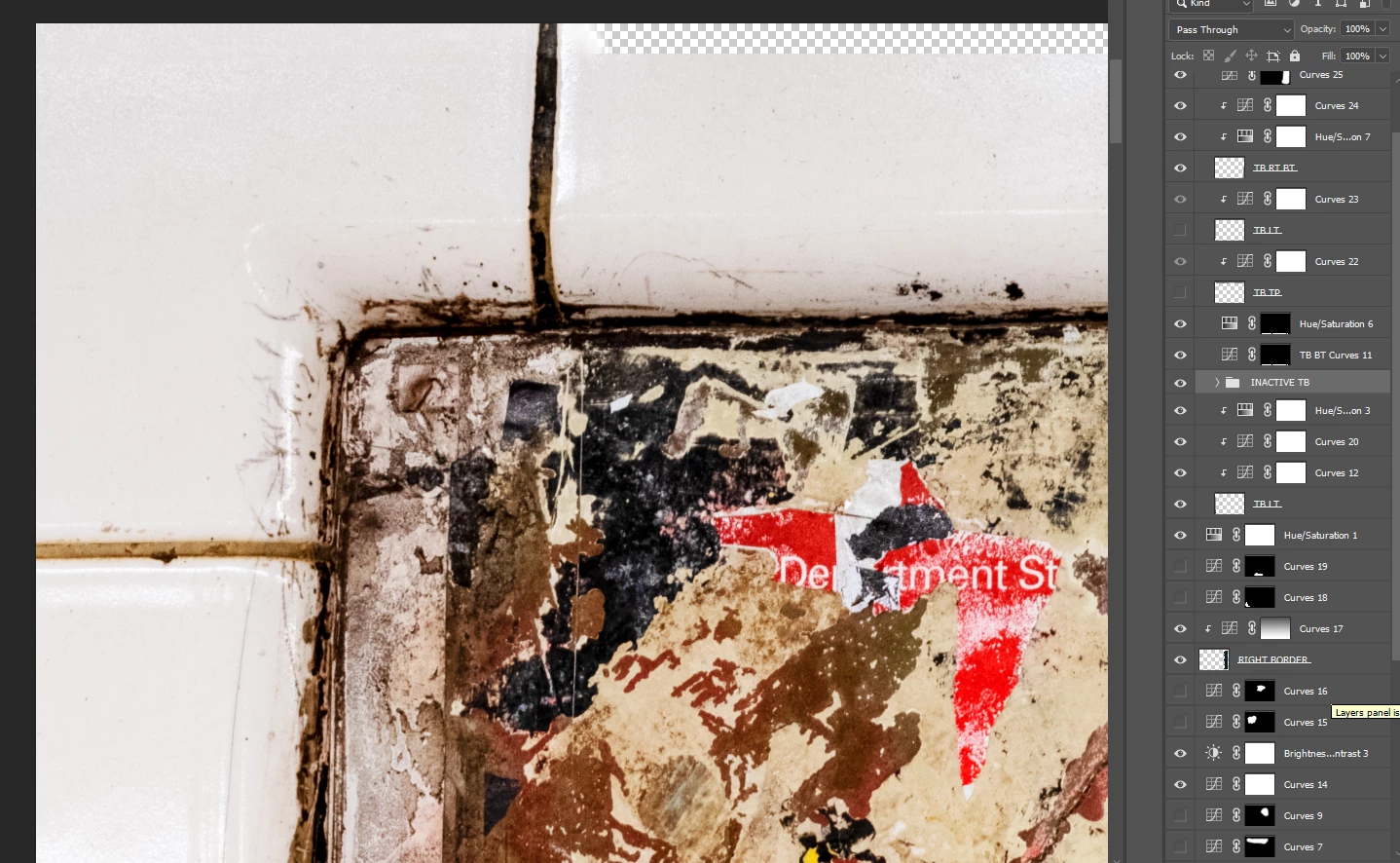
In screenshot 1 below, I applied the Spot Healing Brush tool to the top left corner where I enlarged the canvas so I could build out the image's tile border. The added area is darker than what's below it. After turning off various Curves adjustment layers, I was able to get the areas to match perfectly. In the 2d screenshot, the bottom 4 Curves adjutsment layers with Fill (Curves 7, 9, 15 & 16) are turned off. My assumption is that the adjustments that were made in these layers are being applied to the new added pixels because the Black Fill was not applied to these areas since these adjustment Fill layers were created before the canvas was enlarged. Is that right? If so, is there any way I can add pixels to build out the tile border seamlessly, preferably in the same layer as the existing pixels? Thank you.
 AdChoices