
Ken Nielsen
Legend
June 28, 2023
Answered

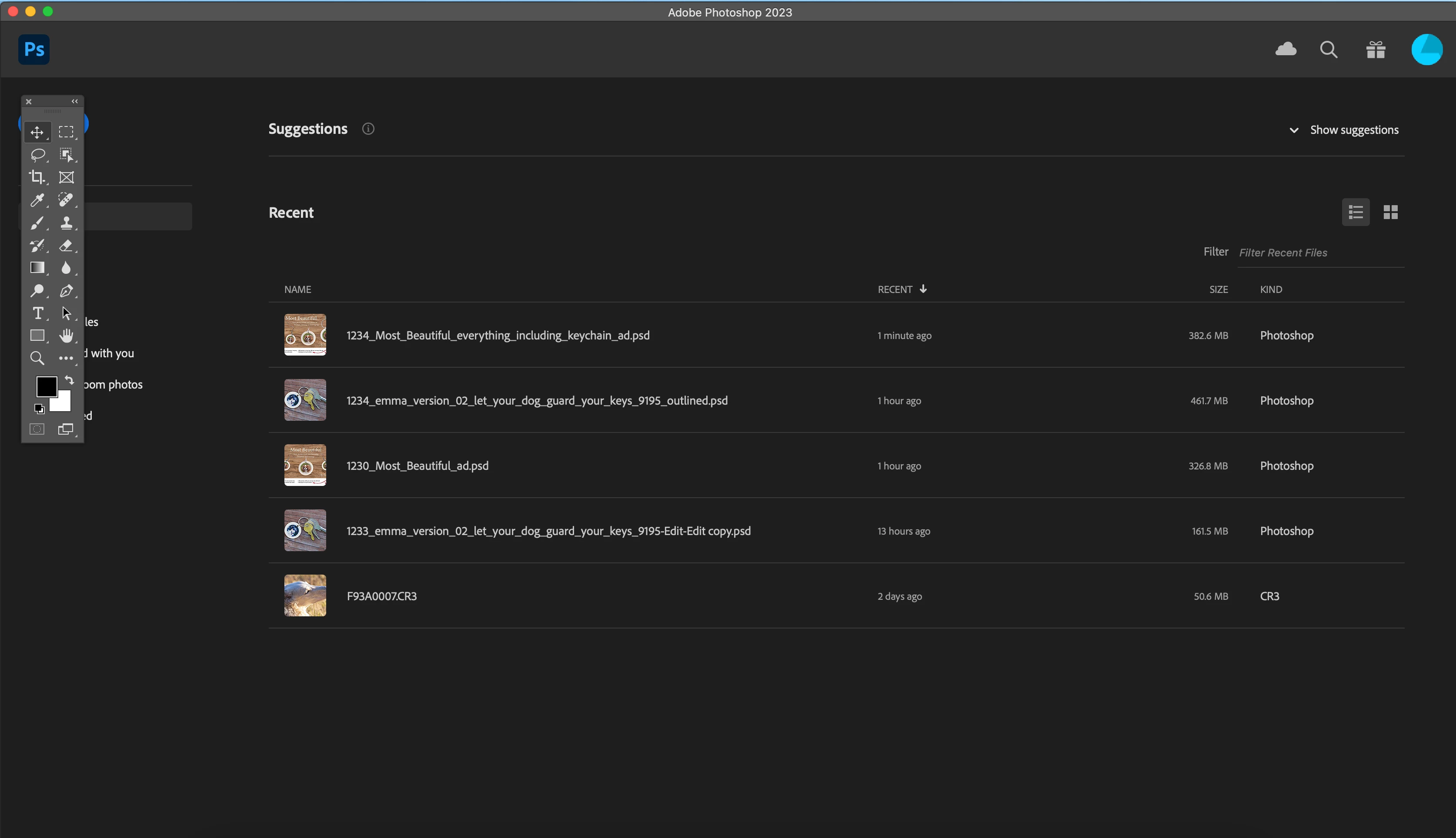
New Photoshop install... How do I get rid of this 'help' screen...

  • June 28, 2023
  • 1 reply
  • 288 views

For some reason my Photoshop became uninstalled and upon re-installing I'm having to scramble to put all customizations back into place... but this, is a mystery, I'm sure is designed to be a help screen for newcomers, but I want it out of the way for my work how do I get rid of this screen so I can just get back to work without the annoyance of 'suggestions' and 'recent'.
This topic has been closed for replies.
Correct answer D Fosse

Uncheck "auto show home screen" in preferences.


That is literally the very first thing I do with every new PS install. The less I have to see this, the better 😉

1 reply

D Fosse
Community Expert
D FosseCommunity ExpertCorrect answer
Community Expert
June 28, 2023

Uncheck "auto show home screen" in preferences.


That is literally the very first thing I do with every new PS install. The less I have to see this, the better 😉

Ken Nielsen
Legend
June 28, 2023

Whew! I know it is entertaining what Photoshop has come up with through the years, but I don't have the time to be entertained and just need to get work done. Thank You D Fosse for this greatly helpful reply!