
Answered
New to Mac... it is driving me nuts
- May 10, 2023
- 3 replies
- 1215 views
Hello everyone,
I'm simply and desperately trying to open a JPG file in Photoshop from Documents->Pictures->SSL. I've done that a million times before on a PC, but simply cannot figure how to do so on a Mac.
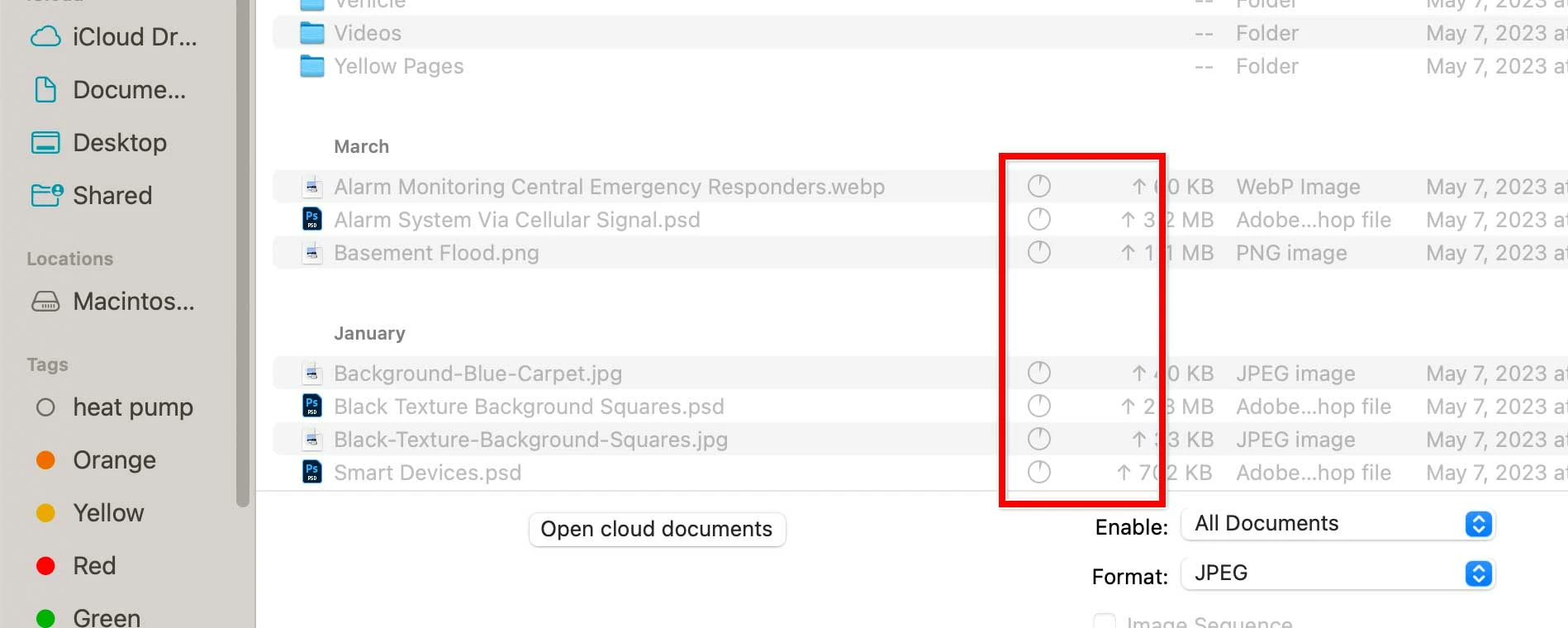
I get into that SSL folder, and I do see the list of files. But, all files are dimmed. Mind you, those files are on my iCloud Drive. See the attachment...
Can someone help me out here... I'm stuck!
Regards,
-Ron
 AdChoices