Participant
June 16, 2020
Question

New to PS - basic question on making a transparent background

  • June 16, 2020
  • 3 replies
  • 344 views

Hi all, 

Thank you for checking in on my post and a newbie here. Only started looking at photoshop yesterday so my question might seem basic. 


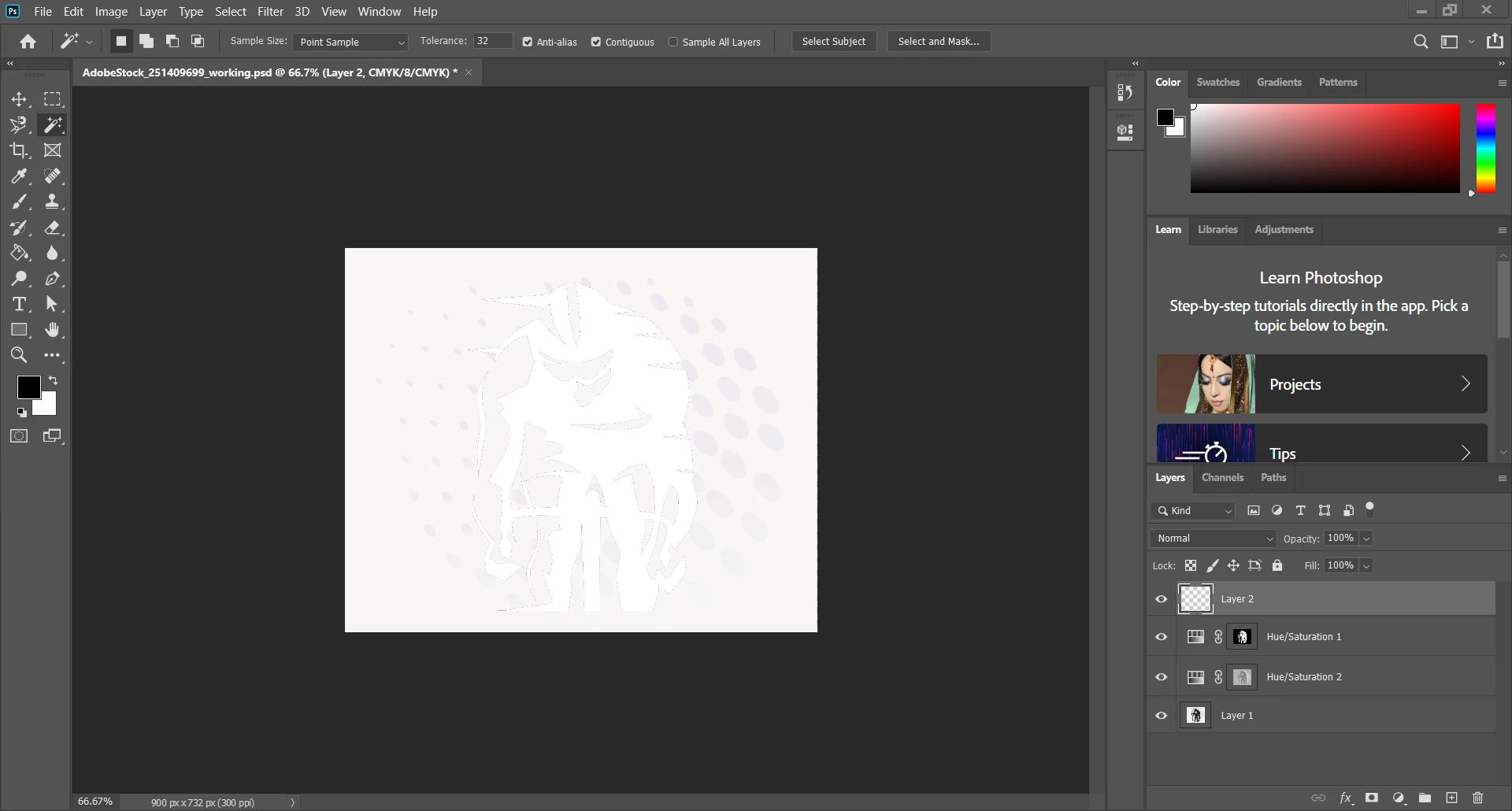
What i am trying to achieve is to remove the white background and have a transparent background. When I use the magic wand, I does not select my intended object which is the cyclist and the dots around the cyclist. Instead, the magic wand will select the entire picture. I have been playing around with it and decided to reach out for help. 

Thank you for your assistance and greatly appreciate it. 


This topic has been closed for replies.

3 replies

melissapiccone
Community Expert
Community Expert
June 16, 2020

Set the magic wand tolerance to 2 and turn off contiguous, use layer 1 and then hit the new mask button at the bottom of the layers panel.

Melissa Piccone | Adobe Trainer | Online Courses Author | Fine Artist
c.pfaffenbichler
Community Expert
Community Expert
June 16, 2020

And »Sample All Layers«! 

Participant
June 16, 2020

Thank you for your response and I hope i got this right. Original file as in the .psd file? If yes, I am attaching it once again. 

June 16, 2020

Hi

Try using the Magic Eraser Tool on the white parts


c.pfaffenbichler
Community Expert
Community Expert
June 16, 2020

You can try reducing the Tolerance-setting (in the Options Bar). 

Couls you post the original image?