Known Participant
February 6, 2022
Question

Newbie. Please help. colors overlap for clipping mask

  • February 6, 2022
  • 1 reply
  • 249 views

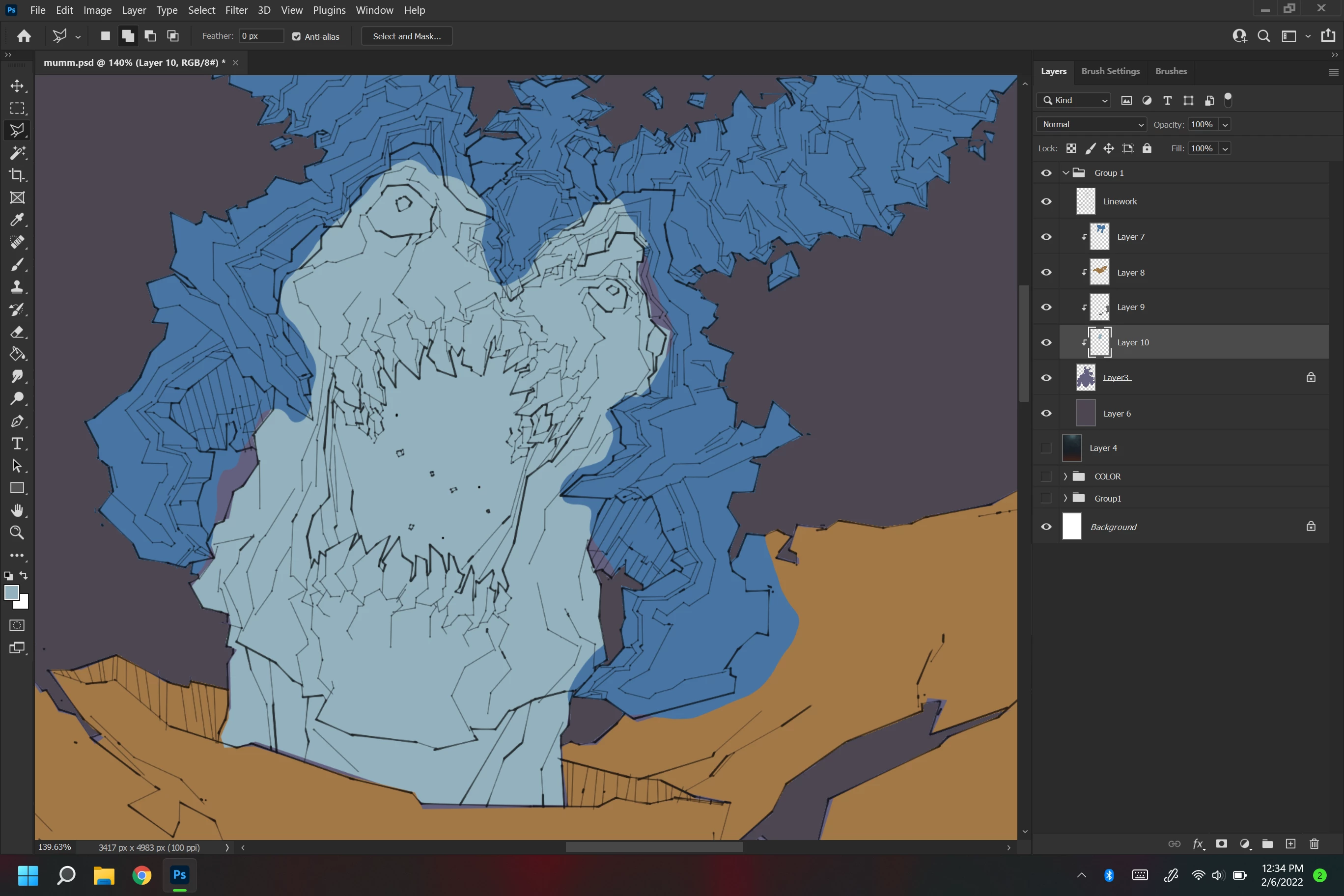
i want to learn how to color my work faster. I found a tutorial that uses clipping masks and using it is more effective. The tutorial doesnt show the full process. As you can see the first photo is cut off  and i cant see where the tutor is making adjustments to the artwork so my colors are overlapping. The cut off artwork is from the tutor and my artwork appartently show the full program of photoshop. My colors keep over lapping the last color i lay down. I just wish artists that post these time lapsed tutorials would slow down and go through their full process, rather than time lapsing and hiding their full process from newbies that are trying to learn from them. Here is the video for the tutorial that i'm learning from too. 
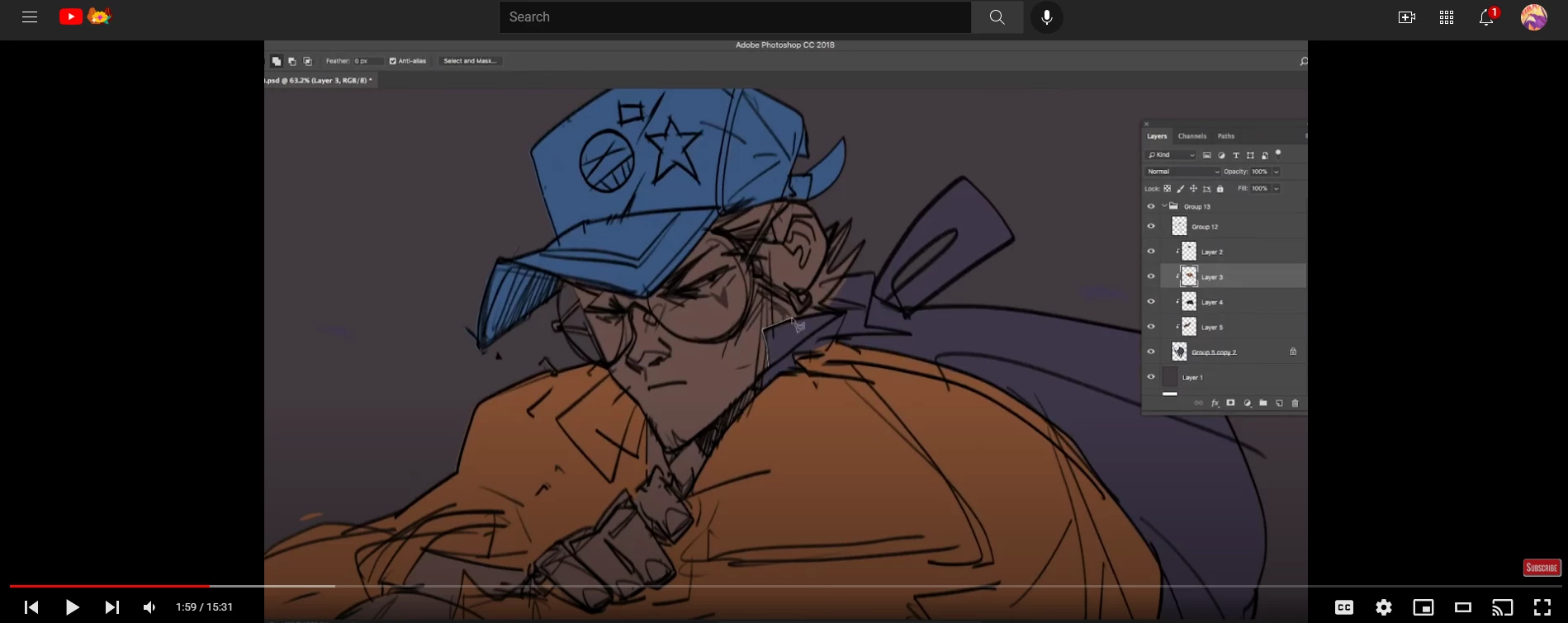
 

https://www.youtube.com/watch?v=vVMLKzAvvmA&list=PL-ozwQ1VPLhYOVWE-E7QhPdaopUgk6ACc&index=56

This topic has been closed for replies.

1 reply

S_Gans
Community Expert
Community Expert
February 7, 2022

Hi. I'm really not sure what you mean by "My colors keep over lapping the last color i lay down." Are you referring to the purple looking areas? What appears to be happening is that those areas are not included in any of the sublayers in the clipping mask, so we're seeing through to layer 3. While Layer 3 is defining the visibility of the sublayers above, those layers need to have content to be defined.

If this isn't what your'e referring to, please clarify, so we can help. 🙂

Adobe Community Expert / Adobe Certified Instructor
Known Participant
February 11, 2022

sorry that it's taken me forever to reply to this comment. if you go through the the tutorial video i posted, the tutor is not showing how his colors are staying within a specific area. He colored the character's hat by using the polygonial lasso tool, not the magnetic one and he wasnt being precise either with the tool. He filled the hat color blue without the color spilling over onto the face of the character in the first image. I seen where he used a clipping mask but i'm not sure how i can get the color on the crown on my skeleton that's blue from leaving that area. i've included an edited verson of my picture for reference