

Jagodzinio.pl
Participant
January 27, 2026
Question

No automatic deletion of files after work is finished

  • January 27, 2026
  • 1 reply
  • 15 views

Working in LR -> editing in PS. After finishing processing and saving the work in PS, undeleted files remain in the TEMP space. Only closing PS deletes them. Prolonged work can fill the hard drive. Files should be deleted immediately after closing/saving!

Adobe Photoshop Version: 27.2.0 20251213.r.15 e3408e7  x64 (final, Release)
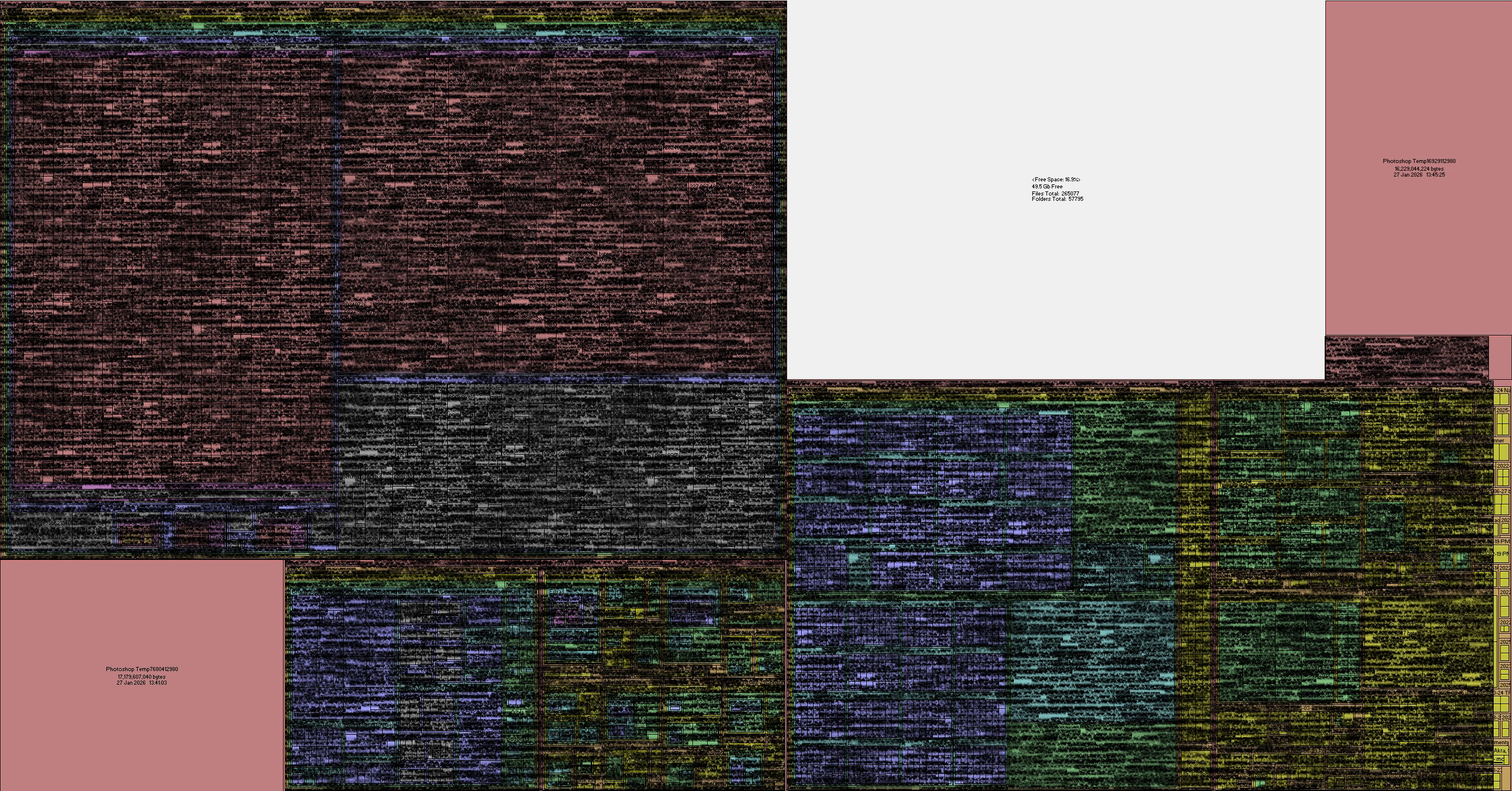


    1 reply

    Community Manager
    January 27, 2026

    Hi @Jagodzinio.pl
    Photoshop keeps some temporary files around even after you close a document because they’re still connected to your current Photoshop session. Once you fully quit the app, those temp files clear out automatically.
    If you have any other questions, feel free to let us know!
    Thanks!
    Alek

    *(If you mention me with an @, like @Aleke, I’ll get a notification and can respond faster.)*