
Participant
February 26, 2018
Answered

No more checkerboard behind a transparent artboard?

  • February 26, 2018
  • 2 replies
  • 856 views

Hello,

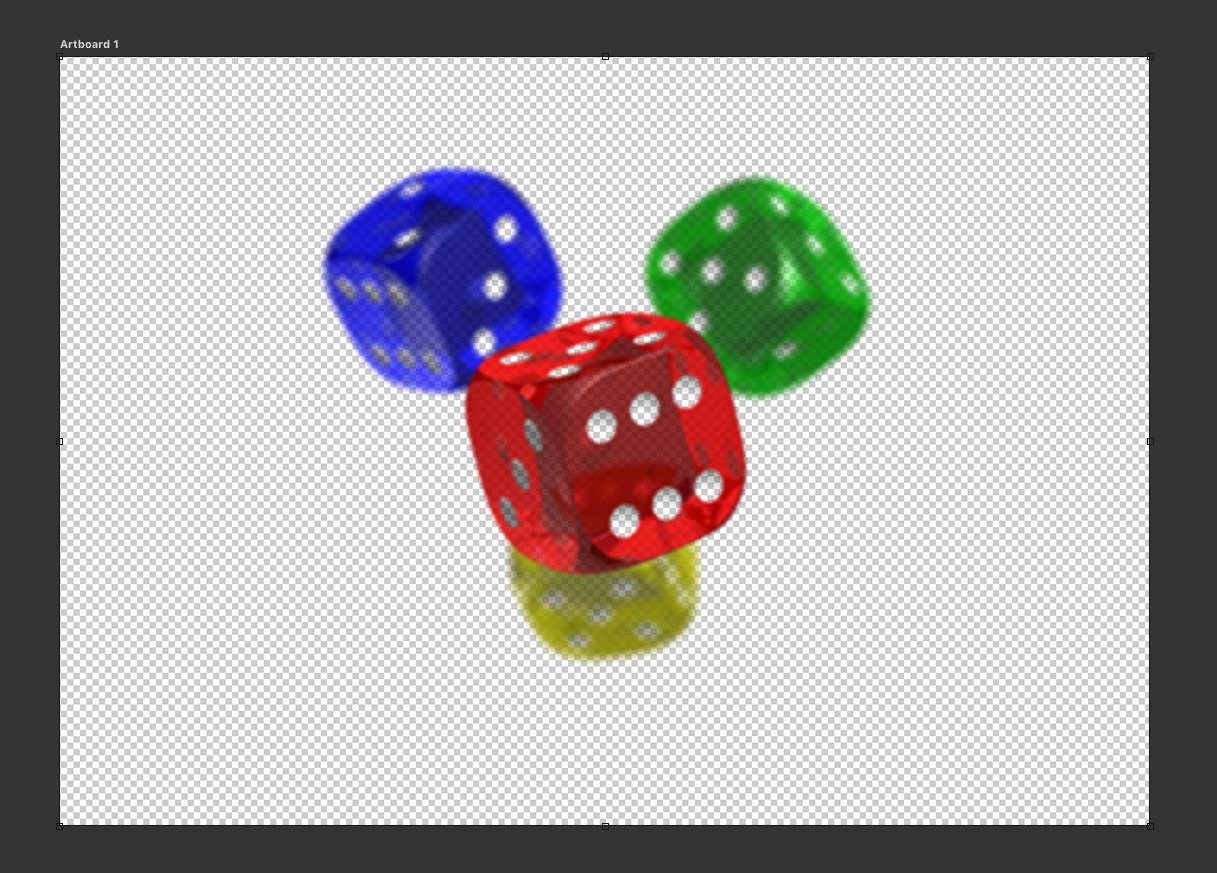
This morning I have updated Photoshop to the latest version (19.1.1) and I seem to have lost the ability to see the "checkerboard" background behind a transparent artboard. To illustrate:
this is what I used to see (recreated with some screenshot magic)
And this is what I see now
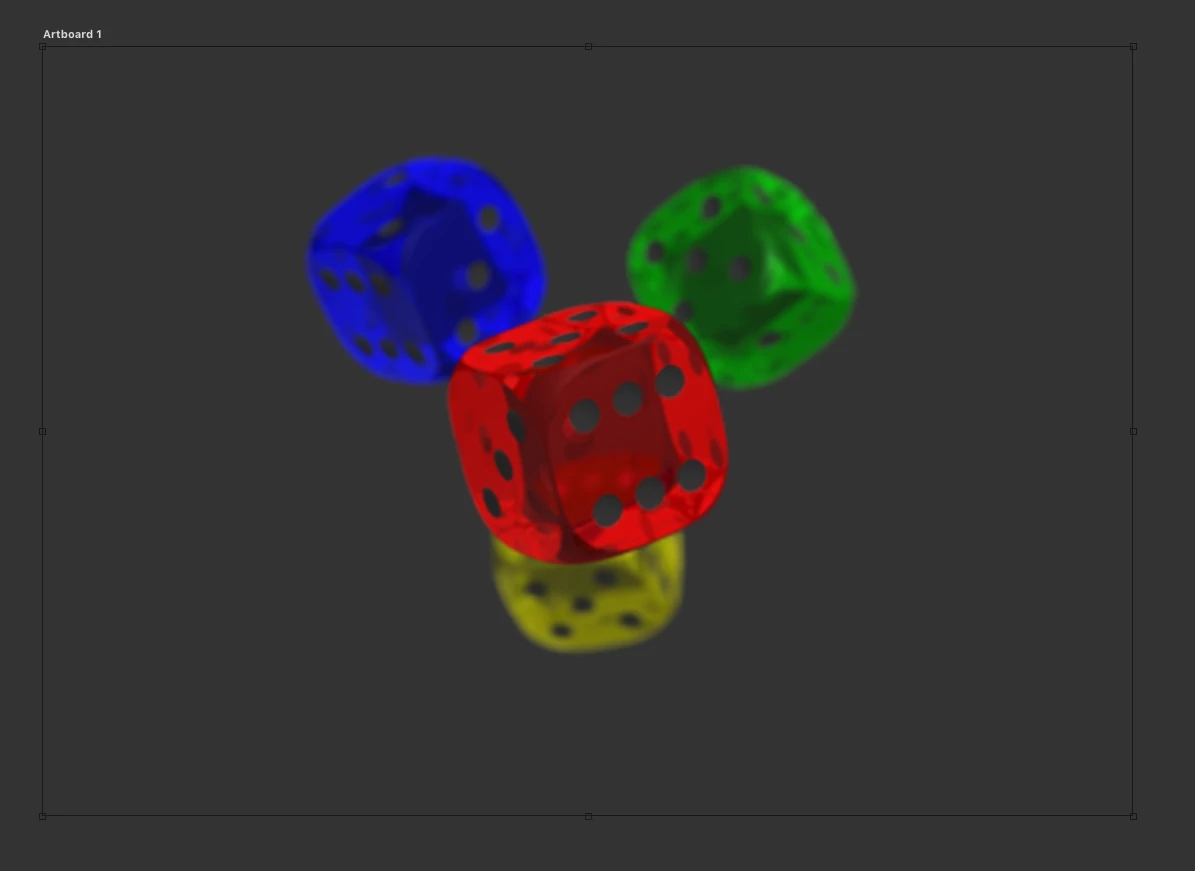
Not a huge deal but really annoying since it's kinda hard to see the edges of the artboard this way. I've gone through every setting I could imagine, but can't find a solution to bring the checkerboard back.

What am I missing?

This topic has been closed for replies.
Correct answer Peru Bob

Try resetting the preferences:

If that doesn’t work,try updating or rolling back your graphics driver directly from the video card manufacturer’s site.

2 replies

Participating Frequently
December 31, 2019

Hi,

I have the same problem since Phtoshop 2020 update.

I reset Photoshop preferences but it didn't work.

I can't roll back my graphic driver as i am on mac.

What should I do?


My mac specs:

MacBook Pro (Retina, 15-inch, Mid 2014)

Processor: 2.2 GHz Intel Core i7

Memory: 16 GB 1600 MHz DDR3

Graphic: Intel Iris Pro 1536 MB

IOS: Mojave 10.14.6

Peru Bob
Community Expert
Peru BobCommunity ExpertCorrect answer
Community Expert
February 26, 2018

Try resetting the preferences:

If that doesn’t work,try updating or rolling back your graphics driver directly from the video card manufacturer’s site.