

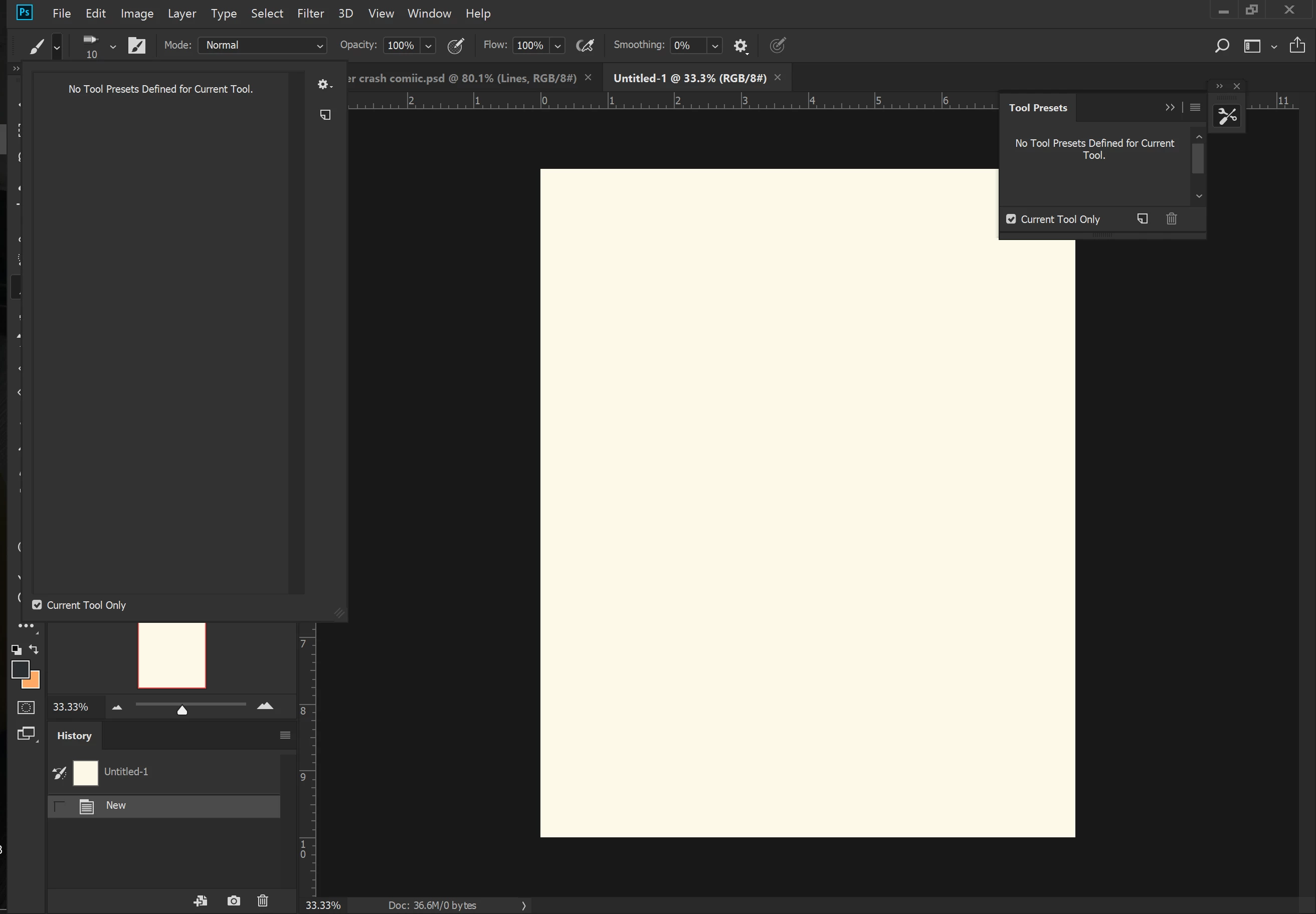
"No presets defined for current tool" how to define them then?
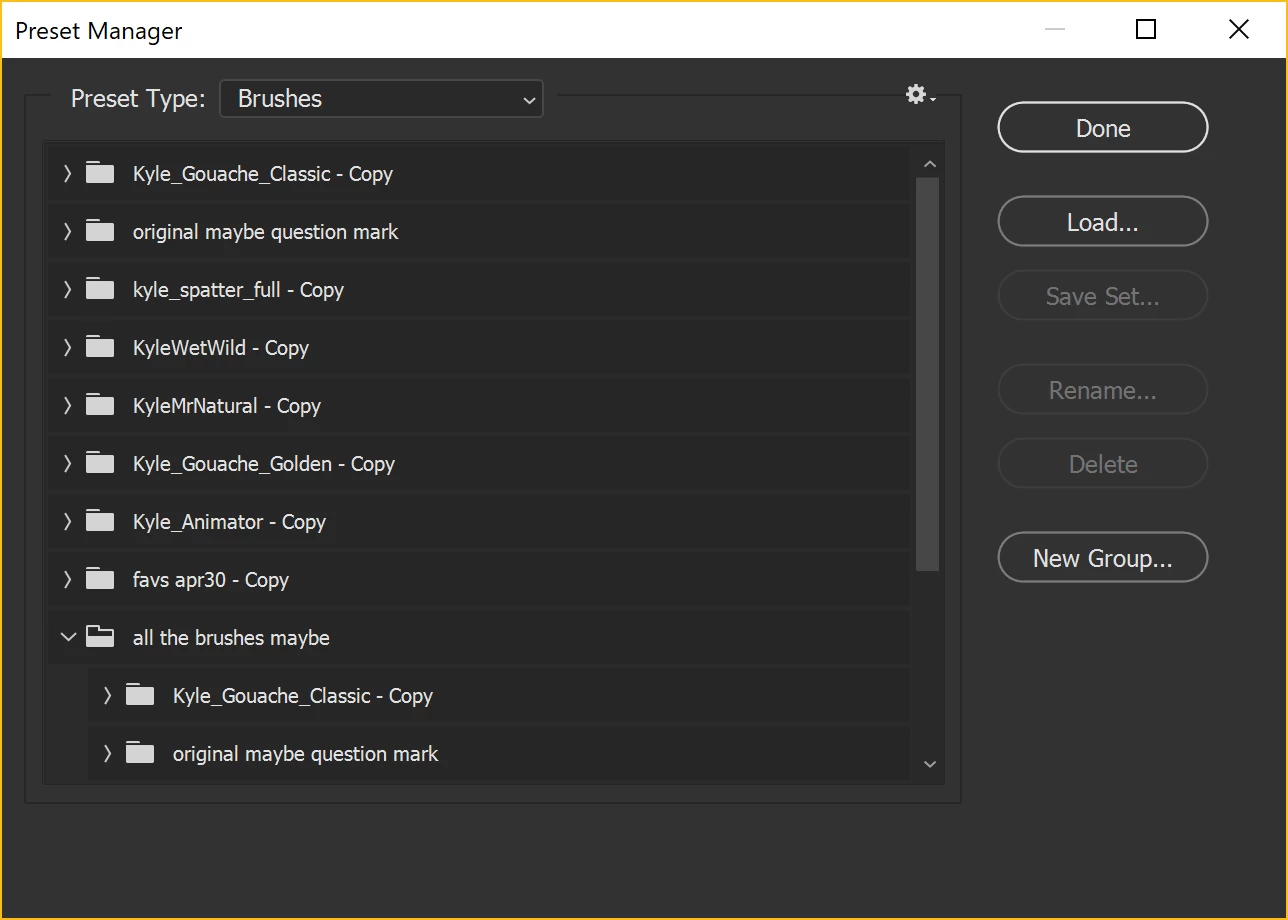
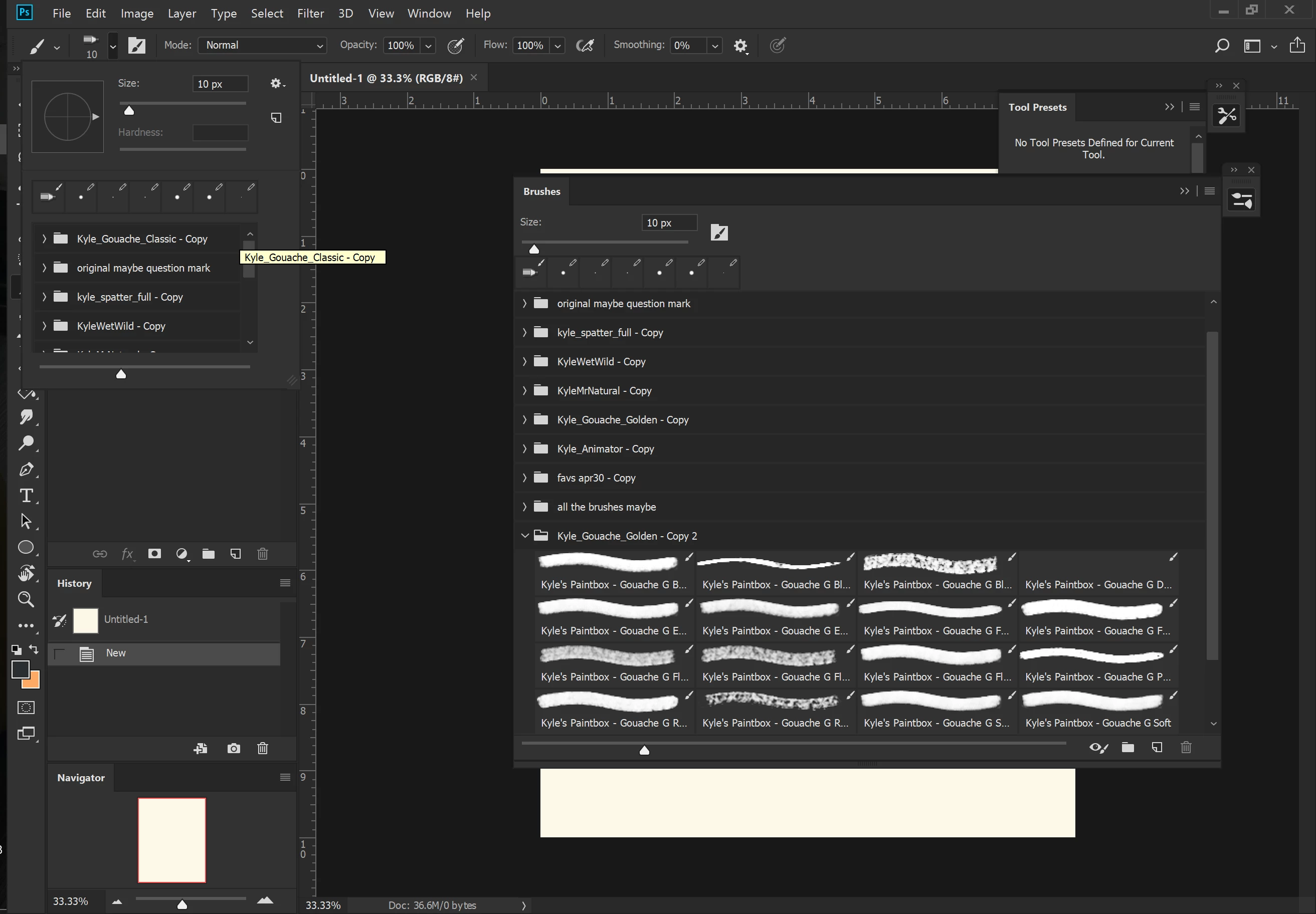
Hello! I've been using a preset of my favorite brushes for awhile now, and I don't remember how I got all the brushes from different preset groups into one. However I was starting a new project and wanted to upload some old Kyle Webster brushes I have. I got some messages that .tpl files were not supported, so I had to go change them to .abr, then i discovered I could upload them through the tool preset manager (seen in picture 2). It used to be that when I went to select the brush (drop down menu in picture 1) all my preset tools were available where it now says "No Tool Presets Defined for Current Tool". So now that I have them in the preset manager, how do I access them from the brush/tool drop down menu? I know they are available because when I select the current brush options (picture 3) they are there, but not in the other drop down from picture 1?
I have tried resetting the default presets but nothing happens. Is there something I am doing wrong? Is there a way to revert my photoshop back to when all of my favorite brushes were available? Even if they didn't have all the ones I wanted it's better than what I have now. Please help!
 AdChoices