Yadav.vml
Participant
March 3, 2017
Answered

not able to change the text color.

  • March 3, 2017
  • 1 reply
  • 679 views

Hi..

I know this is just a basic task.. but still i am not able to even change the text color..

When i try to change the text color.. it's not changed.. show the default color which is gray..

1.
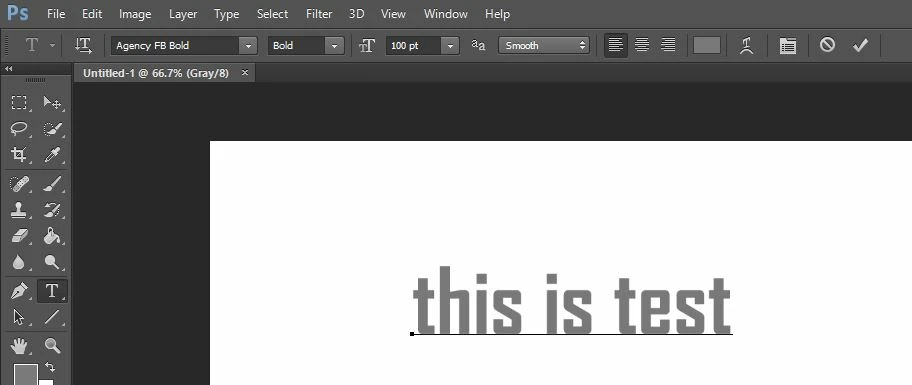
2.
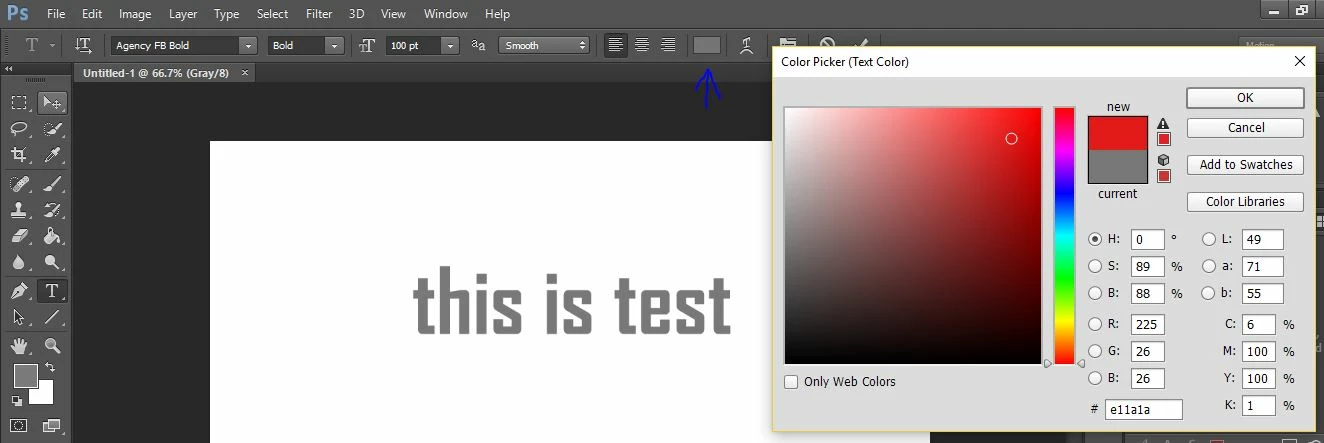
3. When i press OK show this..
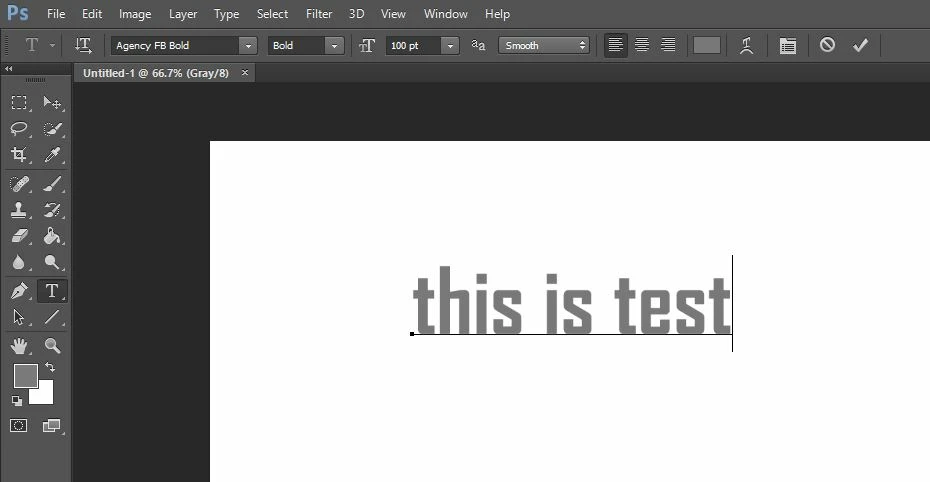
Please assist me..where am i wrong..

Thanks in advance..

🙂

This topic has been closed for replies.
Correct answer davescm

Your document is in greyscale - hence the (grey/8) in the document name. Greyscale does not show colours.

Change Image  - Mode - to RGB Color

Dave

1 reply

davescm
Community Expert
davescmCommunity ExpertCorrect answer
Community Expert
March 3, 2017

Your document is in greyscale - hence the (grey/8) in the document name. Greyscale does not show colours.

Change Image  - Mode - to RGB Color

Dave

Yadav.vml
Yadav.vmlAuthor
Participant
March 4, 2017

Oops.. yea davescm.. you are right.. now i am able to do the same..

Don't know why i can't see this... well thank you for your support..

Regards,