Question
NOT able to Import or Export workspaces in Photoshop
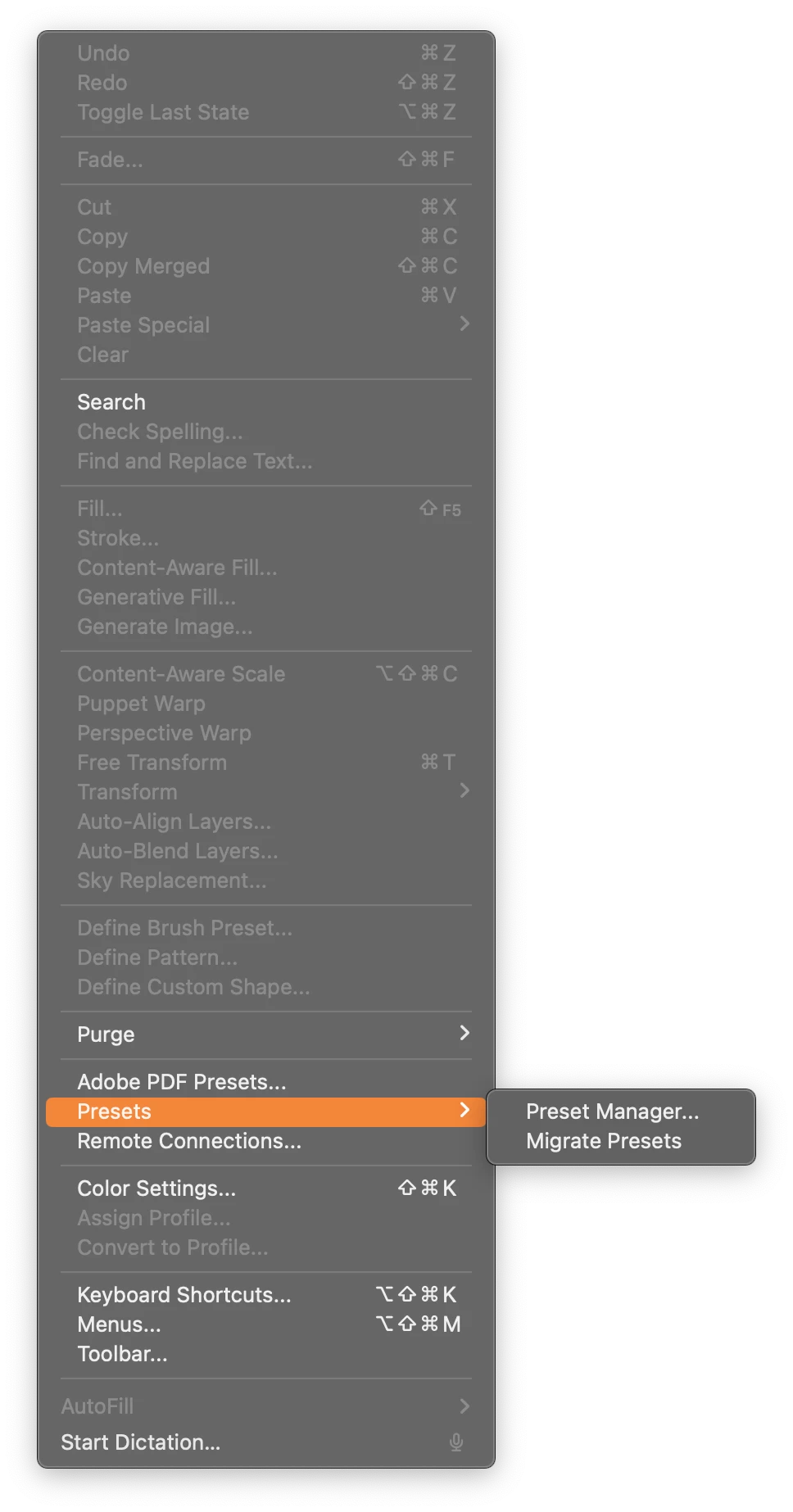
I am trying to import my workspace from another machine and when I go to Edit>Presets there isn't an Import/Export option like I'm used to. (screenshot attached)
The workspaces folder is also not available in the presets folder when checking the app folder in finder.
Any help is appreciated
System specs
Photoshop 25.12.0 with open using rosetta on
Mac Studio | 2023 M2 Max | Sonoma 14.7
 AdChoices