
Not printing quality on screen
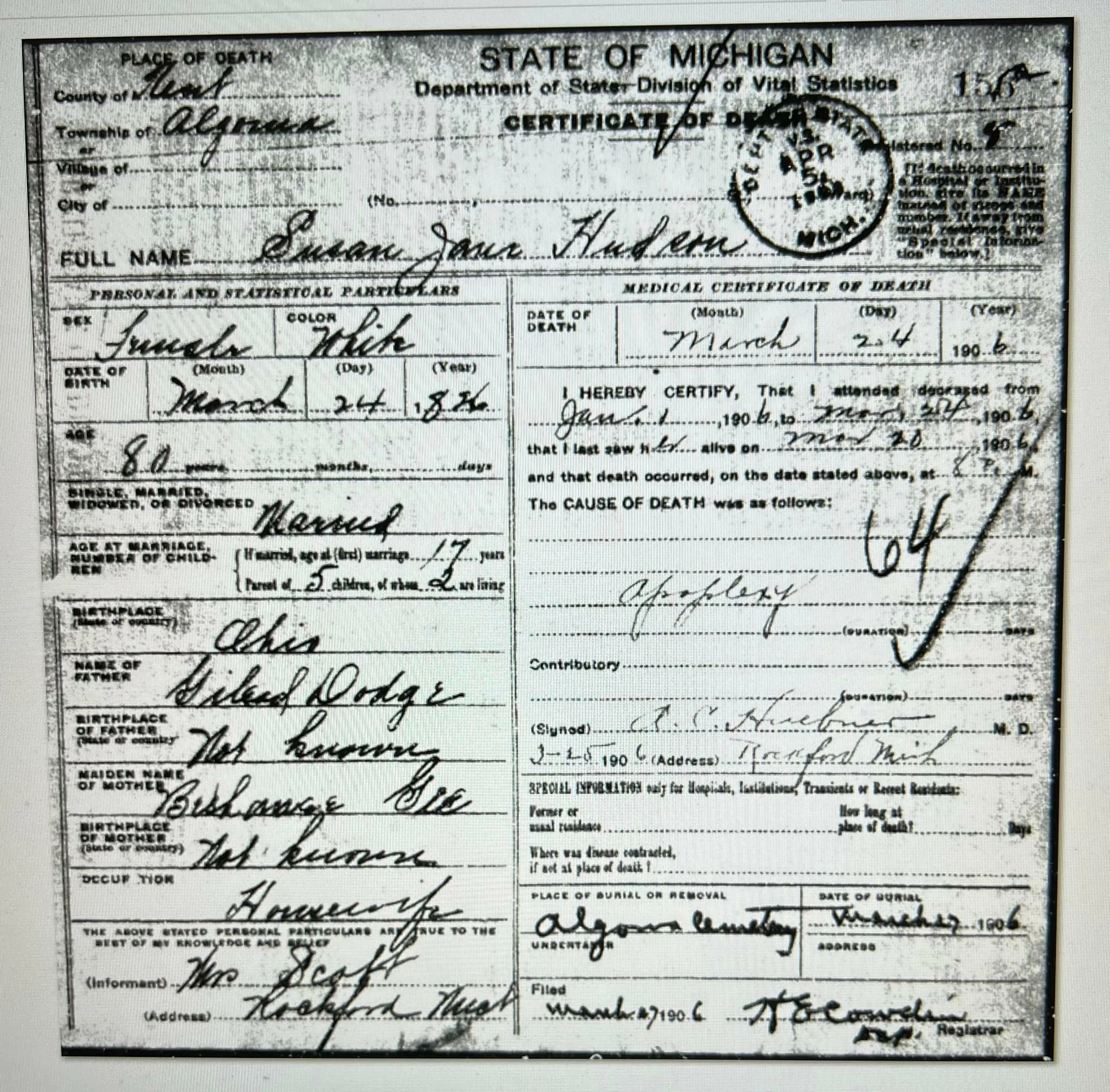
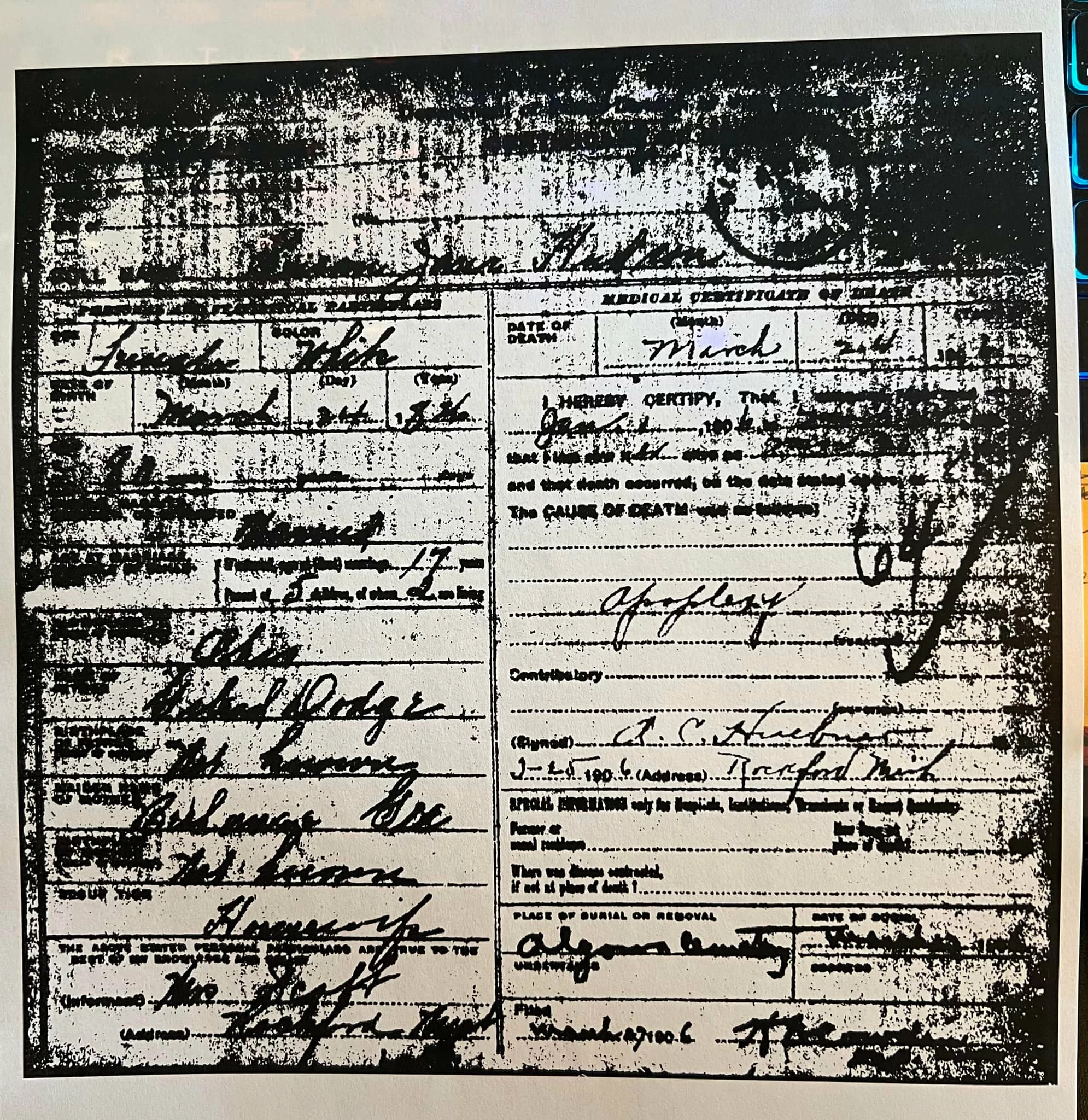
I've been using PS for a long time and have never seen this issue. When I have an image on the screen it is very clear for the document I'm working with. But when I print it the result is terrible. It's not the printer. When I take the same image into Acrobat and print it I get the same quality as what I'm seeing on the screen. Acrobat prints it great, PS prints a completely different thing. I wouldn't be surprised if I clicked a box or something in PS that has changed it to doing this. There are only 2 things I change in the PS print dialog box. Page orientation and the one that says "Scale to fit media". I'm attaching a photo of what the doc looks like on the monitor and what I'm getting from the printer. Any help would be awesome!
 AdChoices