
Number of Colours Changes
Hello Everyone,
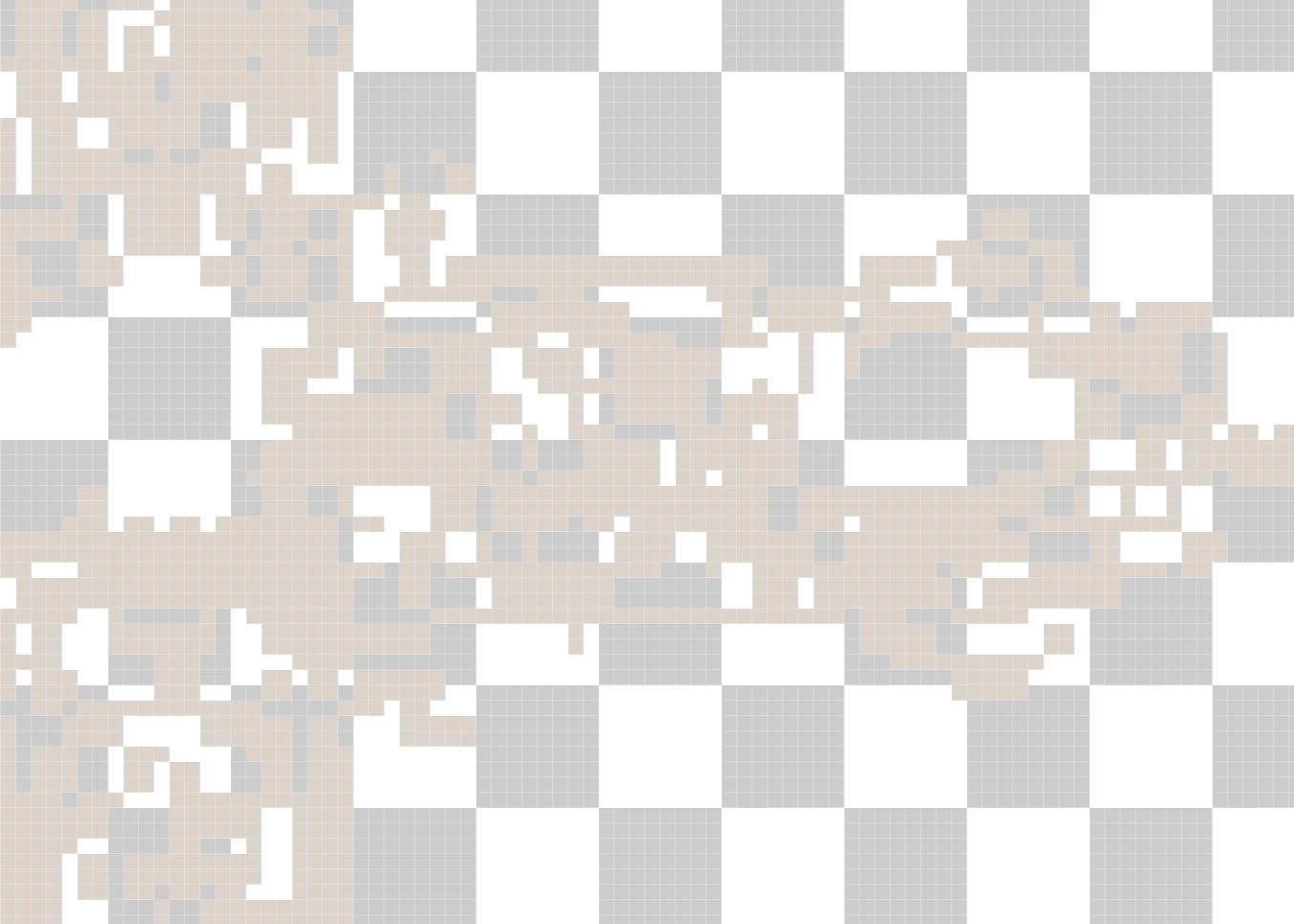
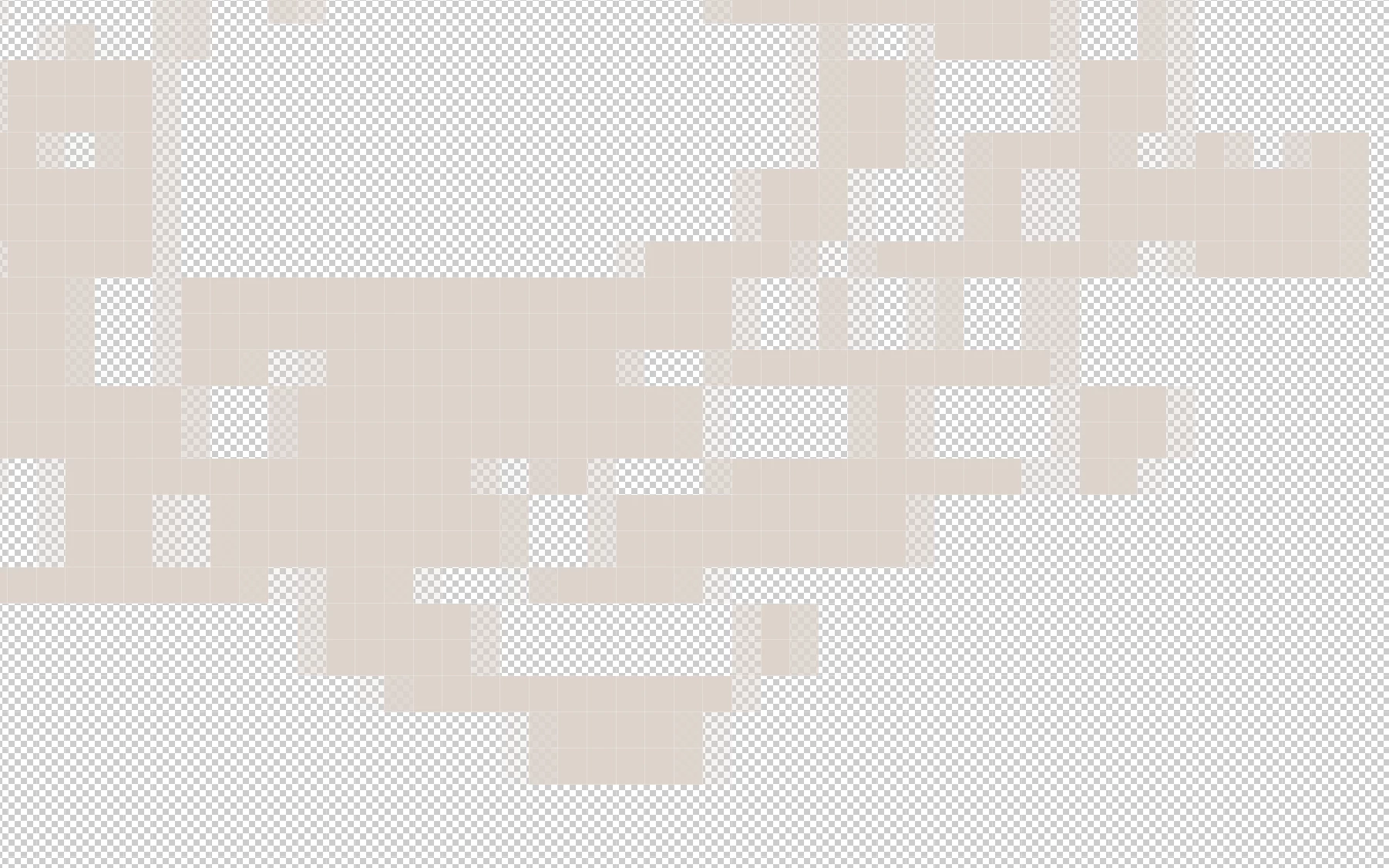
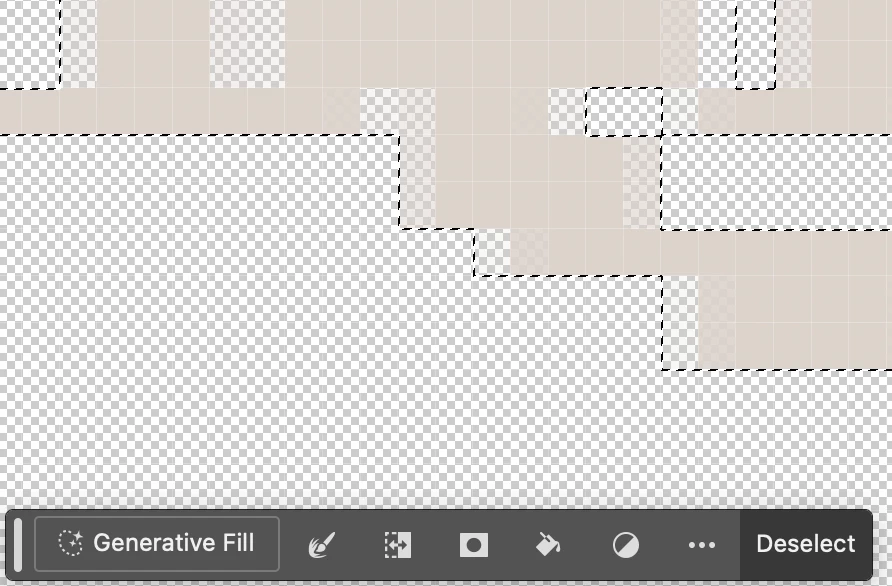
I'm preparing quite specific files for printing and must use an assigned colour palette, which I have. However when I move images from one window in Photoshop to another, I have to adjust the colour range again (Select - Color Range - Fill Colour) because additional colours I did not select (lighter shades of my chosen colour) show up in certain parts of the image. Before I copy the image to paste, I have to change it to an indexed colour using the colour palette provided. This has been my solution so far, however, with more detailed images, it makes it appear blocky. Is there a way for me to avoid this happening when I paste? I've attached some screenshots to show what I mean. My desired result would be to copy and paste the image without having to make any changes
 AdChoices