

NVIDIA 1050ti graphics card KNOWN ISSUE?
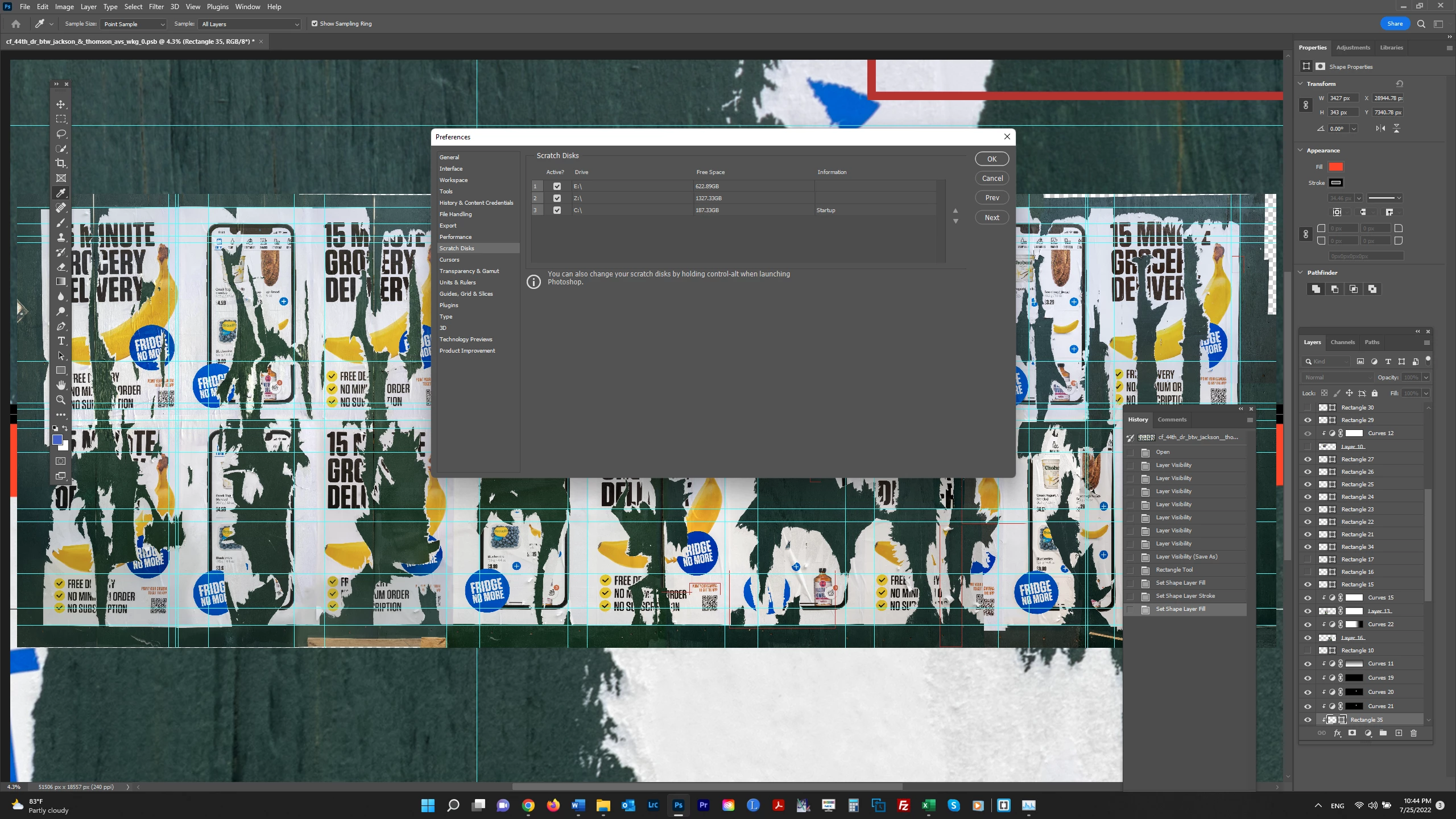
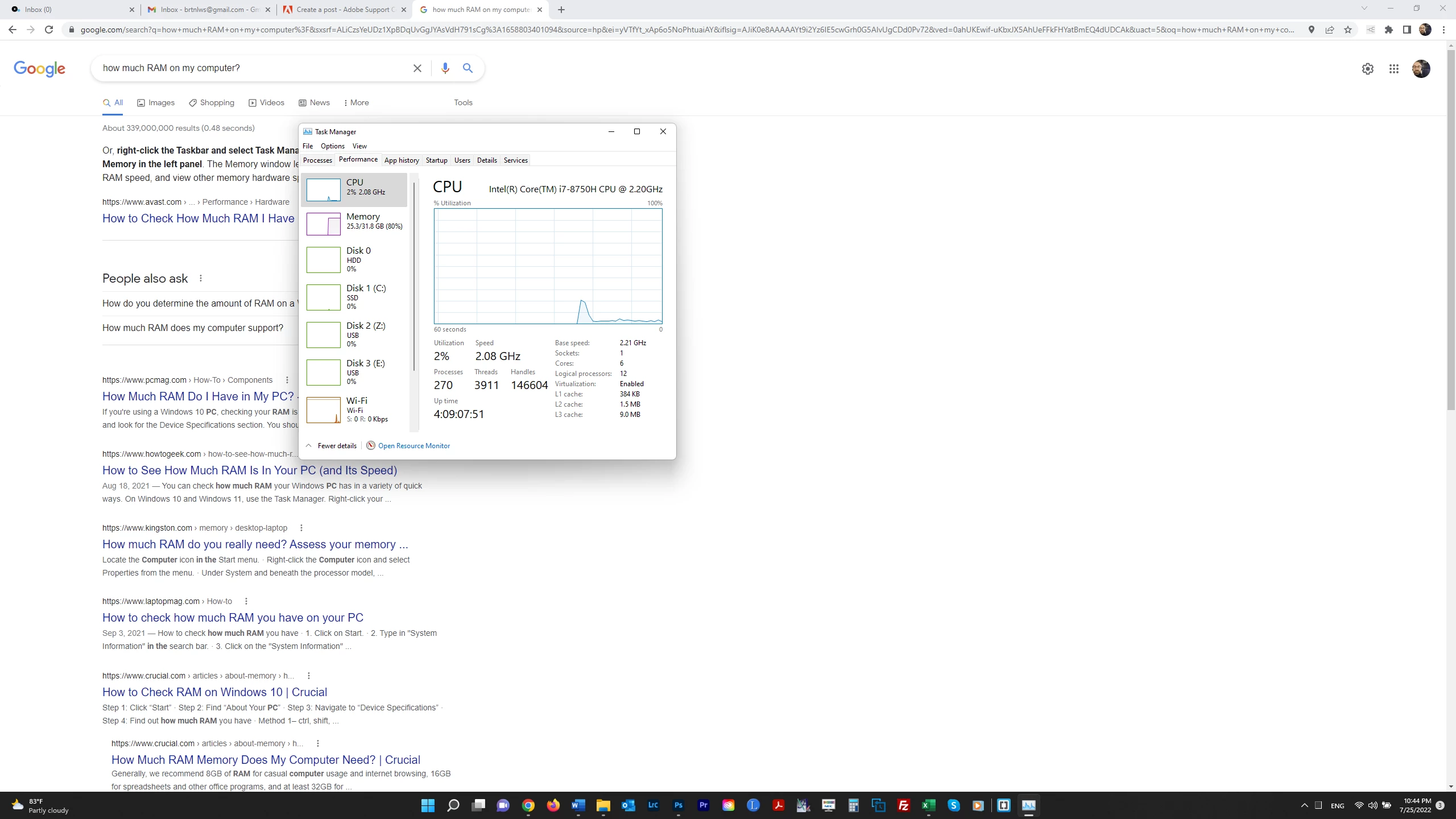
Photoshop has basically stopped working on my computer. There is slowness and image artifacts as in the screenshot below - the full image appearing over magnified sections of the image. The file is large (11 GB) but I have over 2000 GB of free scratch disk space. I have worked on hundreds of files this large or in the vicinity without issue. There are only 12 History states showing here and the problems start almost as soon as I open the file. I recall a past issue with my graphics card and there have been posts by others with this same graphics card. Is there a known issue with the NVIDIA 1050ti and a solution to get PS working again? Thank you. My OS is Windows 11. I have 80% RAM free (26 of 32 GB). [UPDATE]: I deselected my C drive as a scratch disk and this seems to have solved things. I see on Adobe's page "Set up Scratch Disks in Photoshop" the statement "scratch disks should be on a different drive than the one your operating system uses for virtual memory." I assume this is my C drive. Maybe that's what the problem was.
 AdChoices