Hi, thanks for responding! Yes, it's that hot pink neonish color. The real color is supposed to be the color of the artwork I inserted, a lightbue background with a pattern.
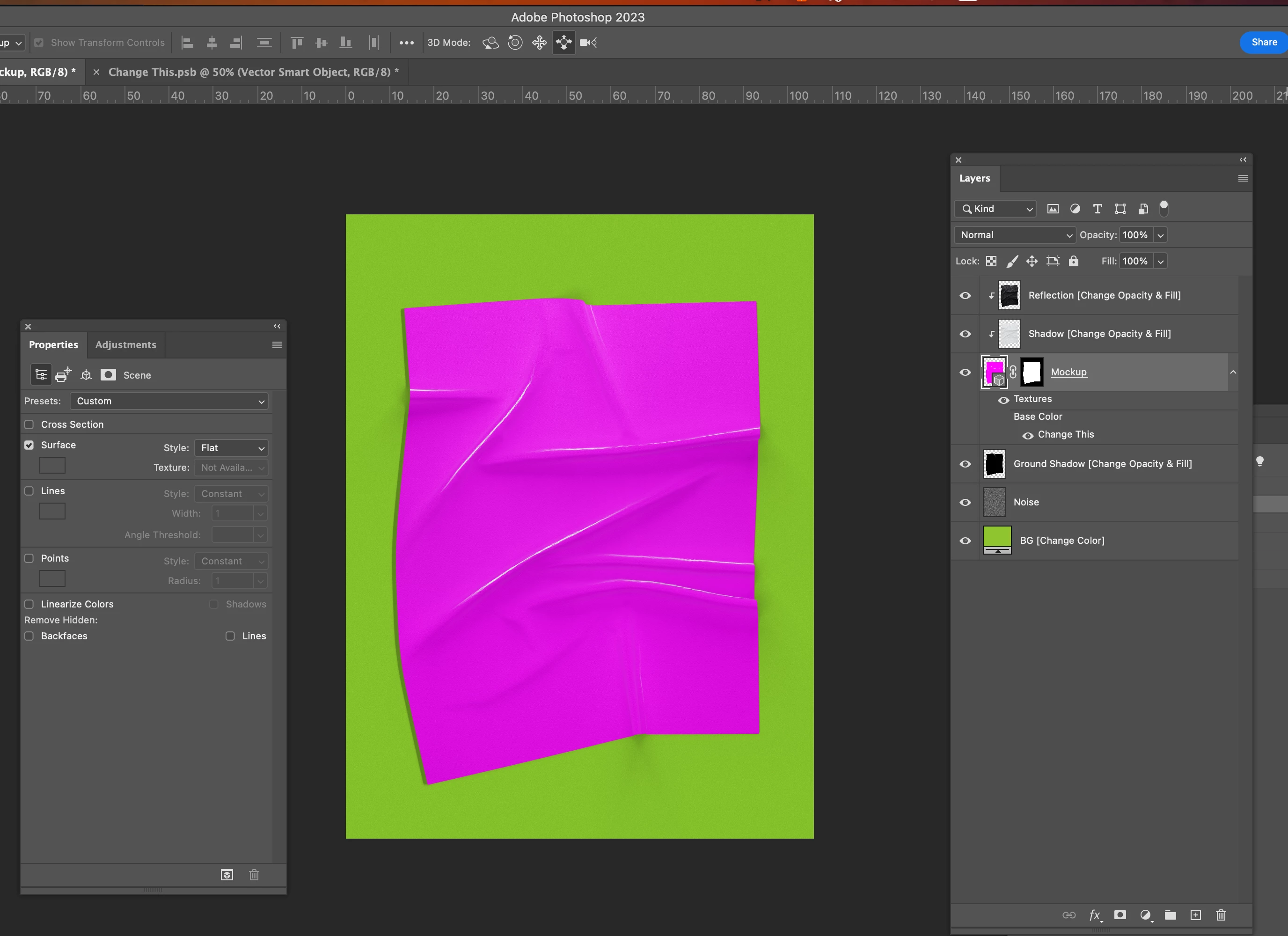
Found the file you are working with.
That texture may have been made with an old version of photoshop and is causing issues. The 3D tools in photoshop are being deprecated and so errors may arise if you are trying to use 3D files such as this.
a work around is to go to Window > 3d to get your 3d panel. select your mock up layer and select the materials properties.
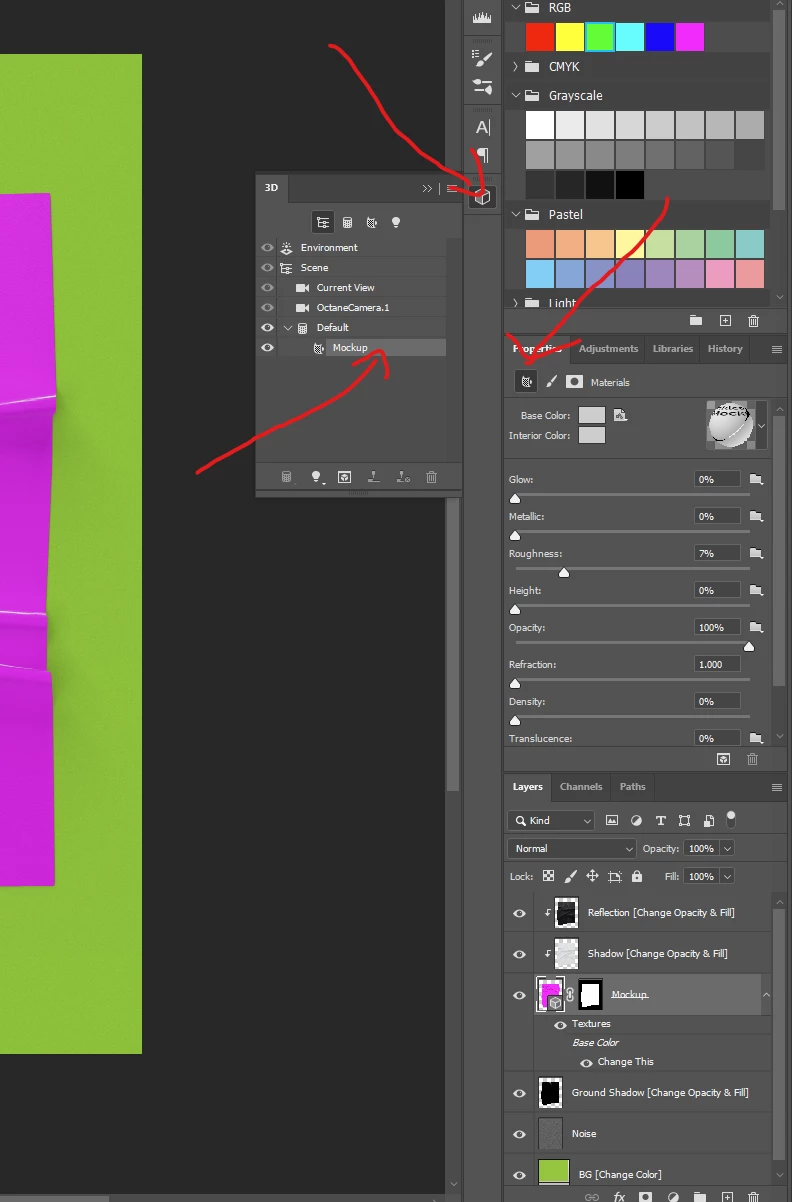
Select a new texture. Fabric cotton is good.
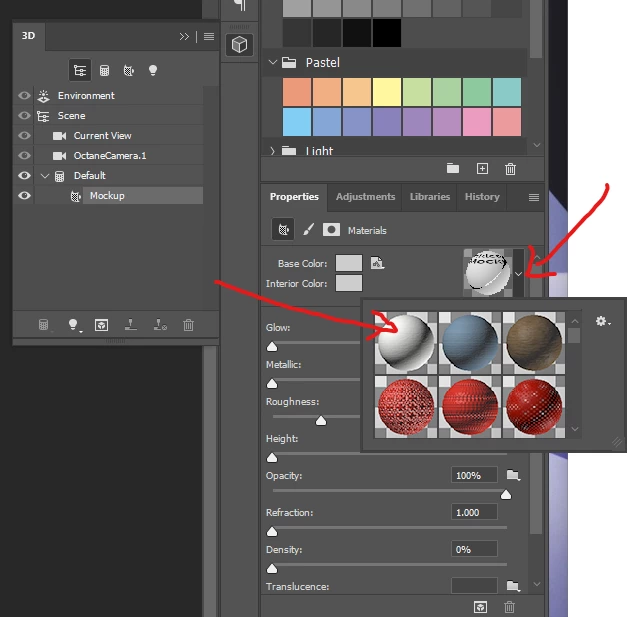
You paper will turn to that new material.
Now just edit that texture with your pattern by editing the base color.
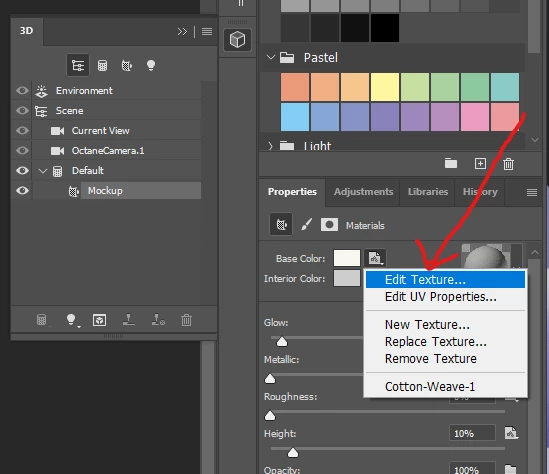
This is not a consistent fix and you may have to mess with the texture a couple times in teh proerties. This was just the best way I could figure out as it was problematic with me as well. Hope it helps!
The future fix is to rasterize and flatten so it's not 3d any more. then transform your smart object to match the paper creases.

 AdChoices