Participant
May 16, 2023
Answered

Odd Canvas Glitch Win 11

  • May 16, 2023
  • 2 replies
  • 293 views

Didn't have any issues with newer versions of PS until I "upgraded" to a new PC running Win 11. 


One GPU, anm nvidia 3080ti, studio drivers.  PS is up to date (24.4.1)


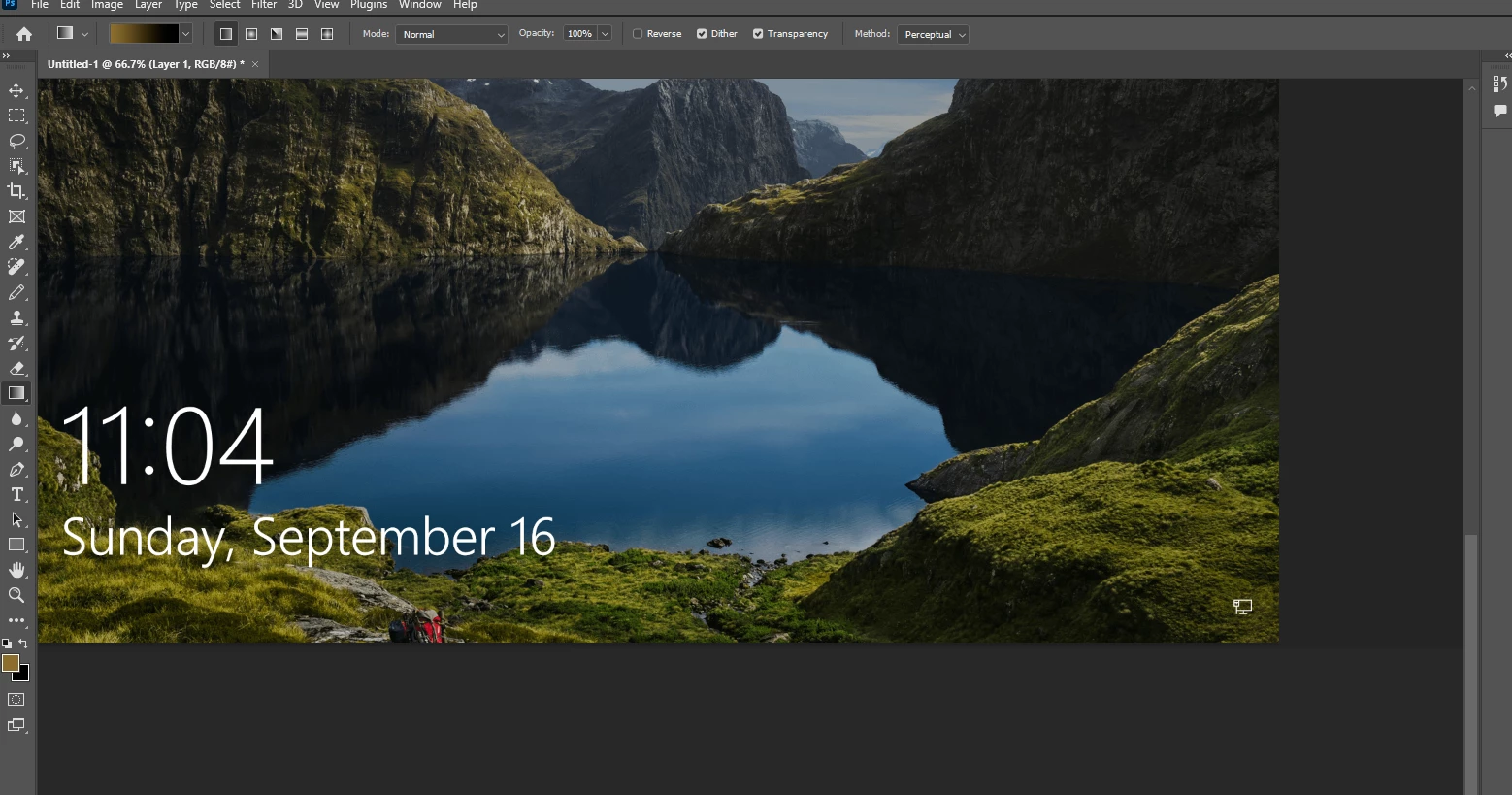
Within PS, unless I keep the canvas bumped up against the top and left edge, it seems to take the bottom and right edges of the canvas and blow those pixels out to infinity.  Below is a windows lock screen image I grabbed of google to demonstrate what I am talking about.  If I scroll the canvas beyond a certain point... boom.


This topic has been closed for replies.
Correct answer CShubert

Hi @torukai 

Go to Preferences > Technology Previews... and enable “Older GPU mode (pre 2016)” - Restart Photoshop. Does the problem persist?


Go to Preferences > Technology Previews... and check "Disable Native Canvas" - then restart Photoshop. Does the problem still occur? 


2 replies

torukaiAuthor
Participant
May 17, 2023

The 2nd one seemed to work to clear up this issue, maybe at the cost of some performance? 


What exactly am I giving up by disabling Native Canvas and is anything being done to restore it to general use?

CShubert
Community Manager
CShubertCommunity ManagerCorrect answer
Community Manager
May 17, 2023

Hi @torukai 

Go to Preferences > Technology Previews... and enable “Older GPU mode (pre 2016)” - Restart Photoshop. Does the problem persist?


Go to Preferences > Technology Previews... and check "Disable Native Canvas" - then restart Photoshop. Does the problem still occur?