immortalights
Known Participant
January 27, 2022
Question

Offset Filter Wrap Around Not Working

  • January 27, 2022
  • 1 reply
  • 937 views

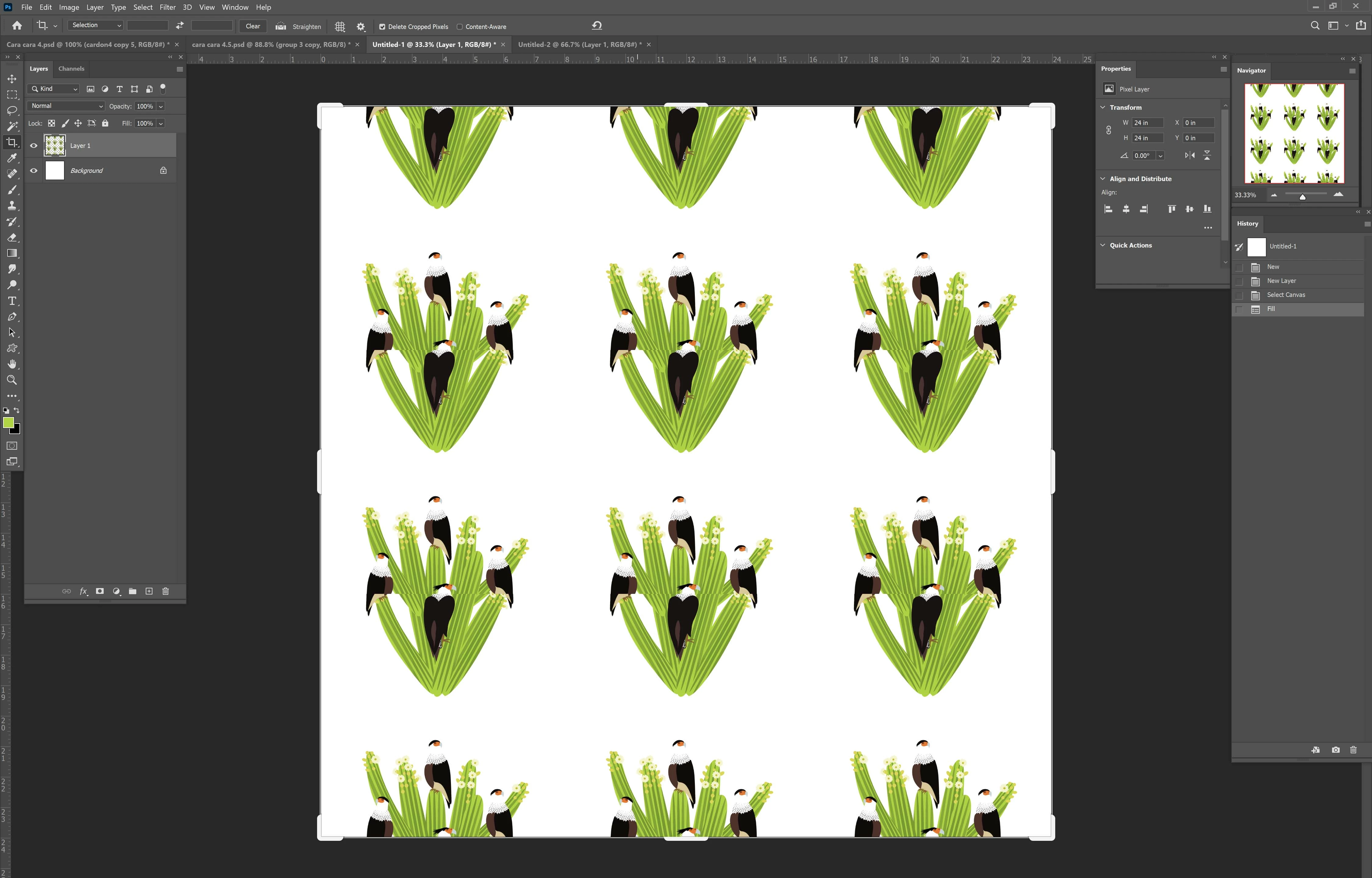
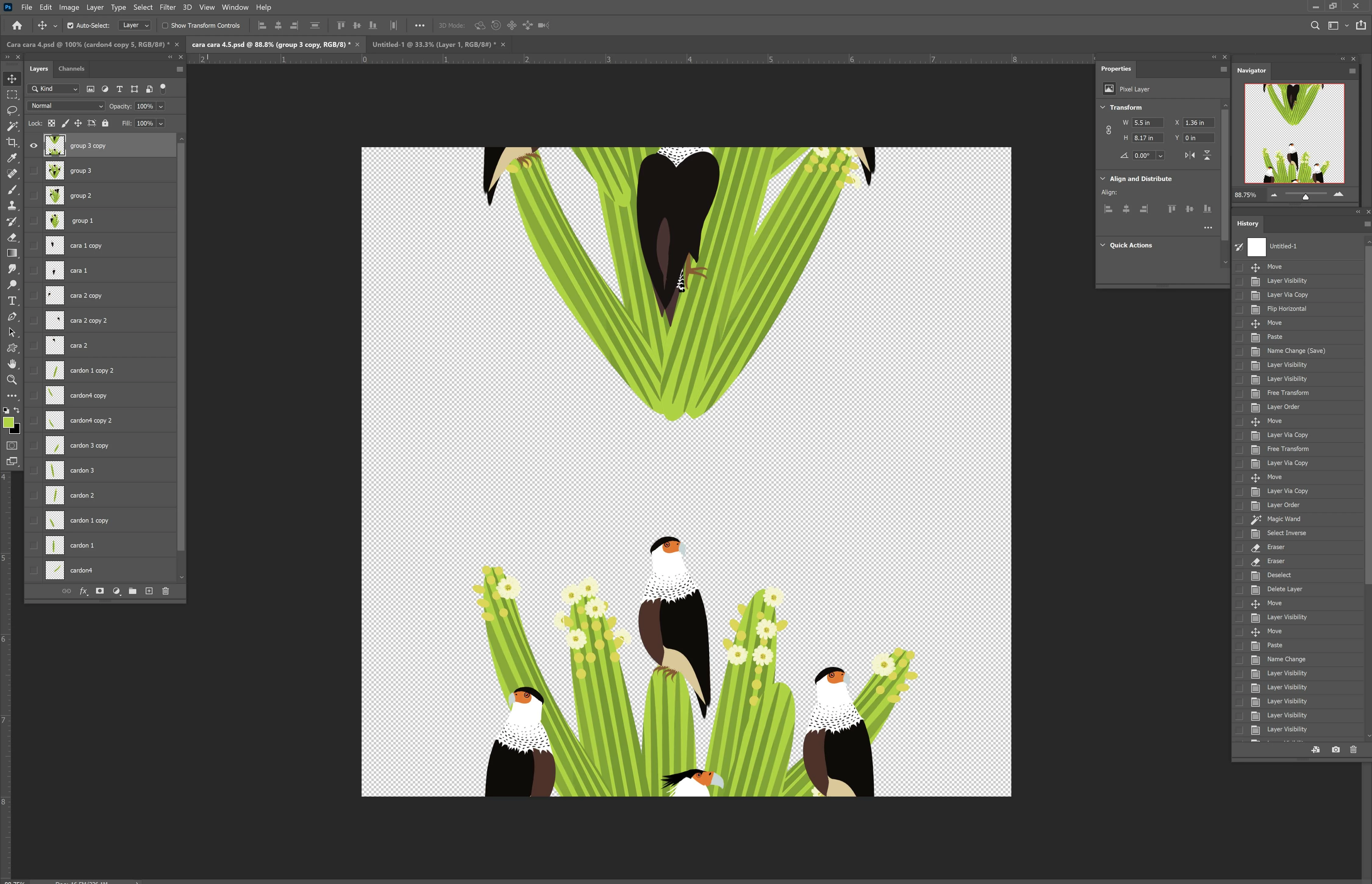
Before you say anythingthing, I did read this question (https://community.adobe.com/t5/photoshop-ecosystem-discussions/cs6-offset-filter-not-working-as-expected/td-p/5234039).  I made sure there are no transparent pixels.  I used the selection tool to make doubly sure.  The patern is still not seamless however.  A portion of it is missing.  In the screen shots below, the first is the original file which is 2400 x 2400 pixels.  I used a 1200 pixel offset.  The second screen shot is the resulting pattern.  I've used this tool for years with no problems.  I can't figure out what I'm doing wrong.  I am running Windows 10 Pro on a Studio Surface.  Any help greatly appreciated!


Thanks!
 

This topic has been closed for replies.

1 reply

c.pfaffenbichler
Community Expert
Community Expert
February 3, 2022

First off all: Why didn’t you apply the Filter as a Smart Filter? 


Can you provide the File with the unfiltered Layer? 

immortalights
Known Participant
February 4, 2022

Would the filter function differently as a smart filter?  In other words, is the answer that I should always use this filter as a smart filter?


I have attached a file of the layer without the filter.  I hope I correctly interpreted what you were asking for.  Thank you for your help.  It is very appreciated.


c.pfaffenbichler
Community Expert
Community Expert
February 4, 2022

Would the filter function differently as a smart filter?  In other words, is the answer that I should always use this filter as a smart filter?

The Filter would not work differently. 

But in my opinion you should, if possible, apply Smart Filters, because that way you can easily verify the settings or change them without undue damage to the image later on. 


Thanks for the file, the Offset with 1200px seems to work fine here: