Participant
January 28, 2024
Answered

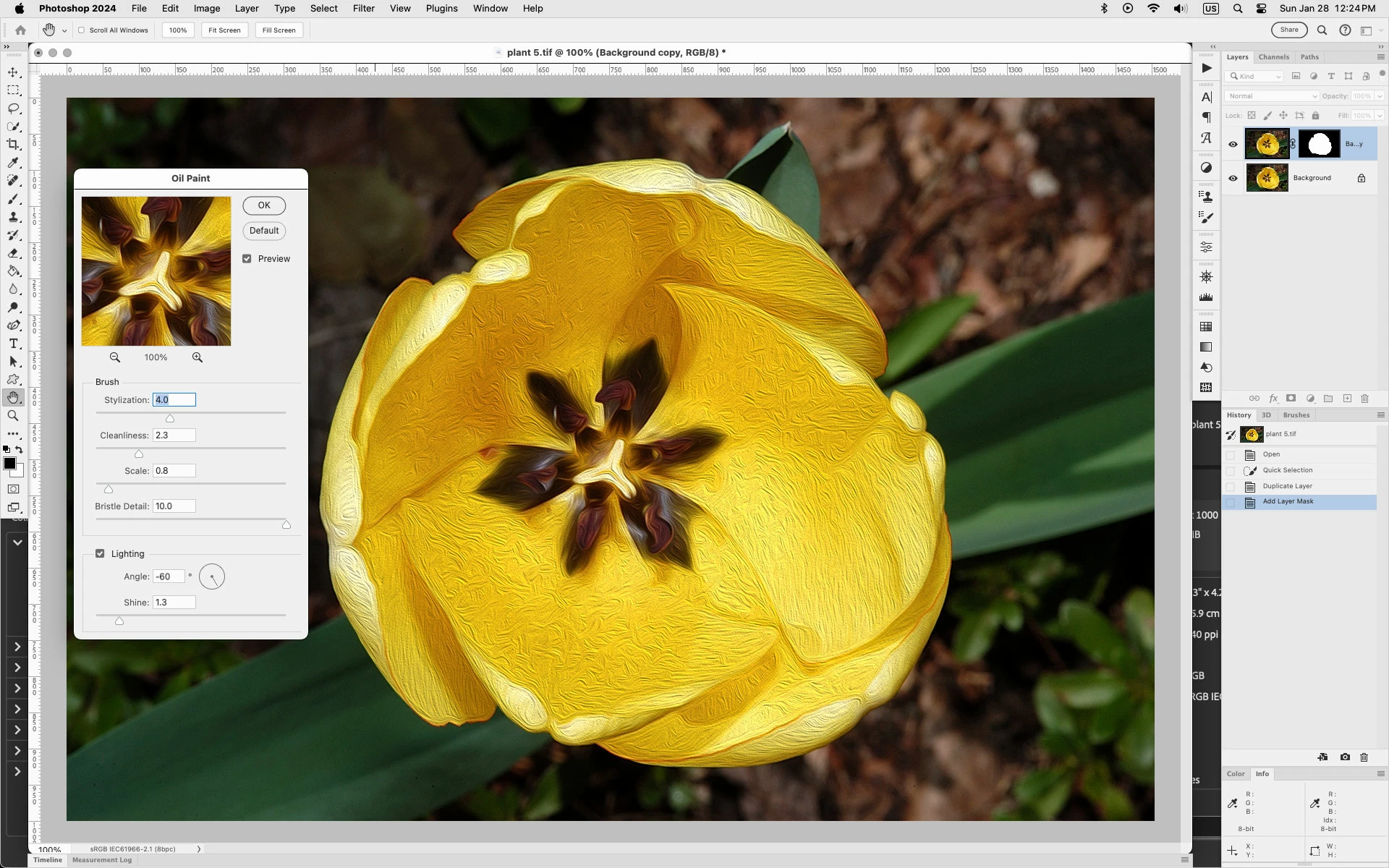
Oil paint option removed when I add a mask to a layer

  • January 28, 2024
  • 2 replies
  • 218 views

what am i missing?  PS 2024

I updated by graphics driver, bios and other available updates for my Lenova laptop.  Ensured GPU set on and my image is RGB and 8 bit


Duplicate my  backgroud and the option is still there.  Then add a mask to the new layer and oil painting filter is no longer an option.


Lost soo much time on this.  Using oil paiting filter is part of a tutorial I am trying to use.
This topic has been closed for replies.
Correct answer Jeff Arola

Make sure the layer thumbnail is selected and not the layer mask.

That is click on the thumbnail for the layer in the layers panel then Oil Paint should work.


2 replies

Ares Hovhannesyan
Community Expert
Community Expert
January 28, 2024

Would be better if you will use Smart Filter. You can find it in Filter Menu. After converting to smart Object your layer add any filter you want.

Jeff Arola
Community Expert
Jeff ArolaCommunity ExpertCorrect answer
Community Expert
January 28, 2024

Make sure the layer thumbnail is selected and not the layer mask.

That is click on the thumbnail for the layer in the layers panel then Oil Paint should work.


Participant
January 28, 2024
oh geez! thank you. wasted too much time. Carol