Inspiring
December 27, 2023
Answered

Old NIK Plug-Ins Cannot be Removed

  • December 27, 2023
  • 1 reply
  • 746 views

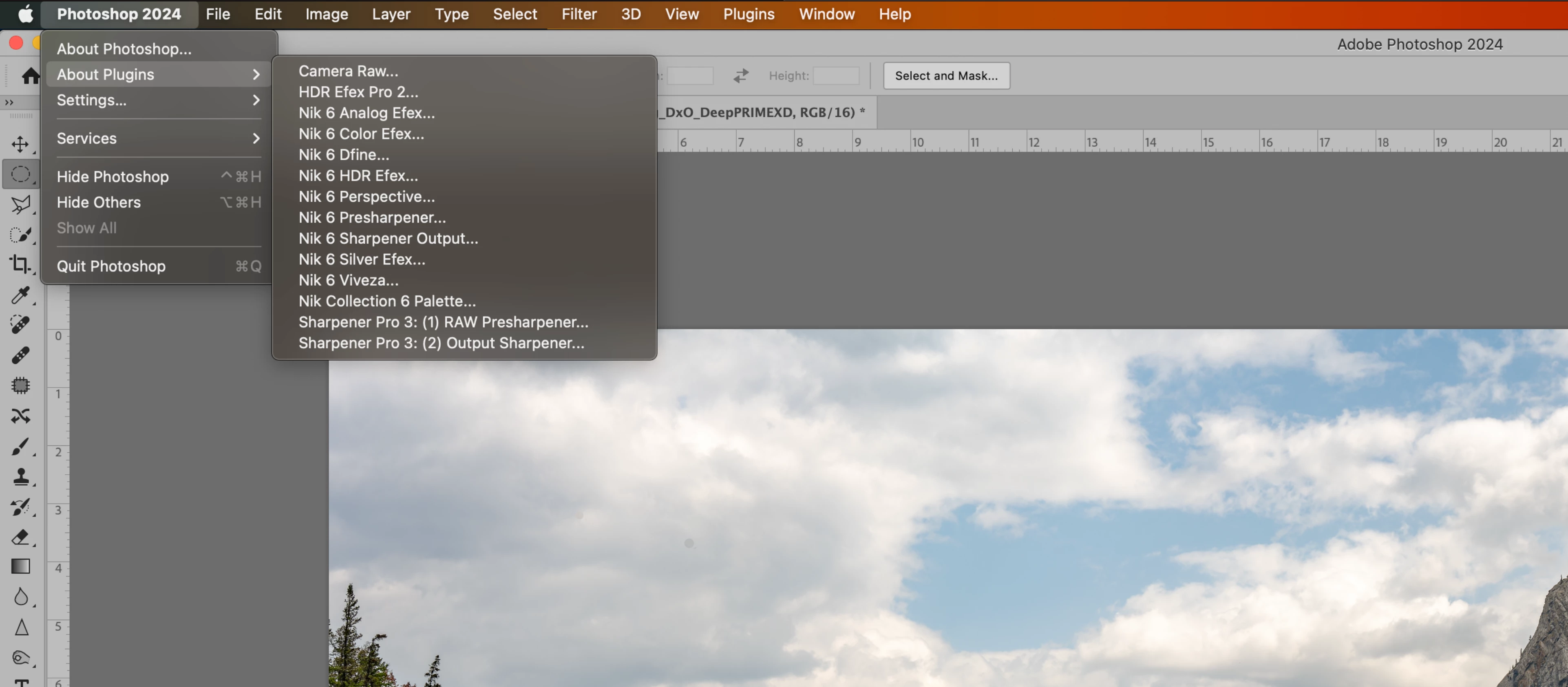
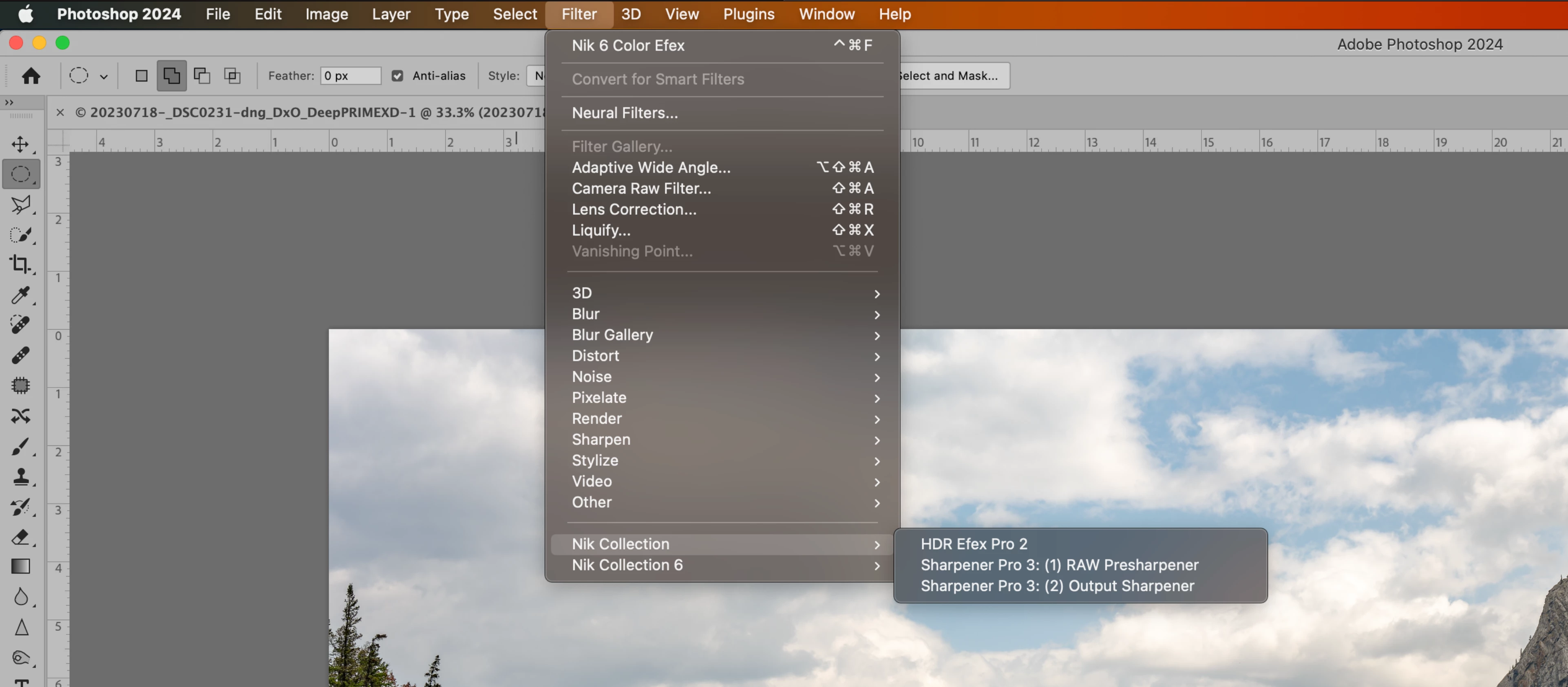
Old NIK apps (specifically HDR Efex Pro 2 and Sharpener Pro 3 input and output) still show as plug-ins and filters in PS even though they have long since been replaced. They cannot be launched and as far as I can see do not exist on the hard drive.  I asked NIK support and they said it was an Adobe glitch that they could not fix since they could not access Adobe code.


Does anyone know how can I remove these?  (I am running Ventura 13.6.2 on a Macbook with an Apple M1 Pro Chip).


Thanks!
 

This topic has been closed for replies.
Correct answer Sameer K

Hey, @WRB22. Thanks for reaching out. I'll help you figure this out.


I'll move this to discussions for now. On macOS, plugins in Photoshop are stored in two locations. Please check this location first & clear out the ones you don't need: /Library/Application Support/Adobe/Plug-Ins/


Let me know how it goes. Thanks!
Sameer K

1 reply

Sameer K
Community Manager
Sameer KCommunity ManagerCorrect answer
Community Manager
December 27, 2023

Hey, @WRB22. Thanks for reaching out. I'll help you figure this out.


I'll move this to discussions for now. On macOS, plugins in Photoshop are stored in two locations. Please check this location first & clear out the ones you don't need: /Library/Application Support/Adobe/Plug-Ins/


Let me know how it goes. Thanks!
Sameer K

Participant
November 30, 2024

Hello,


i use a MacBook Pro M1Max with MacOS Sonoma 15.1.1 and the latest phtoshop installed and have the same issue with Nik Collection. The old versions of pre- and output sharpener and hdr efex are still available in filters but are apparently dead links after the update of nik collection (see screenshots).

I tried your solution with deleting the plugins i don´t need in /Library/Application Support/Adobe/Plug-Ins/ , but there is no Plug-Ins folder... is there another way to solve the problem? thanks!

Jeff Arola
Community Expert
Community Expert
November 30, 2024

m_1203,


Looks like your looking in your User Library.


You want the top level Library or

Macintosh HD/Library/Application Support/Adobe/Plug-Ins


If you still don't see it, click on your desktop then Go>Go to Folder and paste

/Library/Application Support/Adobe/Plug-Ins