
Participant
January 27, 2017
Question

Open in low resolution (Photoshop CC 2017)

  • January 27, 2017
  • 5 replies
  • 6610 views

Hi,

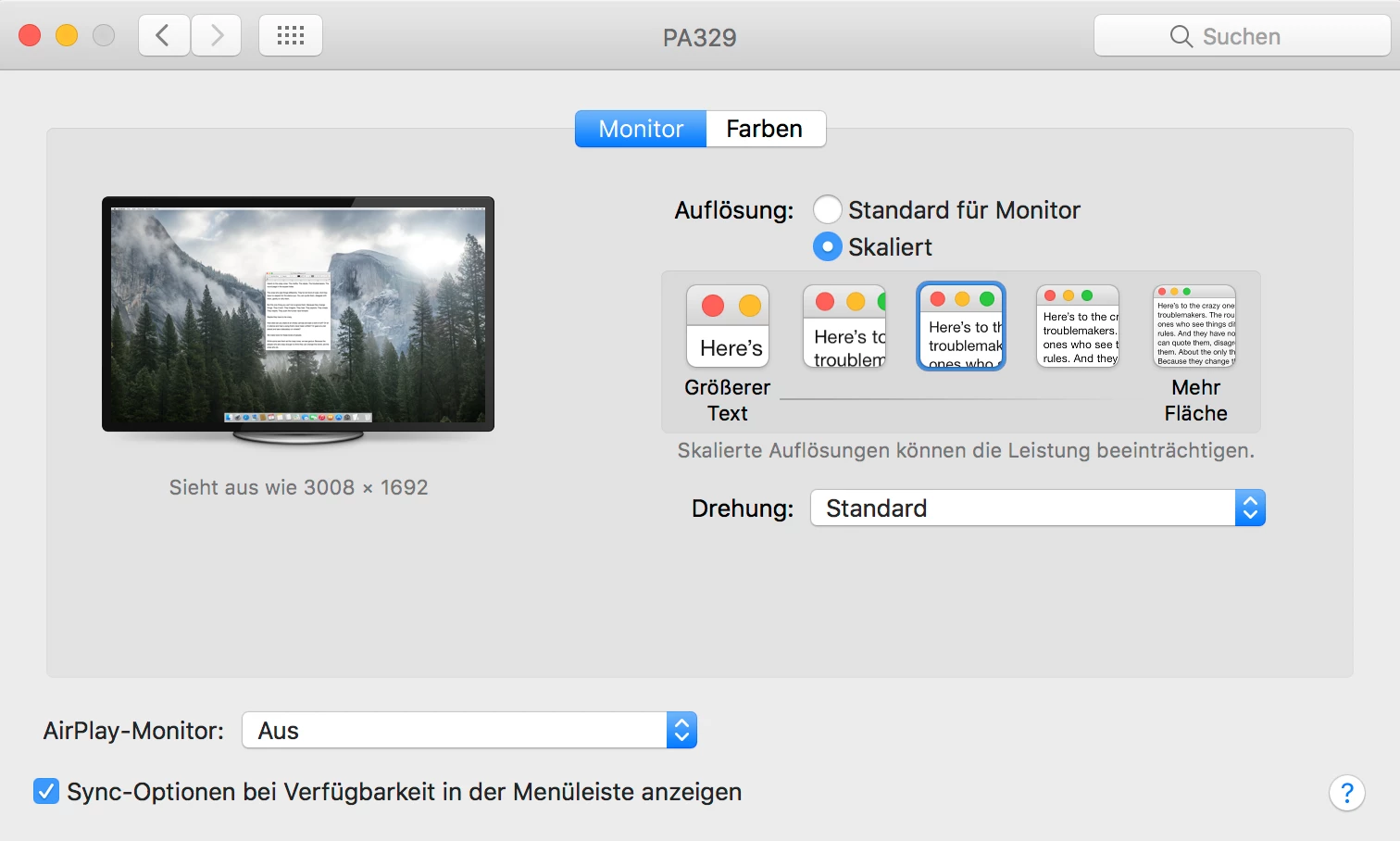
I have a Macbook Pro connected to a 32" 4K Display (3860 x 2160). Mac resolution is scaled to Medium (see screenshot attached).
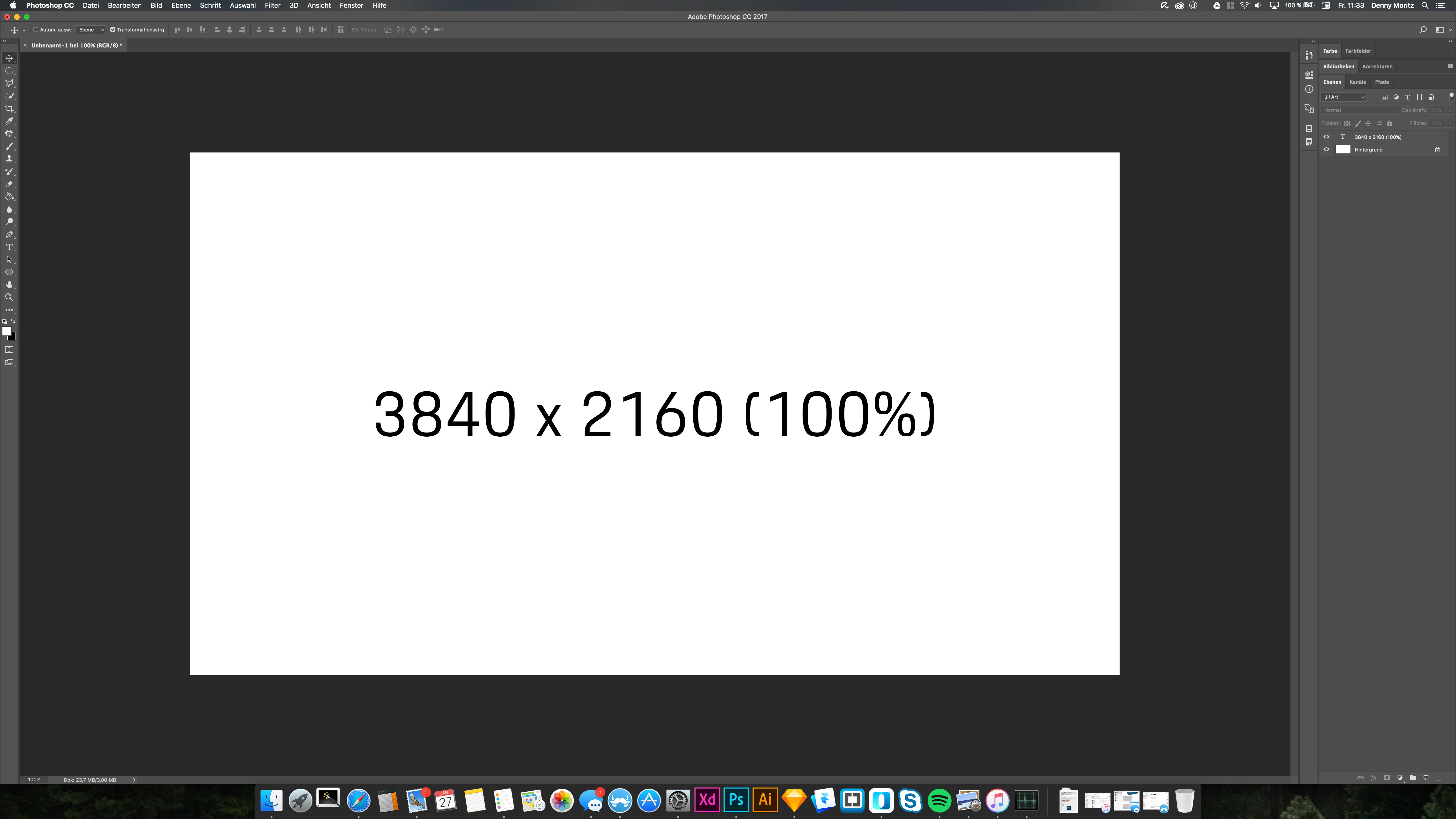
When I now create a Photoshop Canvas with the monitor resolution it is scaled and when viewed 100% not 1:1 pixel-wise.
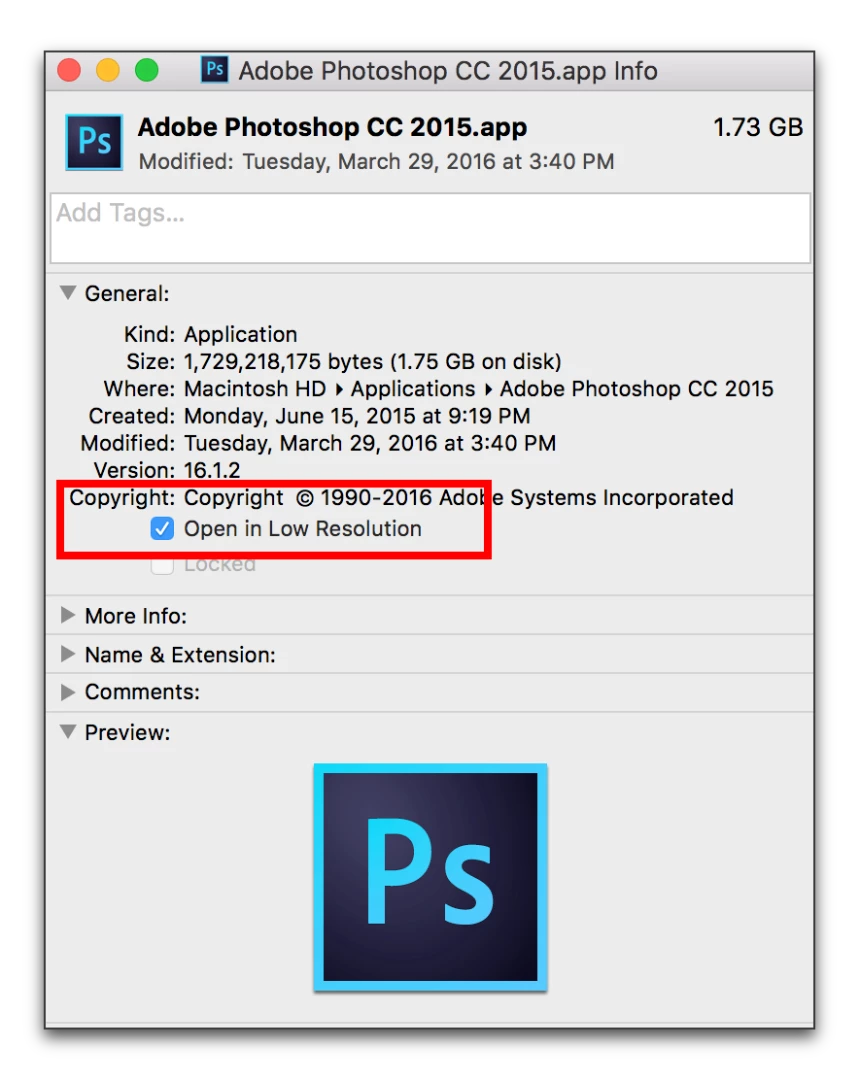
In CS6 and CC2015 you had the option to select "open app in low res mode" (see screenshot attaced)
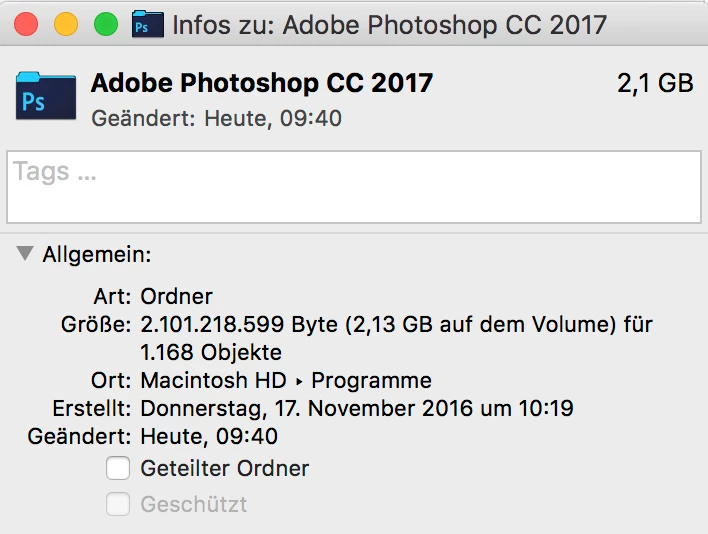
This feature seem to be gone now (macOS Sierra 10.12.3 and CC2017).
Any ideas how I can get Photoshop CC2017 to display in 1:1 pixel mode without changing my global scale in macOS?

    This topic has been closed for replies.

    5 replies

    Participant
    November 30, 2022
    Participant
    November 14, 2017

    If you Get Info on the icon that is in Applications > Photoshop CC [not this one] > Photoshop CC [this one] then the Low resolution option is there NOT on the first Photoshop CC icon

    Inspiring
    June 2, 2017

    turning in "view in low resolution" from the GET INFO window in MAC retina, corrects the zoom view 100% to be the correct 100% view.

    BUT, now fonts are displaying low resolution. what the hell? How do I fix this stupidity?

    fredt39446090
    Participant
    February 28, 2017

    Option is now back, I am finally allowed to open Photoshop 2017 in low resolution mode.

    Akash Sharma
    Legend
    February 9, 2017

    Hi WaveStudios,

    Please have a look at this discussion UI Scaling Issue (Photoshop 2015.5) - feature disabled  and let us know if that helps.

    Thanks,

    Akash

    Participant
    February 21, 2017

    ...already read that, the screenshot posted above is from that discussion ... but the option does not exist in CC2017 anymore ...

    Akash Sharma
    Legend
    February 28, 2017

    Please let us know if you are able to find this option like Fredt does.

    Thanks,

    Akash