Inspiring
April 9, 2018
Answered

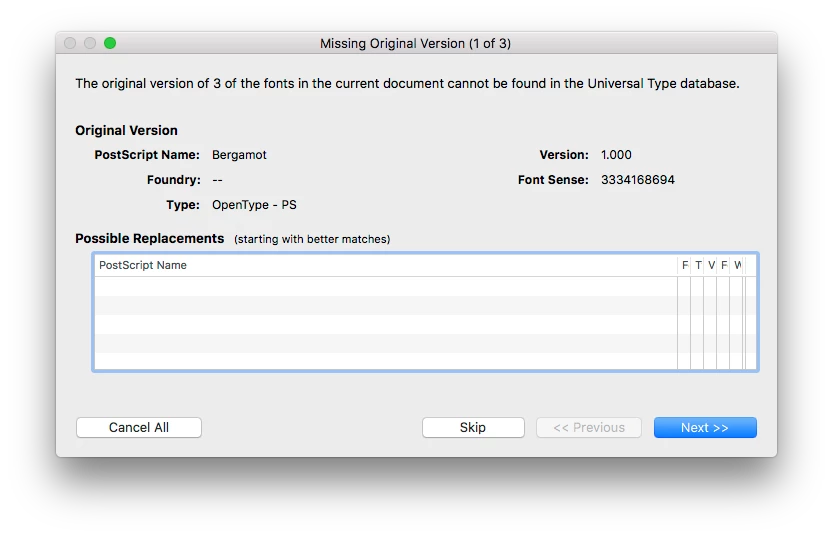
Opening a Jpeg in Photoshop CC2015.5 and its asking for fonts

  • April 9, 2018
  • 1 reply
  • 518 views

Opening a Jpeg in Photoshop CC2015.5 and its asking for fonts

Baffled because a jpeg is obviously a flattened file that contains no fonts.

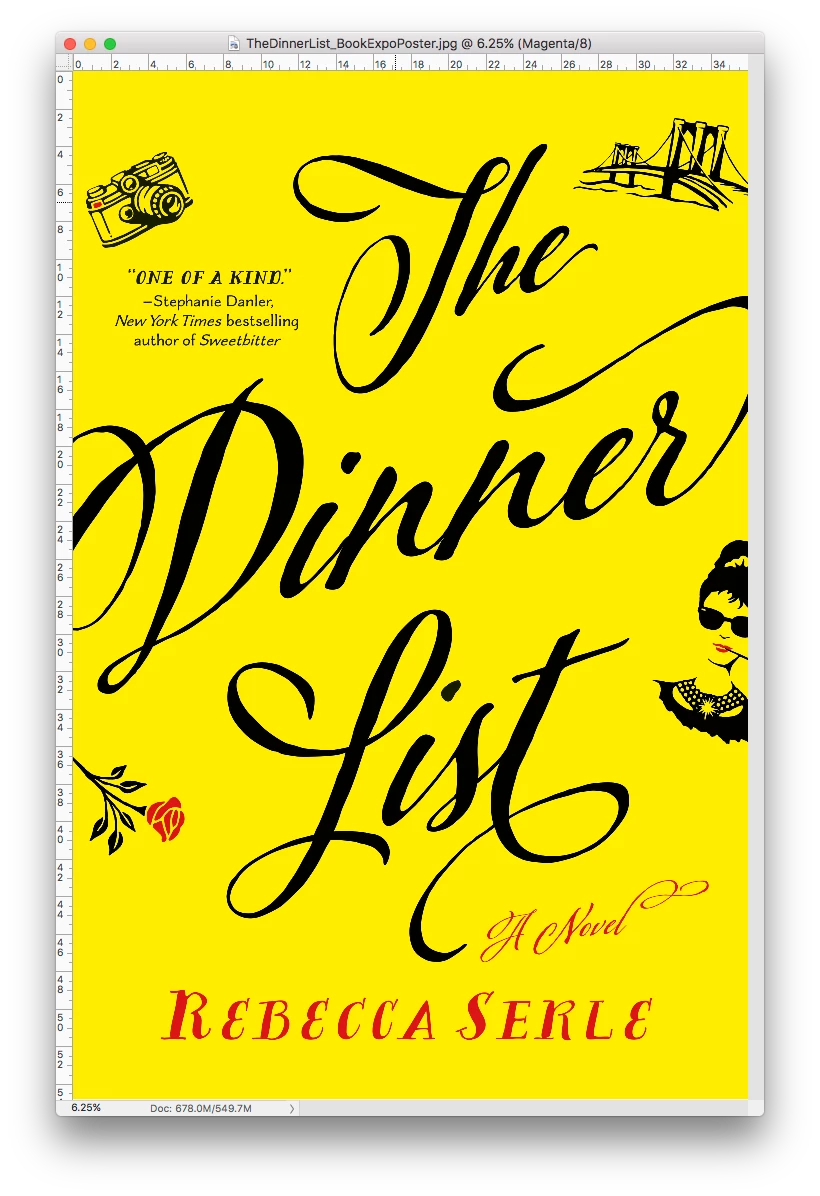
See screen shots below

Just curious why the pop up is happening in 2015.5. but not CC2018.

Running 10.12.6

MacBook Pro (Retina, 15-inch, Mid 2015)
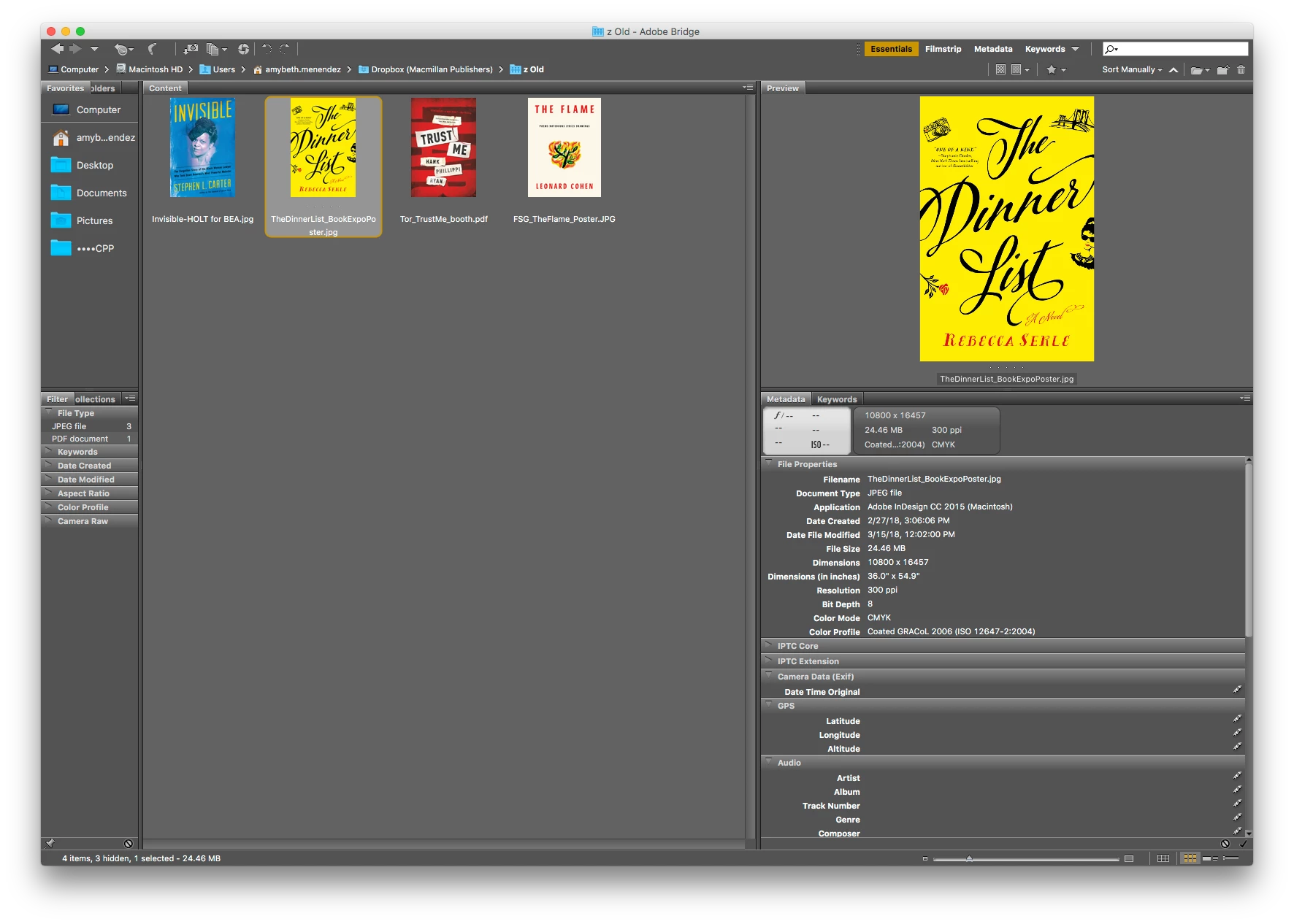
Bridge says the file was created with Indesign 2015.. Not worried ABOUT there being fonts just curious to the error.
This topic has been closed for replies.
Correct answer rob day

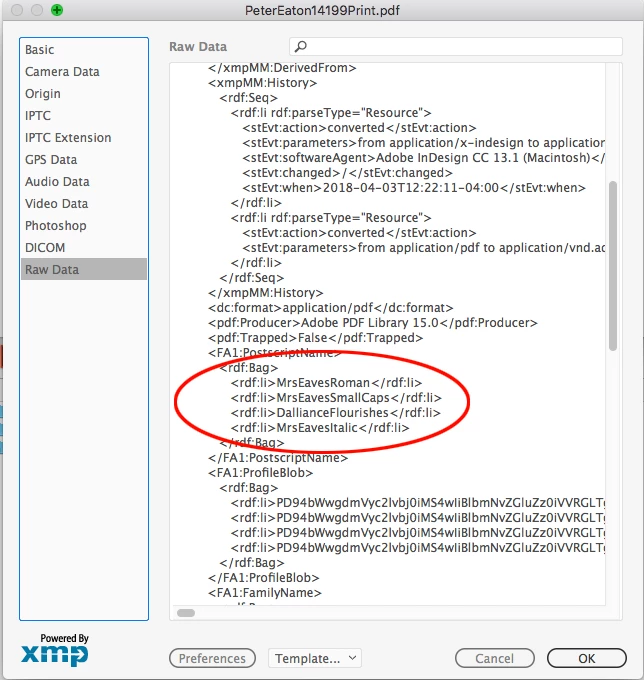
Looks like this originated from a PDF? Have you checked the JPEG's metadata for the font reference, which I think would be included with a PDF conversion?:

Just curious what's the end use for a 10,000x16,457 JPEG? Why not leave it as a PDF?

1 reply

rob day
Community Expert
Community Expert
April 9, 2018

Opening a Jpeg in Photoshop CC2015.5 and its asking for fonts

I don't think it is a Photoshop warning—Font Sense is part of Extensis Suitcase. My font manager is not Suitcase, but could there be some metadata in the JPEG that is triggering the Suitcase warning? Is there a Suitcase plugin running in 2015 but not upgraded for 2018?

Inspiring
April 9, 2018

I clearly agree.. will check the extension forums.. just weird because it happens in one version of photoshop and not 2018. Probably has to do with font activation

rob day
Community Expert
rob dayCommunity ExpertCorrect answer
Community Expert
April 10, 2018

Looks like this originated from a PDF? Have you checked the JPEG's metadata for the font reference, which I think would be included with a PDF conversion?:

Just curious what's the end use for a 10,000x16,457 JPEG? Why not leave it as a PDF?