
Participant
February 22, 2019
Question

Opening after Camera RAW gives me washed out colors?

  • February 22, 2019
  • 1 reply
  • 439 views

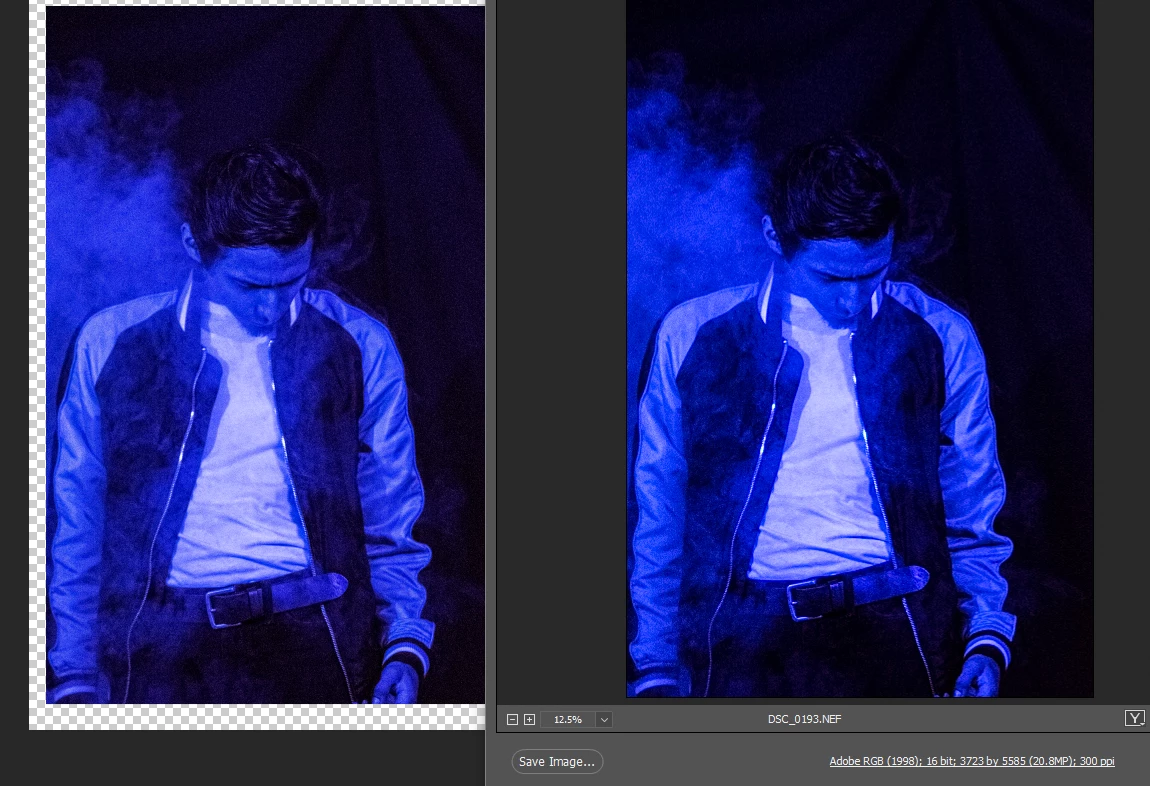
Hey all, first post here. Hope anyone can help, I'm trying to edit this photo. I started editing on camera RAW and once I opened it, I got washed out colors? I've tried looking at different posts but no luck /:

Left side is once it's opened, and the right is when it's on camera RAW. You can see a little bit more darker colors on the jacket and hair. Blues are overall vibrant too.
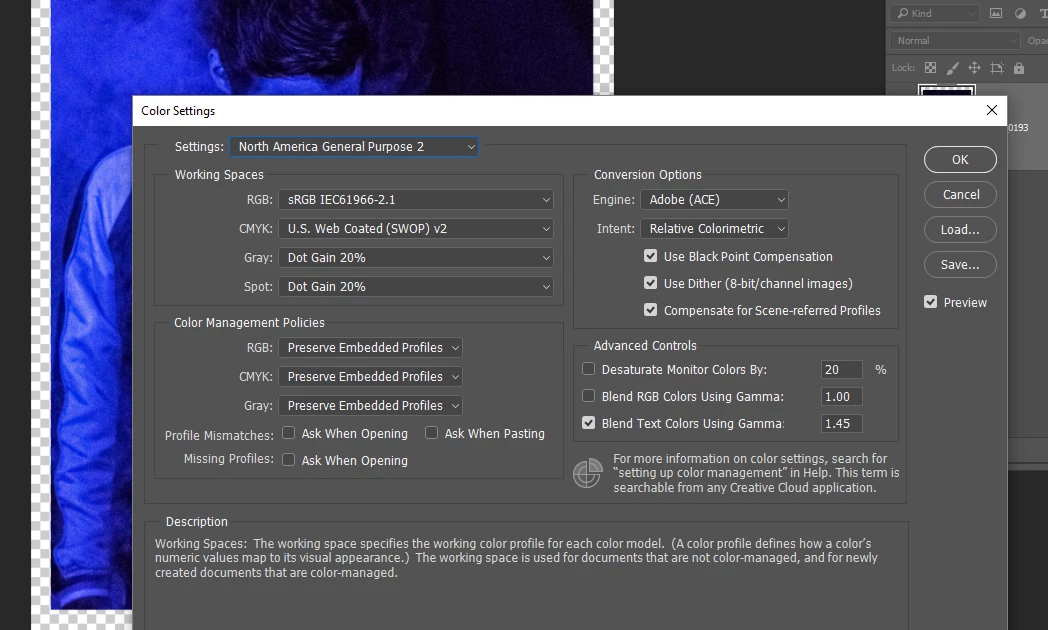
Not sure if the color settings will help, but this is what it looks like:
This topic has been closed for replies.

1 reply

D Fosse
Community Expert
Community Expert
February 22, 2019

Normally this kind of thing is always caused by a defective or at least inaccurate monitor profile.

In this case, however, I suspect the original data are so far out of both Adobe RGB gamut and monitor gamut that you can expect clipping artifacts. Deep blues are especially vulnerable because color spaces are not perceptually uniform, often causing a blue-to-purple shift.

Try again with an image that is within Adobe RGB gamut (no significant channel clipping in the histogram). If you still see a difference, it's the monitor profile.

The thing is - even if ACR and Photoshop both convert to the same monitor profile, the source profiles are very different, so the conversion math is different. In ACR it comes from linear gamma ProPhoto, in Photoshop it comes from (in this case) Adobe RGB. That's two very different conversions, so a defective profile may handle one correctly but fail on the other.