Participant
July 18, 2018
Answered

Opening an older image in Photoshop CC and it looks like a pixelated negative

  • July 18, 2018
  • 1 reply
  • 645 views

Thanks in advance for your help.

I'm opening some images that were cropped and saved a few years ago and now the image is unusable. It looks like the colors are inverted and very pixelated. I can open the image in Preview, copy and paste the correct version into a Photoshop document, but that takes up a lot of extra time.
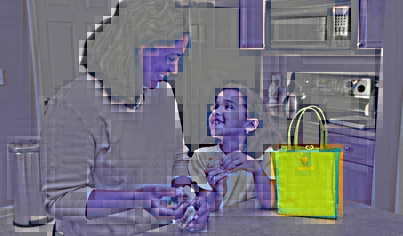
Should look like

Help!!!

This topic has been closed for replies.
Correct answer Jeff Arola

Sure. We're currently moving over the articles from one of our blogs to another. The image comes from this article if you want to download it yourself.

https://www.schoolfamily.com/school-family-articles/article/735-5-sack-lunches-kids-love

I'm also attaching the image here.

This problem also happens when we open up this image as well as others from our archives. Could there be a color profile issue between an old version of Photoshop and this new CC version?

Lastly, the problem is happening to my Art Director as well. She has pretty much the same computer setup that I do.

Thank you


Appears that the jpegs have been corrupted in such a way that photoshop opens them in that weird way.

BTW this happens all the way back to photoshop 4.0.1

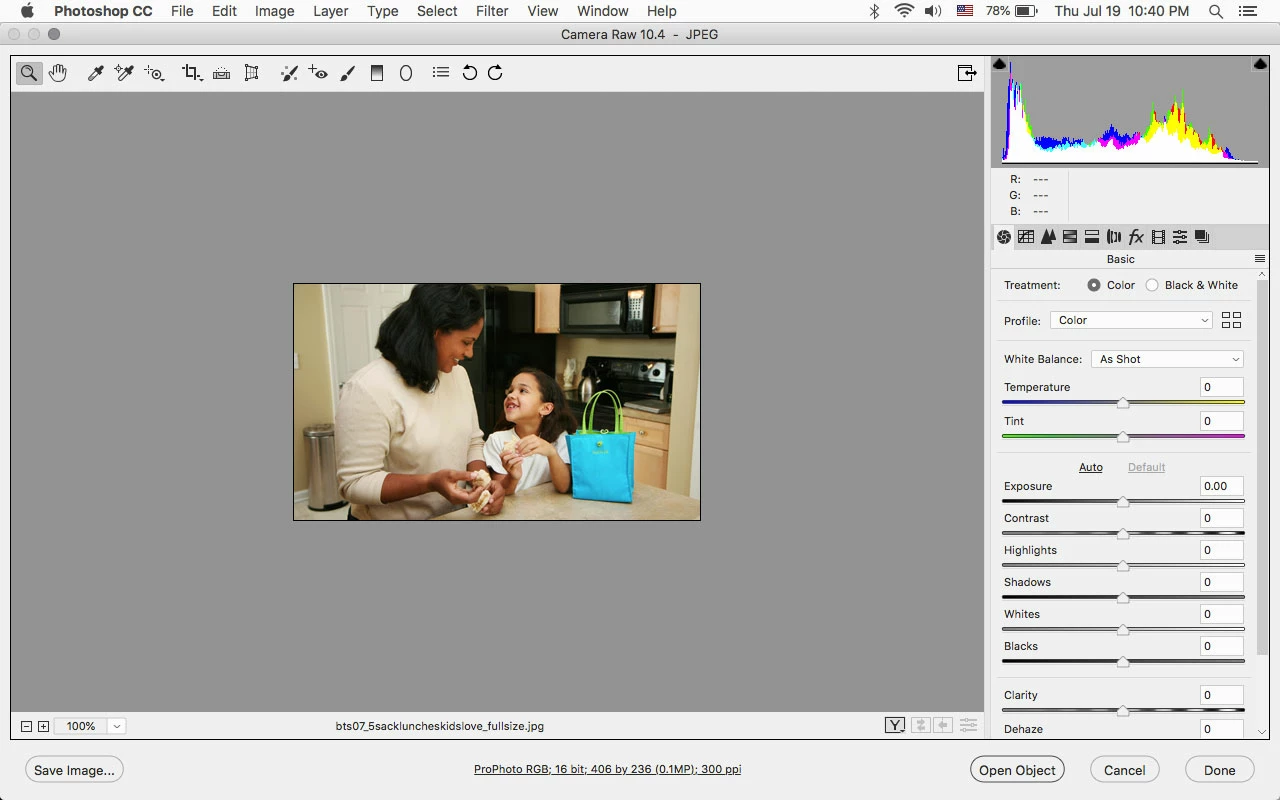
Anyway, you can open your jpeg and maybe the other jpegs in Camera Raw and then photoshop.

1 reply

Akash Sharma
Legend
July 19, 2018

Hi lesliec78379496,

Sorry that your images are opening up corrupted in Photoshop CC.

Could you please let us know which version of Photoshop are you using?

Does the issue persists if you uncheck "use graphics processor" under Photoshop>> Preferences>> Performance menu?

  1. Launch Photoshop.
  2. Choose Edit > Preferences > Performance (Windows) or Photoshop > Preferences > Performance (Mac OS).
  3. Deselect Use Graphics Processor.
  4. Quit and relaunch Photoshop.

Let us know how it goes.

Thanks,

Akash

Participant
July 19, 2018

Hello Akash.

I'm running the latest version of Photoshop CC 19.1.5 and I just installed the latest system software update (High Sierra 10.13.6) for my MacBook Pro/ Retina, 13-inch, Early 2015.

I tried the steps above and I'm still having the same issue.

Thanks for your help!

Akash Sharma
Legend
July 19, 2018

Thanks for the details.

Would it be possible for you provide us the file that appears corrupt in Photoshop so that we may try reproducing the issue?

~Akash