

Resuelto
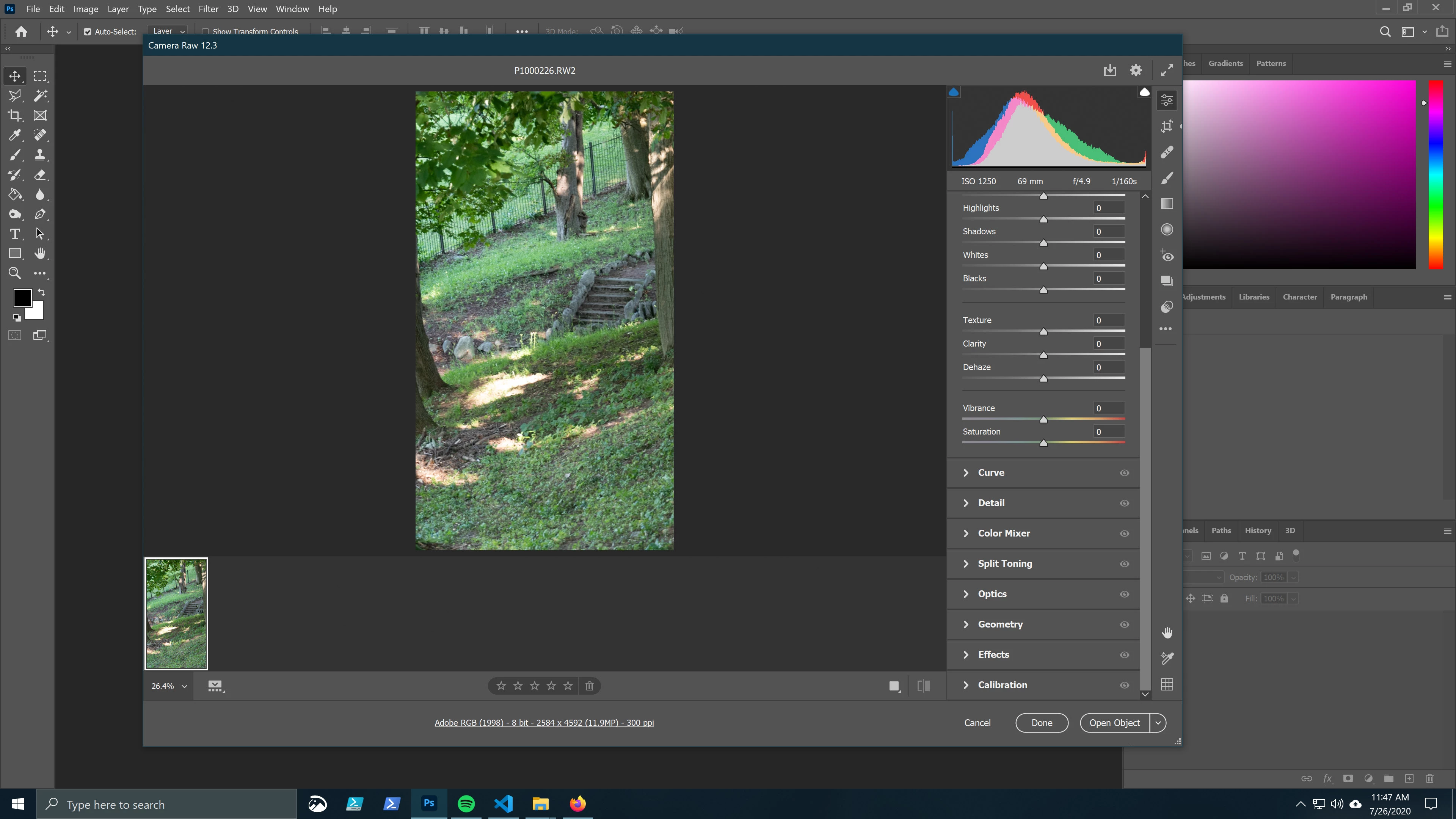
Opening to straight Photoshop rather than "Camera Raw 12.3"
Good morning,
I would like to double click RW2 files in Windows 10 file explorer and have them open up directly in Photoshop without opening in a separate Camera Raw window, (which requires me to click Open a second time - see screen capture).
The extra step is slower and more annoying and I'm not interested in adjusting any of the sliders or gizmos in the Camera Raw 12.3 window. If anyone has a workaround, I'd appreciate that. 🙂
 AdChoices