Question
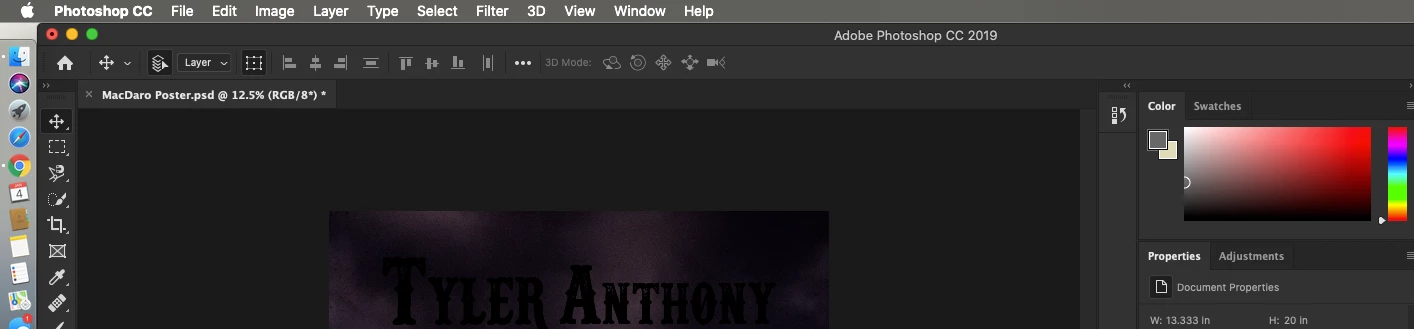
Option bar is missing Photoshop 2019 and ALL filters are greyed out and won't work MAC
I have been trying to make some text glow using the filter>blur mode but it is greyed out. I searched using the magnifying glass the filter>blur because I also do not have the options bar present up top for me to click on filter.
I have reset all preferences. Reset to essentials. Changed to 8-bit. None of this has worked. Please help me. 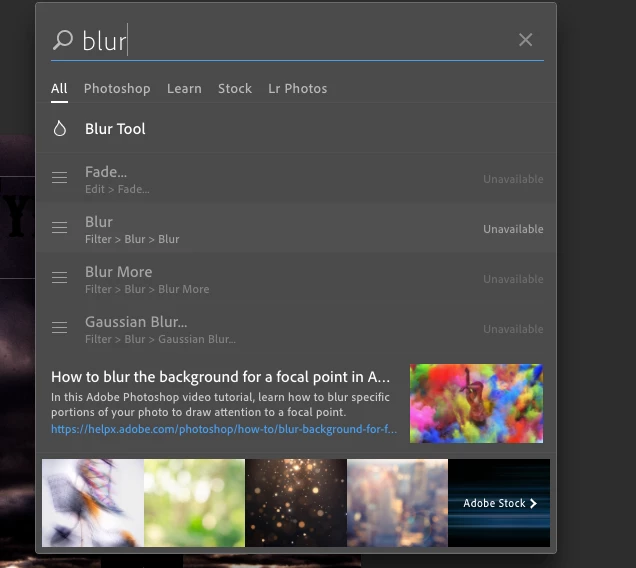
 AdChoices