Participating Frequently
January 26, 2018
Answered

Other App windows popping up in PS

  • January 26, 2018
  • 1 reply
  • 855 views

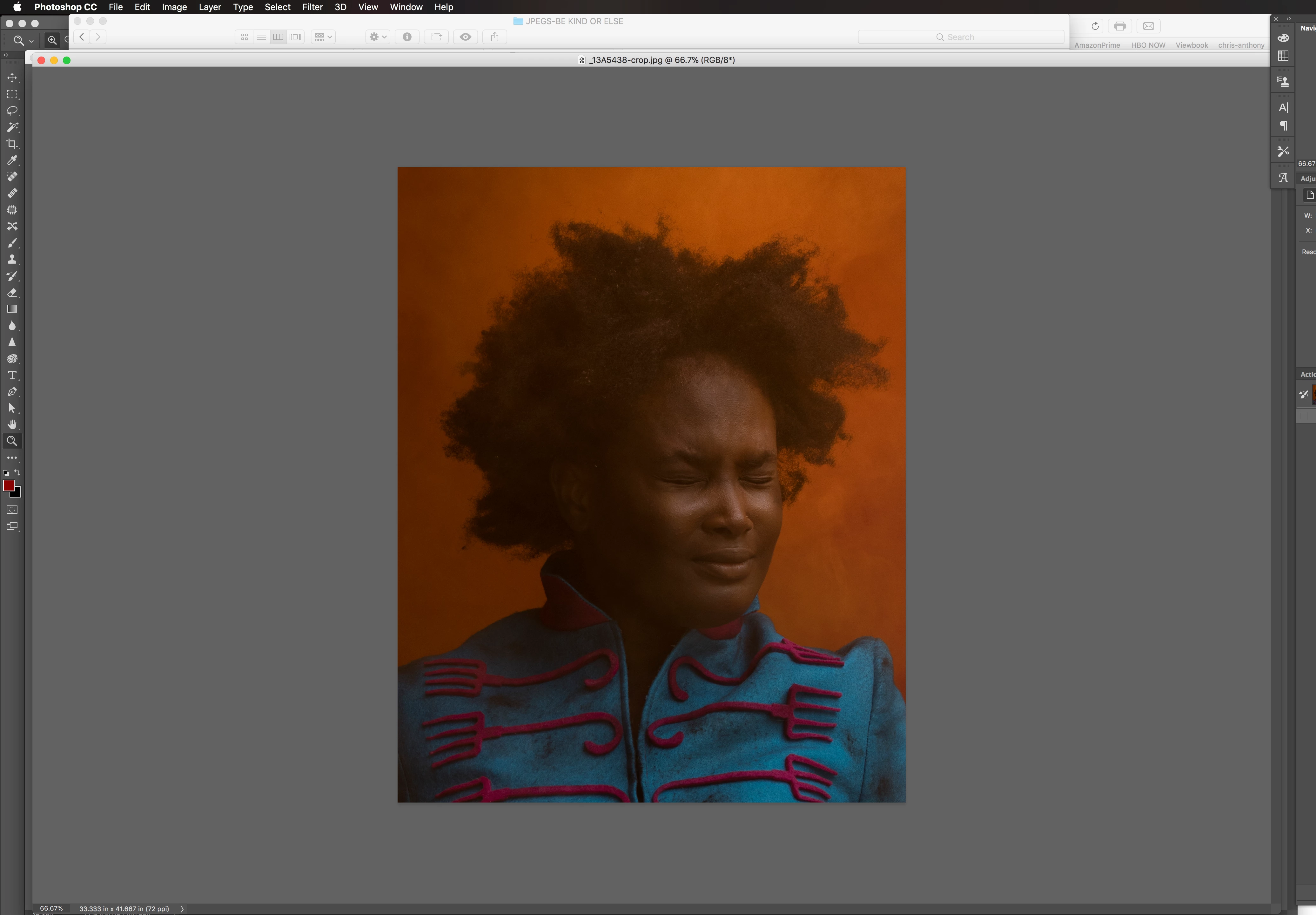
Is there anyway I can make sure that the tops of other app windows don't work there way into my PS workspace? If I click on the top bar they disappear, but it's just so annoying every time I navigate over to PS, whatever apps are open (Chrome, Safari, Finder windows) creep into my workspace! See attached screen grab. I'm using PS CC 2017 and also 2018 and High Sierra 10.13.3

Thanks!
This topic has been closed for replies.
Correct answer SteveWeinrebe

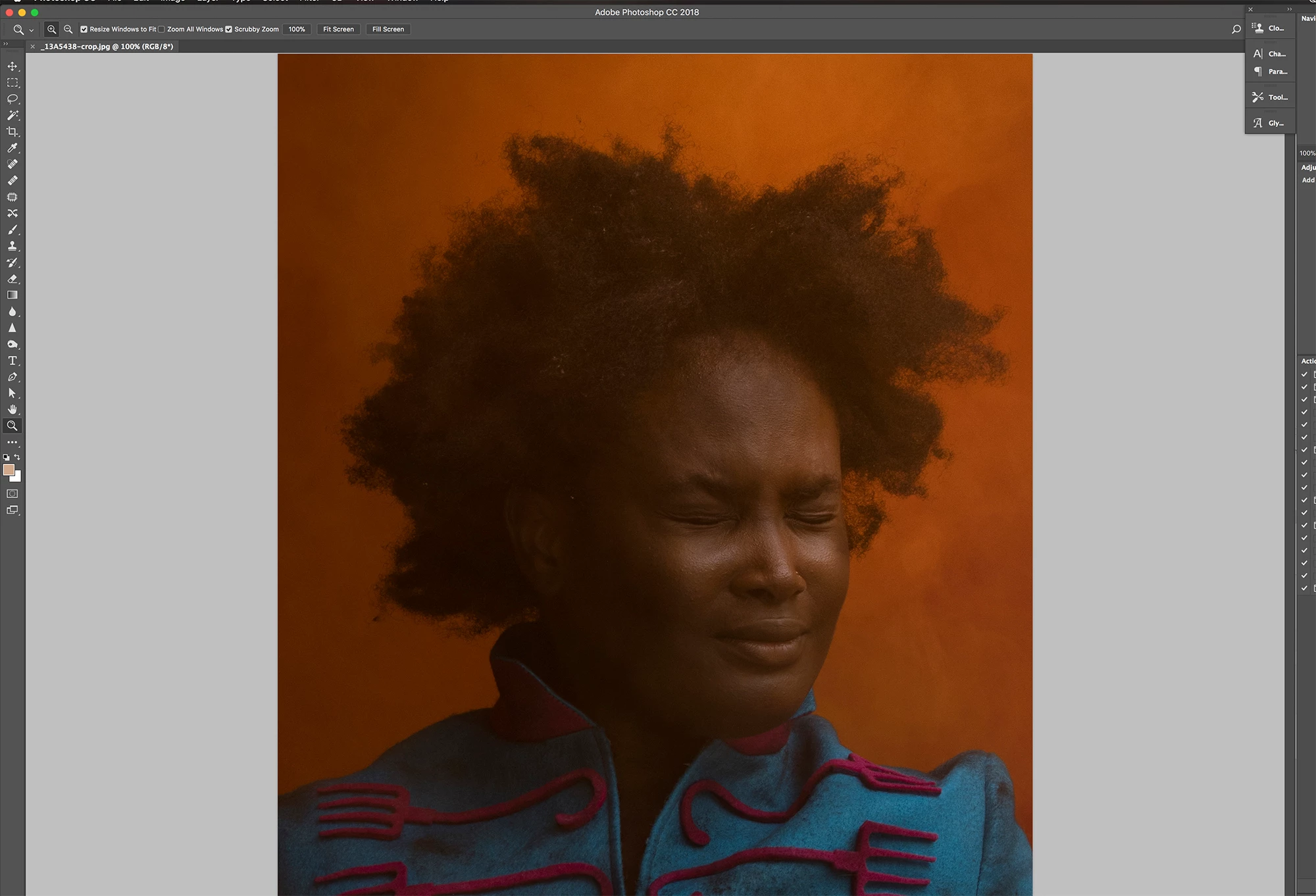
Sorry to bug you again, but another strange thing is happening. My image in this screen grab is at 100% but all of it isn't contained on the screen. The lower 15% or so of the image is cut off and I'm not able to scroll up and down.


Click the green Maximize button in the top left of the frame, next to the red and yellow buttons. It looks like the Application Frame is extended beyond the display. That happens sometimes. Your document should display correctly too.

1 reply

Inspiring
January 26, 2018

Try using the Application Frame. Go to the Window menu and check Application Frame, near the bottom. On the Mac that keeps all of Photoshop in one big workspace frame and you won't have that experience of clicking off of it and switching to other apps.

Also in Preferences > Workspace, make sure Open Documents as Tabs is checked.

parsilloAuthor
Participating Frequently
January 27, 2018

Thank you Steve - that definitely works! I'm not used to working with tabs, so my one question is now I'm missing the info that you would normally see at the bottom left of a window showing vital stats such as Doc dimensions, Doc profile, Doc size etc

How can one get that back using a tabbed window?

Thanks again?

Inspiring
January 27, 2018

It's at the bottom left corner of the Application Frame. Click and hold on the Doc size widget for more info, or click the right arrow for more view options.