ryanb36110785
Participant
January 23, 2019
Answered

Package option is disabled in Photoshop

  • January 23, 2019
  • 15 replies
  • 82235 views

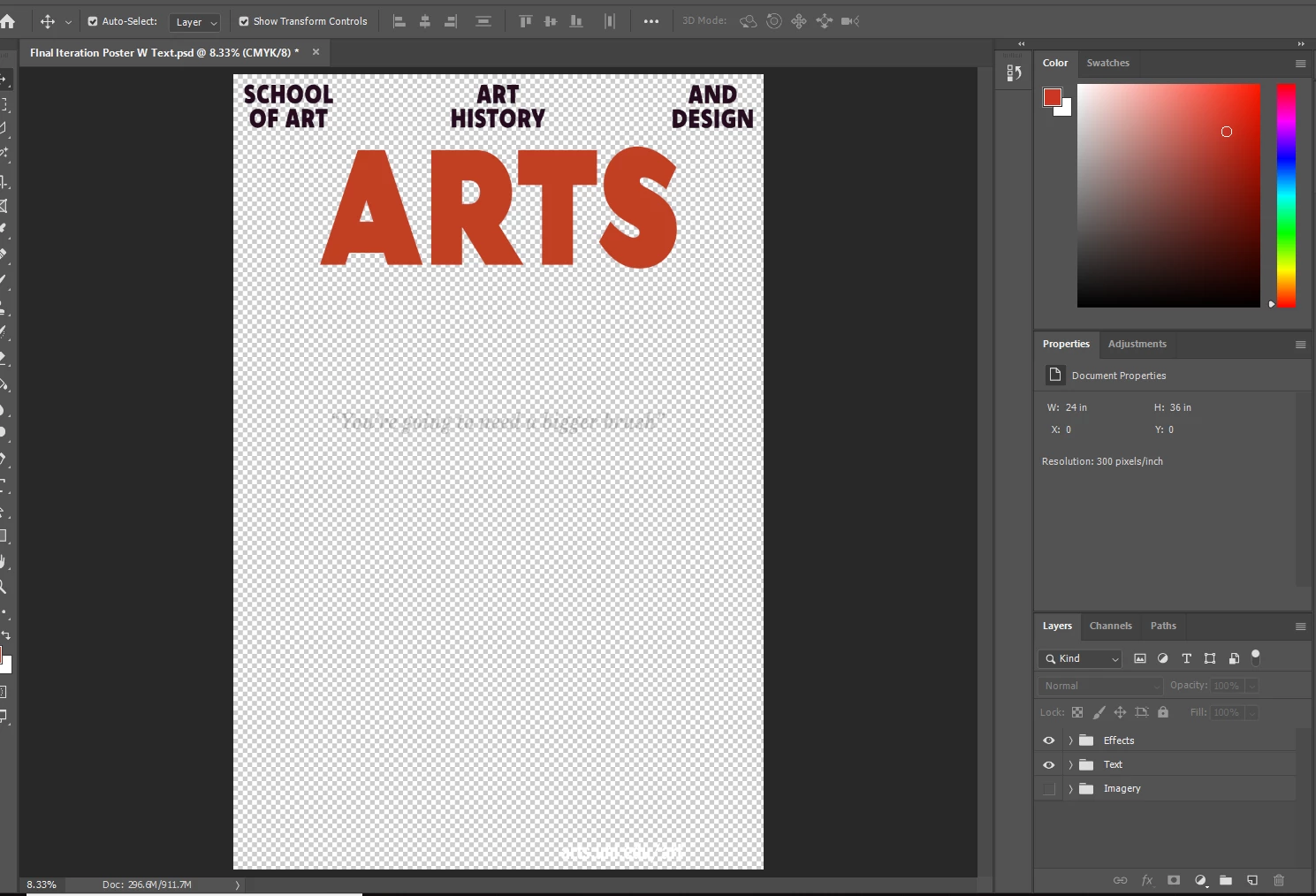
I am trying to make a package file for my text, but the option is greyed out.  I can't find anywhere that has the fix for this problem, I saved the file but it won't let me package it after that.  All of the text is in the original text format, none of it is rasterized.
Correct answer JJMack

Have you save the document and does it have link objects the can be packaged?

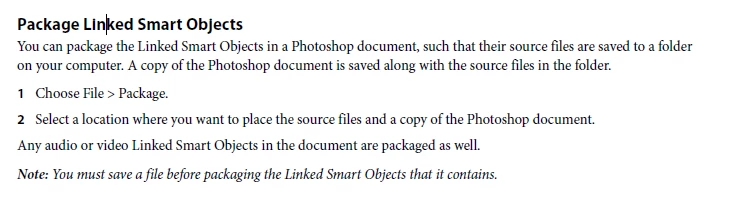
Note: You must save a file before packaging the Linked Smart Objects that it contains.

15 replies

Participant
July 16, 2020

I have this exact situation. I am profoundly saddened to see the thread ends at exactly the question I need resolved.


gingermarks
Inspiring
December 5, 2019

I too am having the same issue. I have no linked smart objects. Everything was either opened directly or embedded. Still 'package' is greyed or is it grayed out.

TrinityUMCArl
Participant
June 20, 2019

To capture the fonts that are used in the graphic. Just like you can do in Illustrator.

D.A.R
Legend
January 23, 2019

Looks like there nothing to package. Save the file as is.

What is your intention with packaging?

mattm46660926
Participant
August 3, 2022

haha totally! thanks - just realized there is nothing to package


JJMack
Community Expert
JJMackCommunity ExpertCorrect answer
Community Expert
January 23, 2019

Have you save the document and does it have link objects the can be packaged?

Note: You must save a file before packaging the Linked Smart Objects that it contains.

JJMack