
Answered
Paint brush is not 100% solid on PS 2020?
I never had this problem until recently. I've tried resetting my tools and it didn't go away.
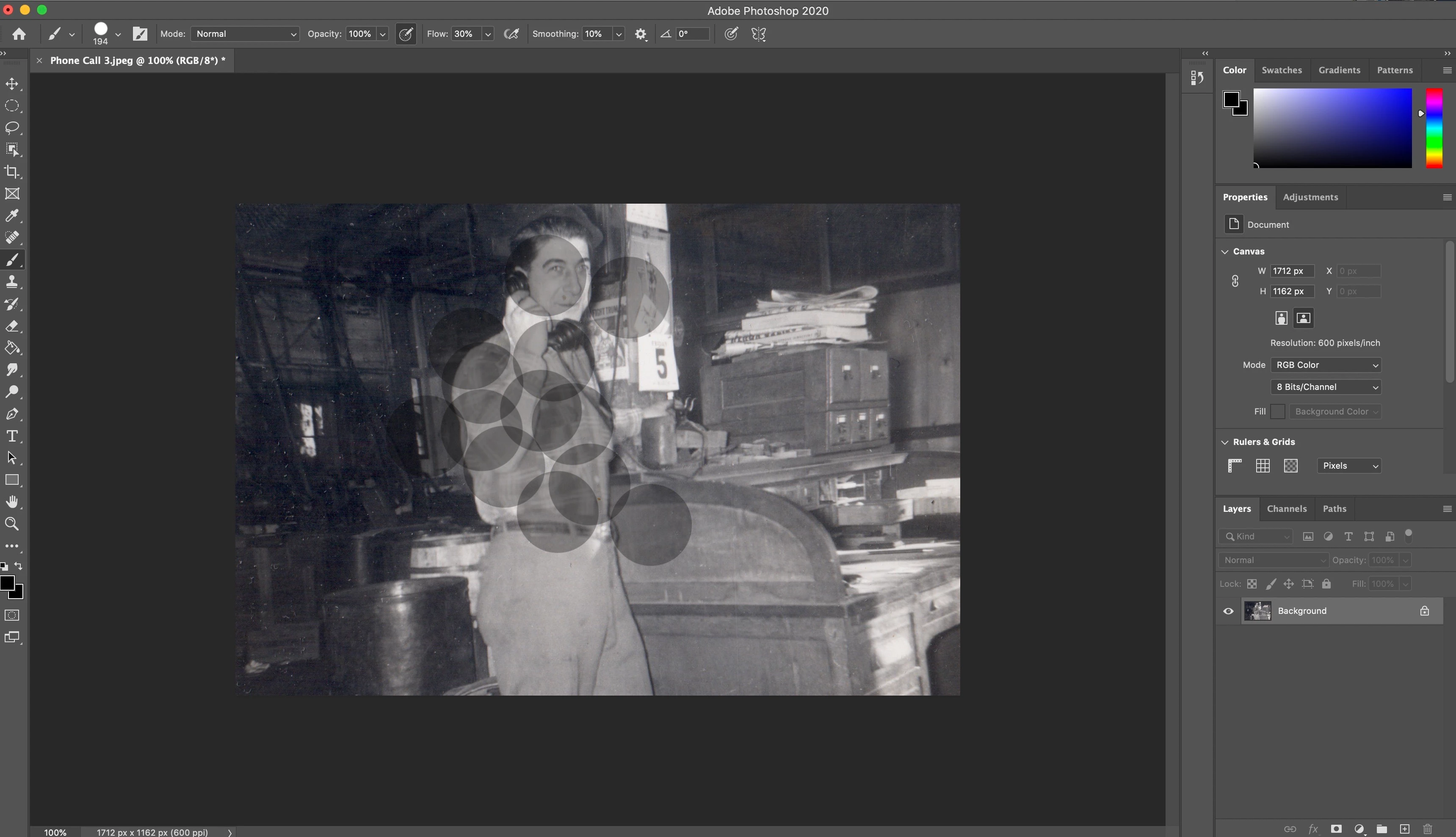
I'm loading a TIFF file into photoshop, and I use the paint brush to color in dust on old photographs. All of a sudden today the paint brush has become very transparent. I have it set at 100% opacity.
I chose hard round brush, and hardness set at 100%, and RGB set at 0,0,0. No matter what settings I fiddle around with now, I cannot get the paint brush to paint a solid color. As you can imagine it's very annoying when you have to click the mouse five times on every dust particle to get it to fill in.
I'm sure I am missing something. Has anyone run into this before?
 AdChoices