



Paint is going over selection.
Hello, I have not been using PS since 2010. Started today and wanted make some logos.
I have a self made picture for logo. Main idea was to make it metallic style like in tutorials, but I planned to use other material type for...overlaying(?)
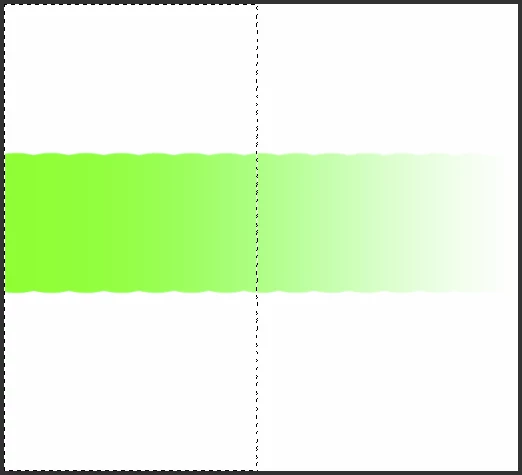
I was testing different fabrics to give a texture for my logo, it seemed out that the logo it self should be light, not black, so......I decided to make selection by using Select> Color Range, it selected pretty good. Then I took a brush and started to paint it with brush, logo was painted in the color I did choose, but a very lighter version of color was painted outside the selection. Why so? Isn't selection a limit?
Picture: http://www.bildites.lv/images/f4mg7z3b/44849/original.png
I will explain what I am planning to do. So maybe someone can give me some hints how to get what I want.
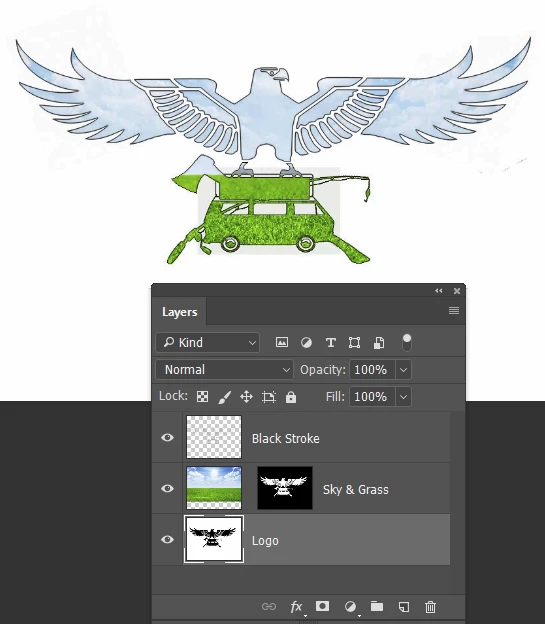
Here I have a logo. http://www.bildites.lv/images/rxjhfveb/44848/thumbnail.png
For the van, axe and fishing rod part I want to give a grass texture, for the eagle's part I want to give sky texture. And in the background I want to put a world map.
I am watching a lot of tutorials and every time have something that does not work out, a lot of things to bring up back in memory and learn a lot of new. Will do it.


 AdChoices