Question
Painting Drawn in Imported Images
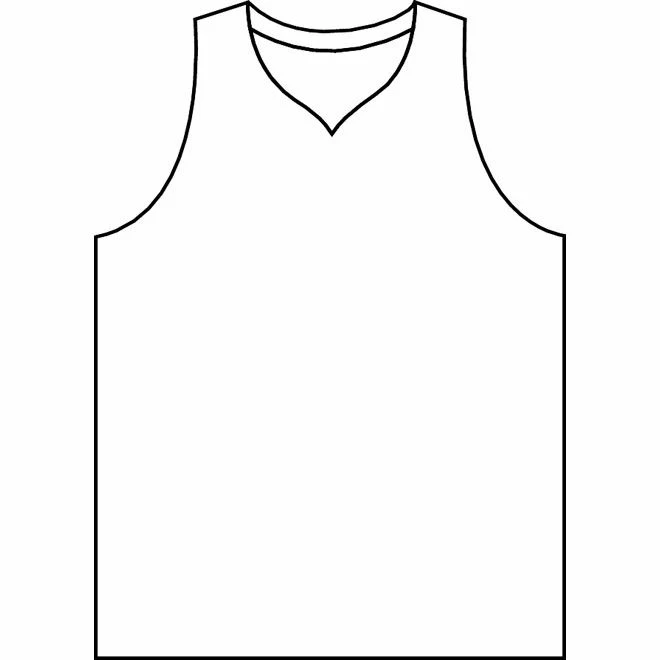
Is there anyway to fill in the empty spaces in the item I drew, for example I want to fill in the body of the jersey one color, and leave the sleeves/collar a different color. Not sure if photoshop or ilustrator is a better task, i drew the image and then imported the image from my old work so it is in photoshop I'm assuming as an imported image. Just want to know if theres a fill method to fill in certain sections without manually using the paint feature and to keep the color uniform and no stray lines
 AdChoices