
Paste Multiple Objects into Vanishing Point Filter
Hello all,
This is my first post, hope one of y'all can help:
I'm trying to use the Vanishing Point Filter tool in PS (CC 2017/Windows 7) to paste a series of "windows" onto the corner of a "building".
I understand that the only way to do this is to marquee-select the object to be pasted, enter the VP Filter paste and place on any of the established planes. Issues:
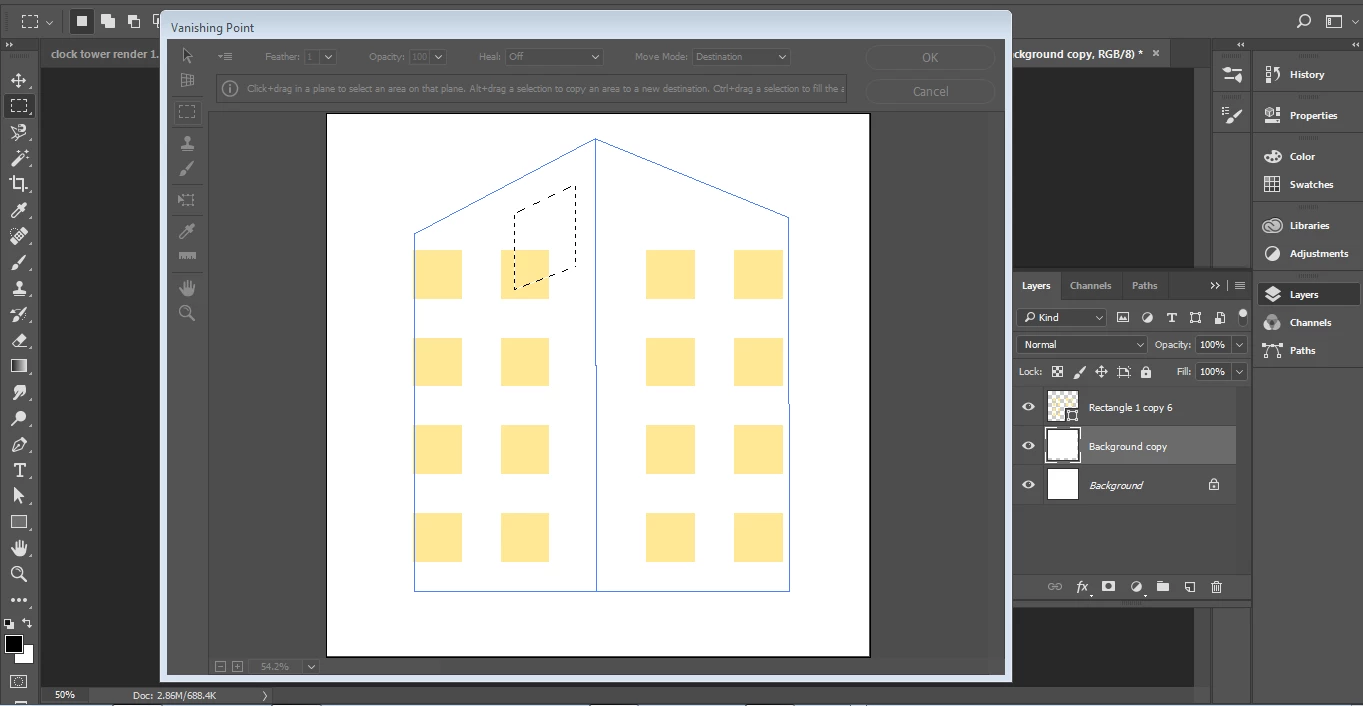
1. When I go to paste a single window into the VP filter, the result is only an empty bounding box of size and shape selected. How do I fix this, so that my object (window) is pasted with all of its pertinent stroke and fill information?
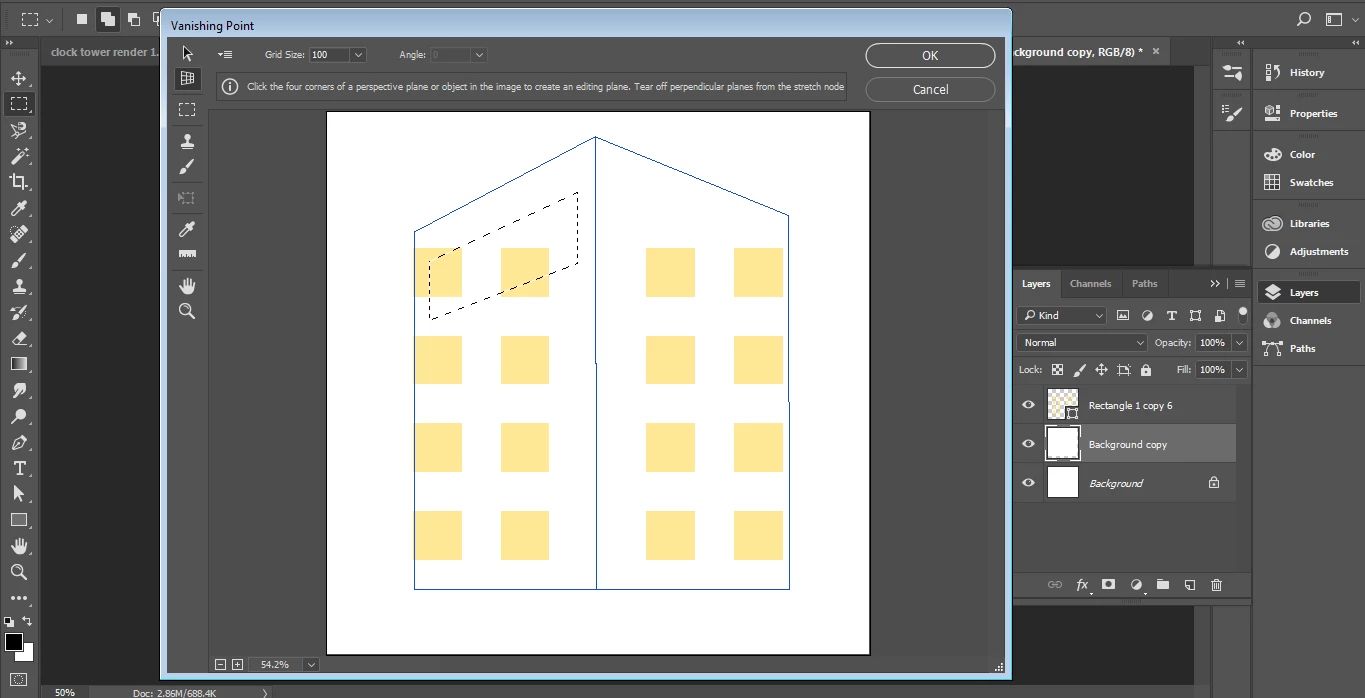
2. I would like to be able to paste in a whole batch of my windows at once. I have tried to marquee-select several of the windows, but when I paste the result is still a single bounding box that looks like it represents the total area selected. In the example, I've selected two horizontally-consecutive windows.
3. I would ultimately like to have continued individual control over each of the windows even after they've been successfully pasted into the VP filter. Is this possible?
Very much appreciating any insight.
Thanks,
Nihco
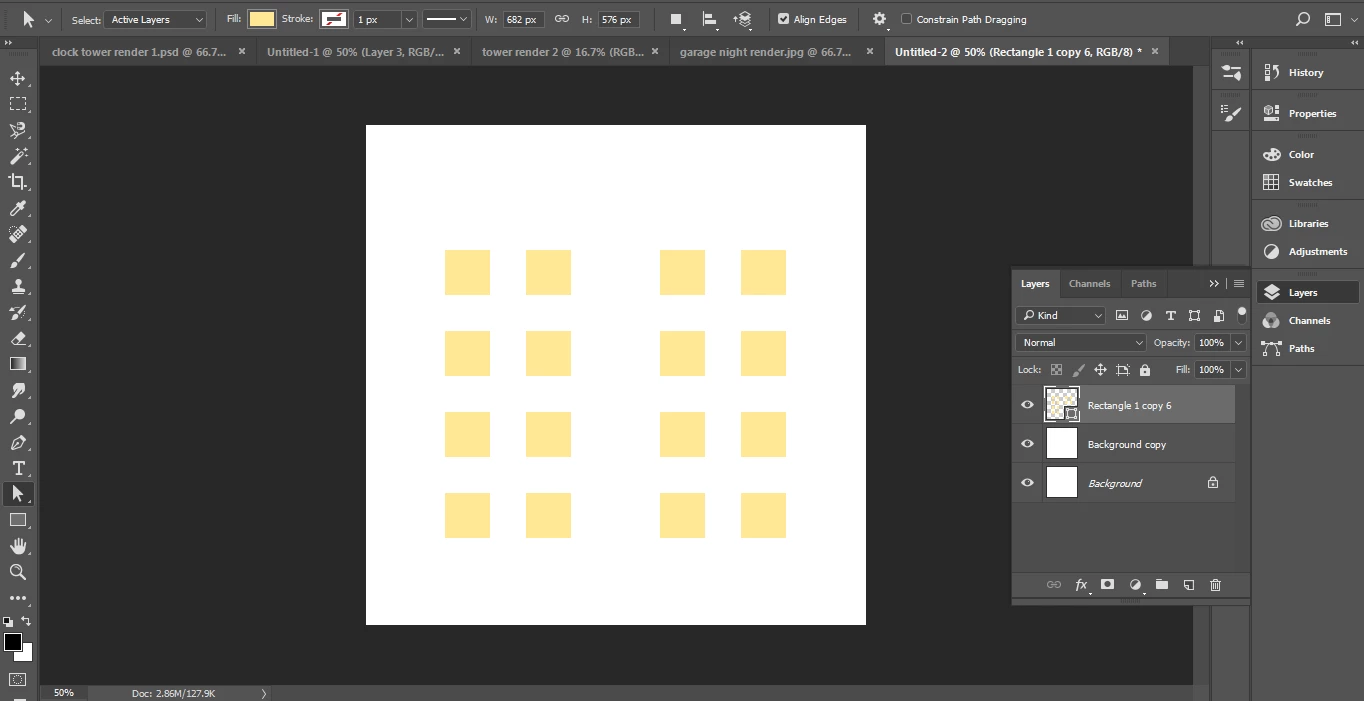
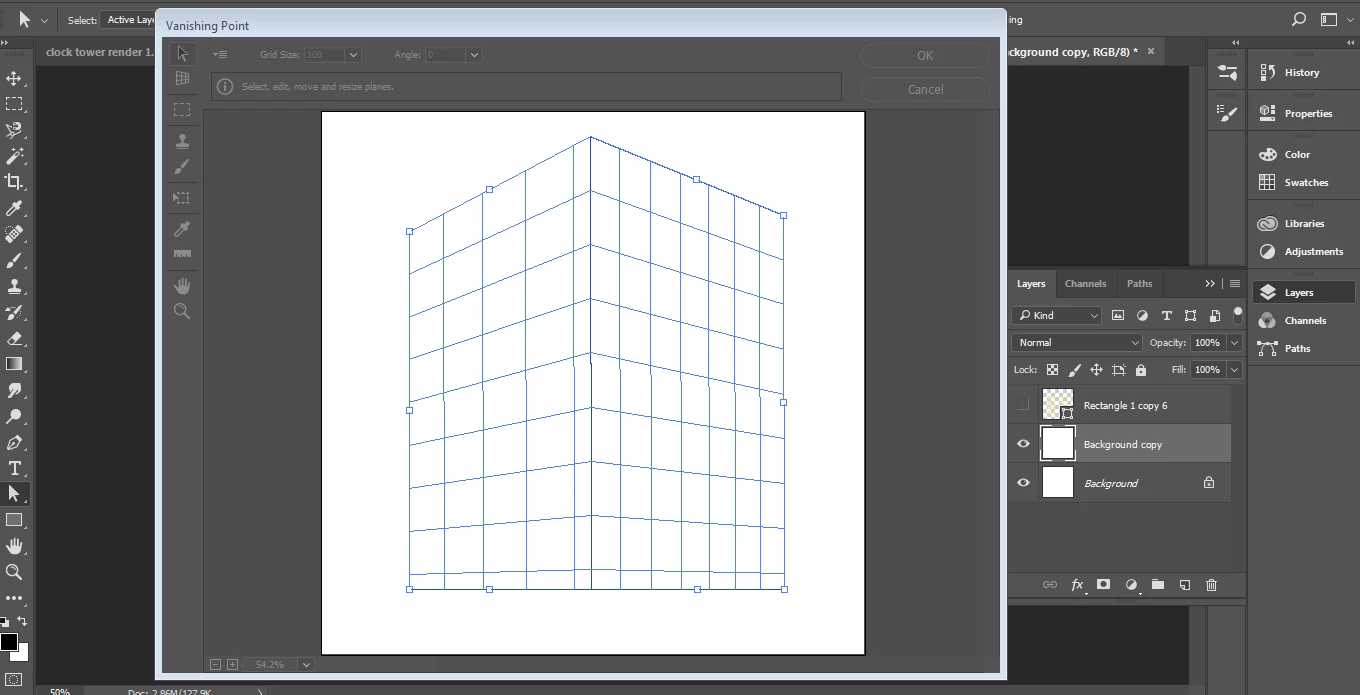
Issues 1 and 2:
 AdChoices