Question
Pen Pressure Issue Photoshop 2019
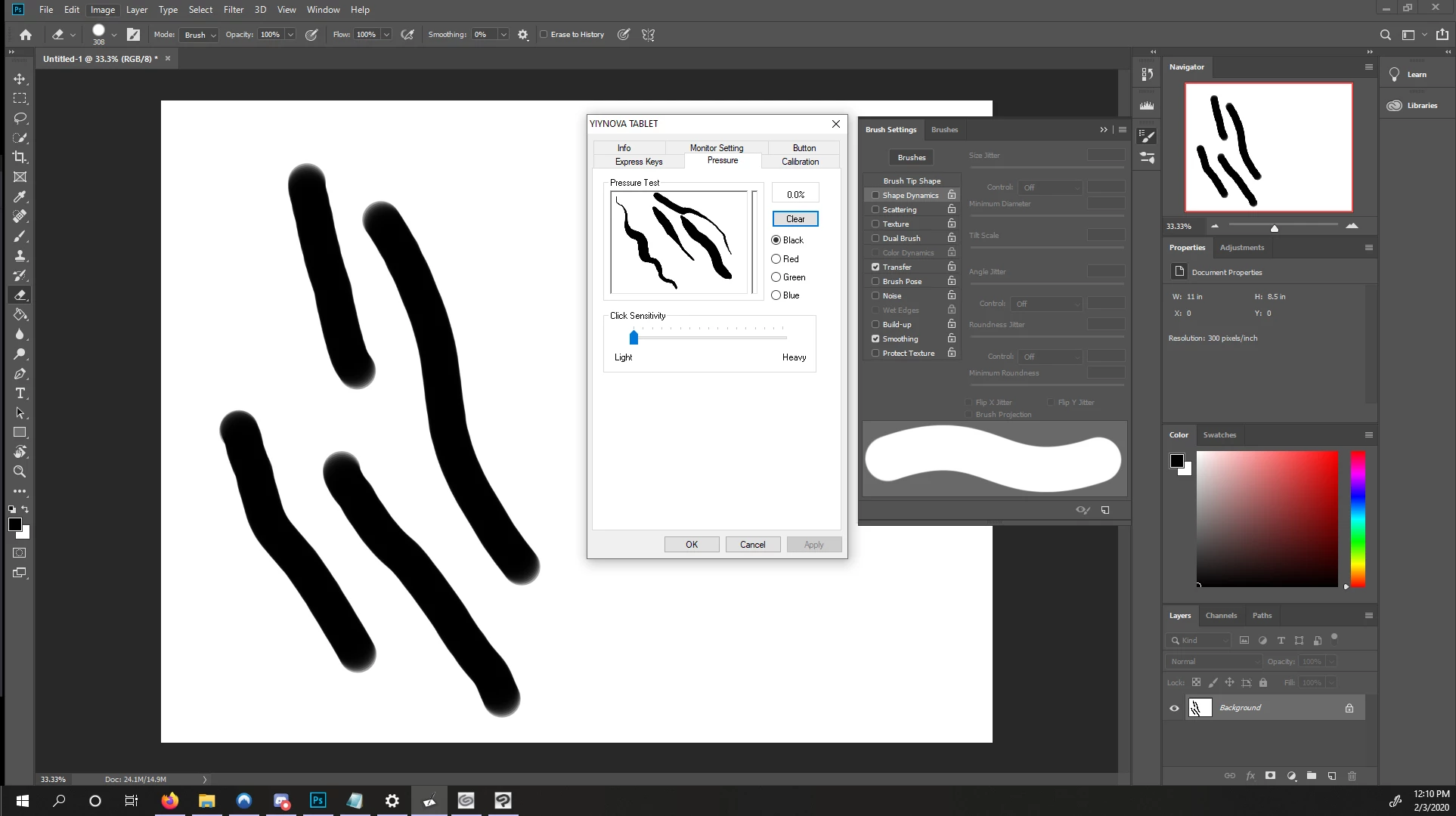
Hello everyone - first post on here as I'm at wits end. Pen pressure isn't working in Photoshop only, pressure doing fine in Clip Studio, as well as the pressure test in tablet settings.
Technical out of the way, please let me know if I'm missing anything. Running Windows 10 Pro, tablet is Yiynova MVP22U, using Photoshop 2019. Windows ink turned off (lag and that little circle of death for small strokes), Psuserconfig.txt is in settings. Latest drivers updated on tablet. With psuserconfig in effect, Photoshop does not register brush strokes at all. With it taken away, there is no pen pressure at all.
I have been perusing other people's issues but the psuserconfig seems to be the end-all. Unsure what my next troubleshooting needs to be!
 AdChoices