
Question
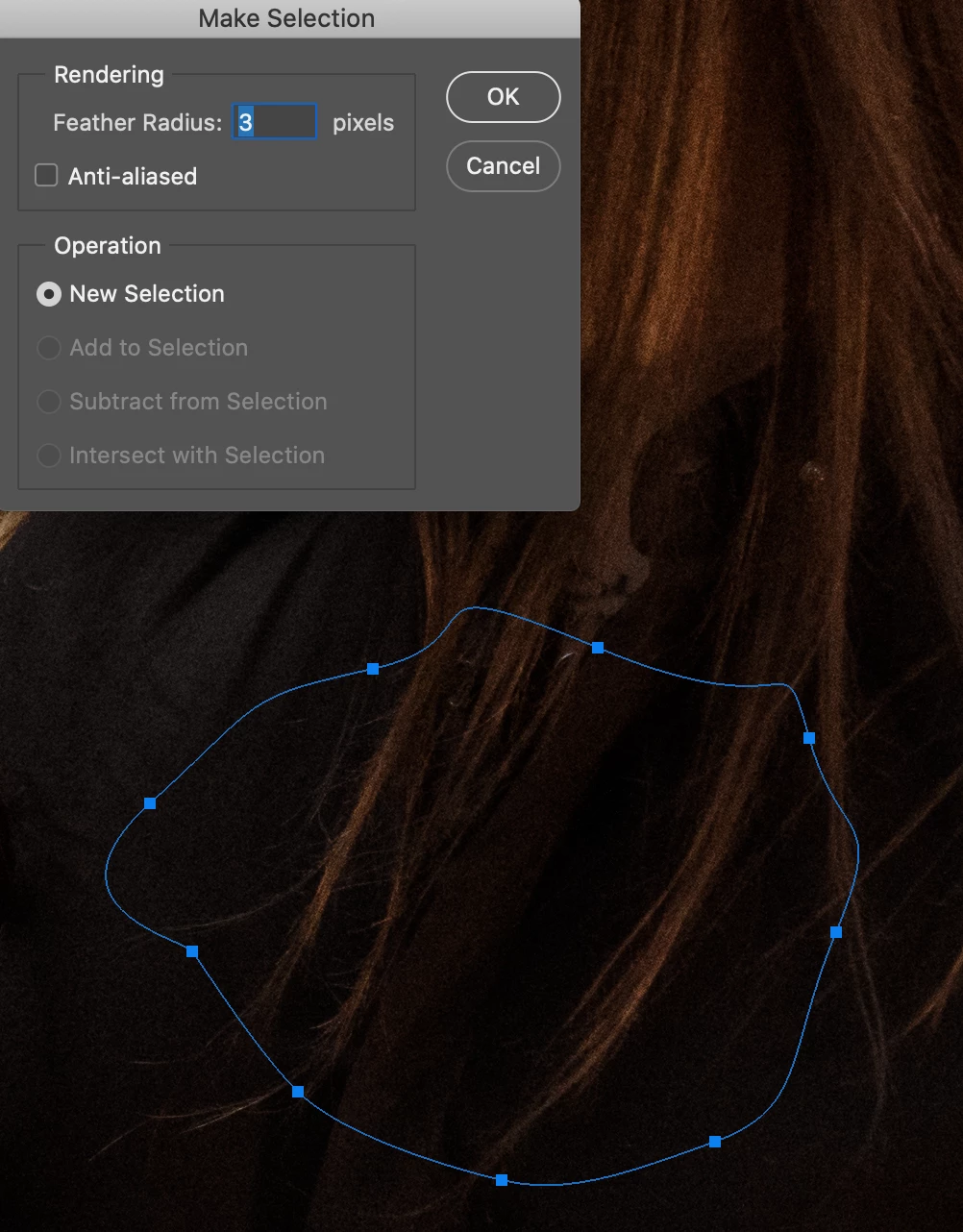
Pen Tool Make Selection Tool, Operation Options are Greyed Out
I use the pen tool to make a selection, close the path, right click to make a selection but the operation options are greyed out. I also have tried doing it through the menu at the top I really need these options.
I have tried ressetting photoshop preferences, resetting the pen, restatring photoshop and my mac, but still when I go to make my selection these options are greyed out.
I am making the pen selection on a 16bit RGB photo, Ive tried doing it on the background layer, a layer copy and a blank layer but the same always, no options to add, subtract or intersect selection.

 AdChoices