
Legend
March 17, 2018
Answered

Pen tool making new layers and line becomes gray

  • March 17, 2018
  • 1 reply
  • 3060 views

When I use the pan tool it generates a new layer and the line becomes thick gray ..? I have tried to find a solution to get back as it was before. The only thing I forund out was to change New Layer to Combined Shapes - but it immediately changes back to New Layer ...
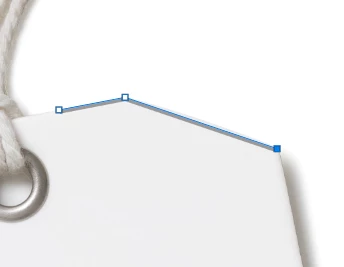
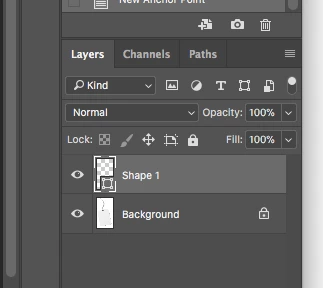
Do anybody have a solution?
    This topic has been closed for replies.
    Correct answer Jeff Arola

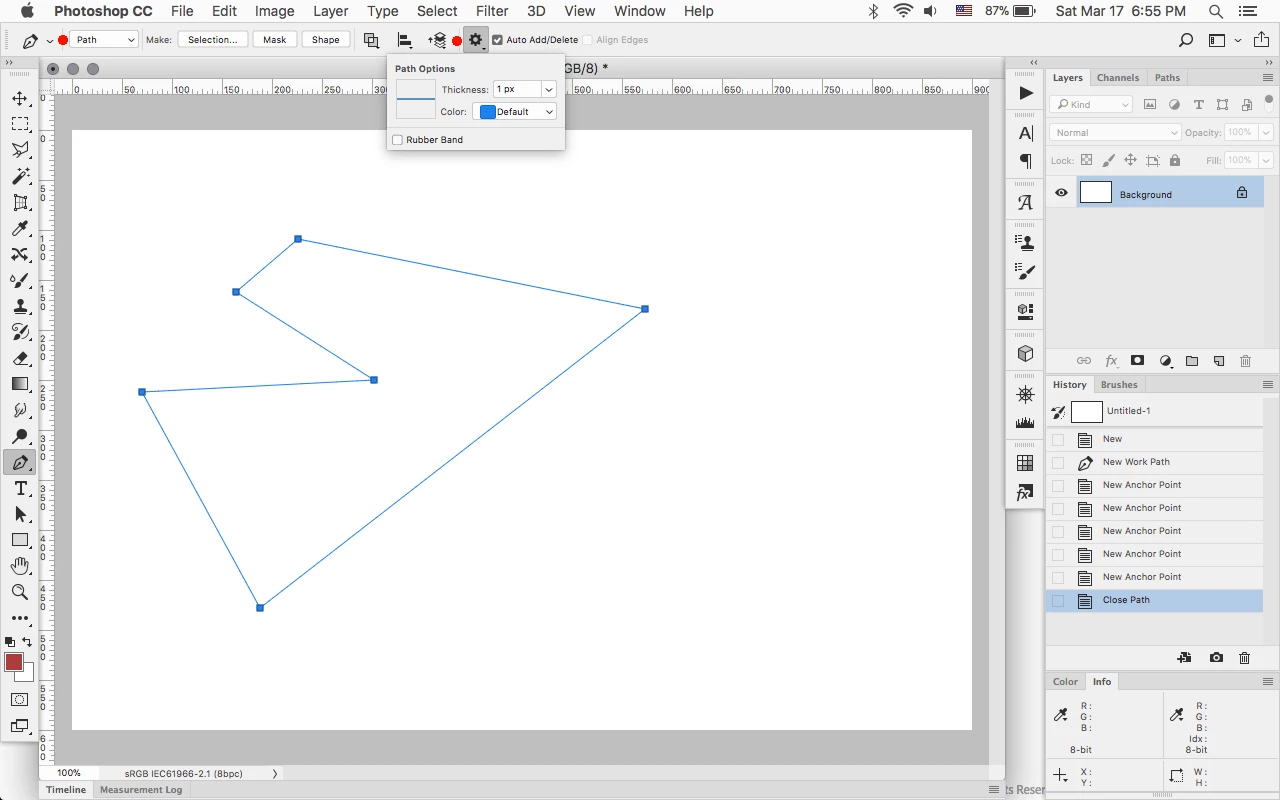
    Yes look at your tool options for the Pen Tool and set the Pen Tool Mode to Path before drawing a path and in the Additional Options set the path Color as desired.

    The Gray looks like the Stroke color set for a Shape Layer.

    1 reply

    Jeff Arola
    Community Expert
    Jeff ArolaCommunity ExpertCorrect answer
    Community Expert
    March 17, 2018

    Yes look at your tool options for the Pen Tool and set the Pen Tool Mode to Path before drawing a path and in the Additional Options set the path Color as desired.

    The Gray looks like the Stroke color set for a Shape Layer.

    Legend
    March 17, 2018

    Thanks so much, Jeff. That did the trick ..!