
Participant
December 31, 2022
Answered
Pen Tool not creating shape
- December 31, 2022
- 1 reply
- 2056 views

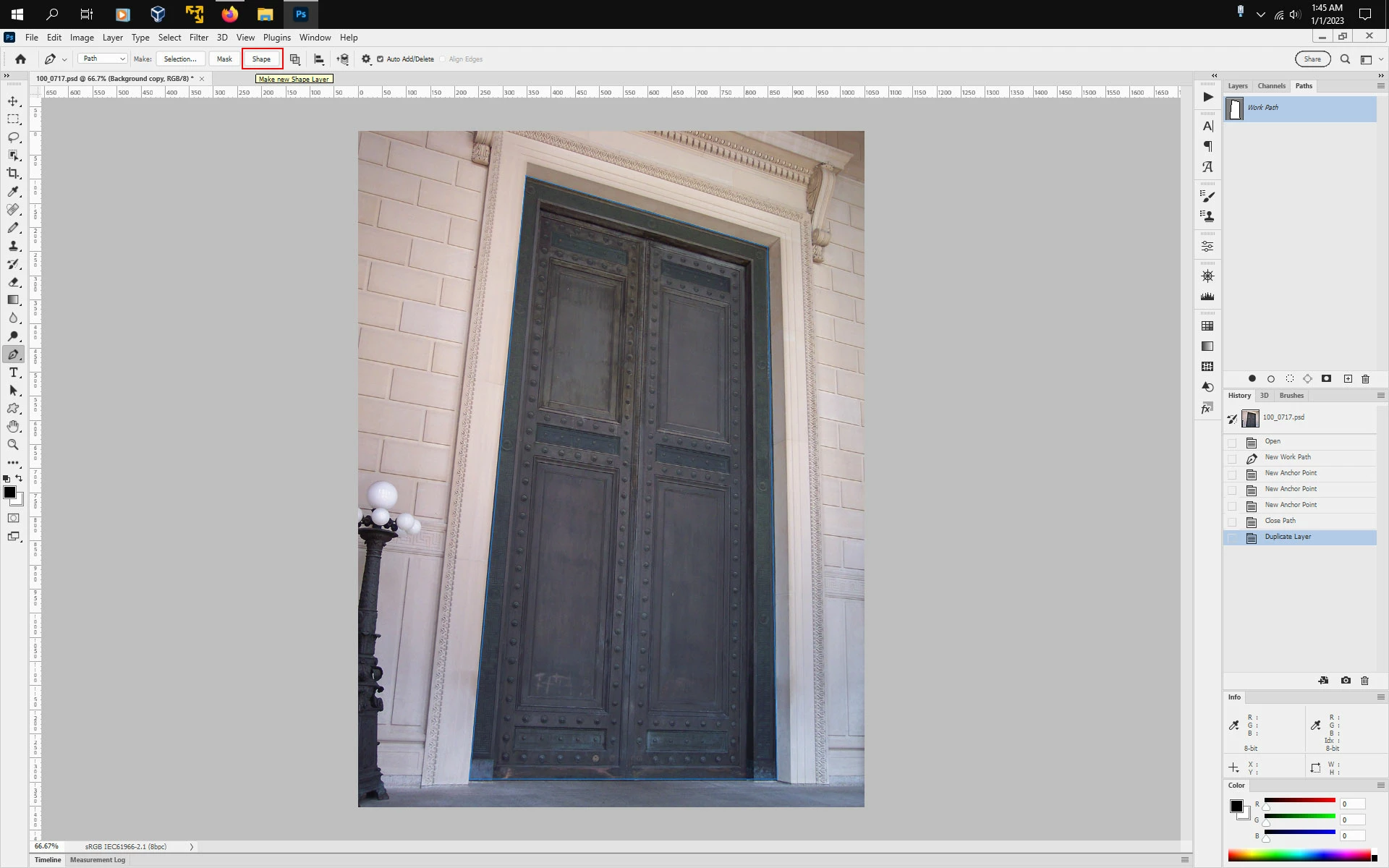
You either have to select Shape from the Pen Tool tool options before usung the Pen Tool to create a
Shape Layer or use Path and after drawing out your paths, click on Shape in the tool options bar or go
to Layer>New Fill Layer>Solid Color or from the bottom of the Layers panel Add Adjustment Layer
icon select Color Fill.
Already have an account? Login
Enter your E-mail address. We'll send you an e-mail with instructions to reset your password.
 AdChoices