danielk20
Participant
January 27, 2019
Answered

Photo becomes gray after merging or saving it

  • January 27, 2019
  • 5 replies
  • 1235 views

Dear community,

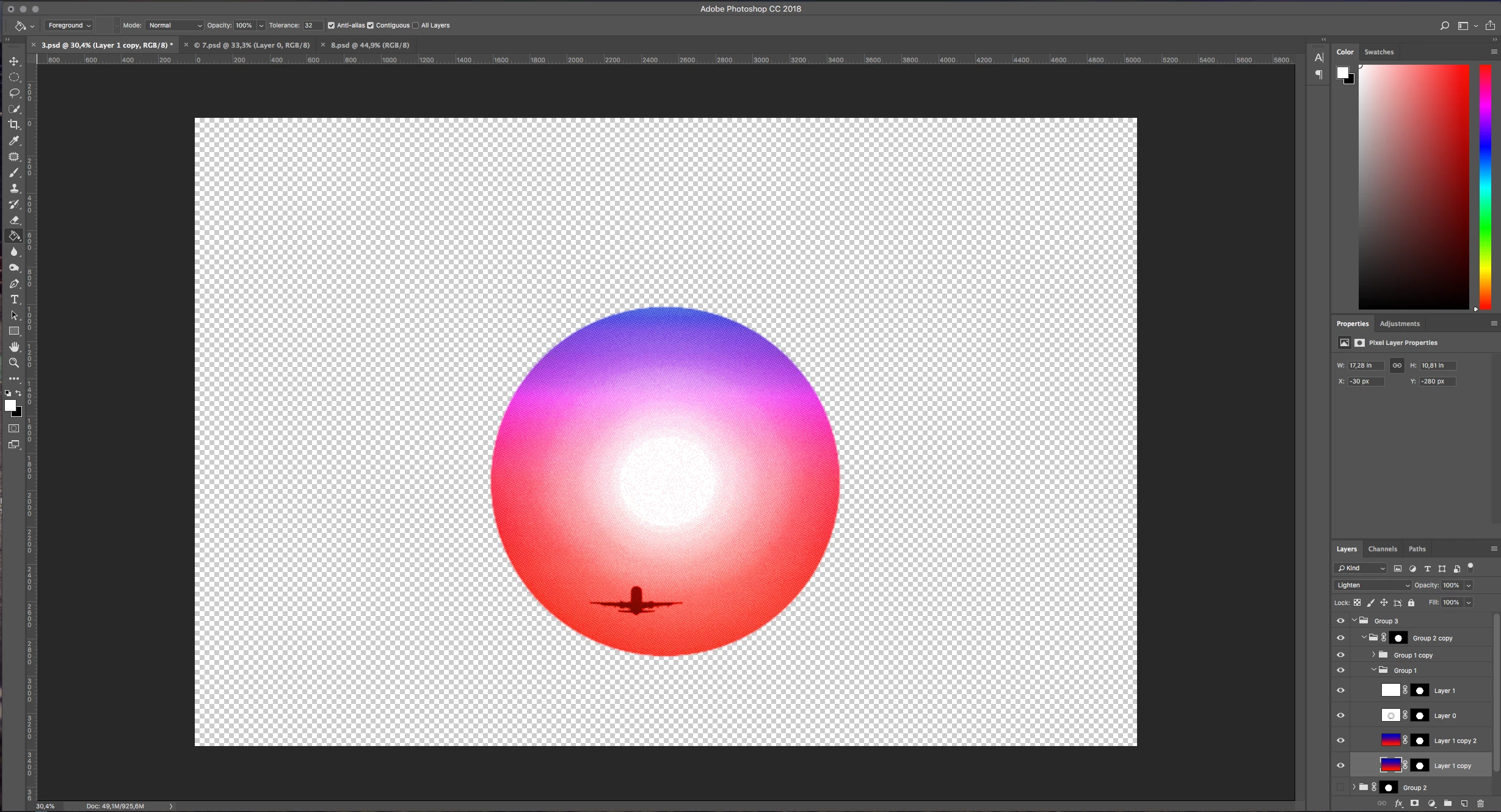
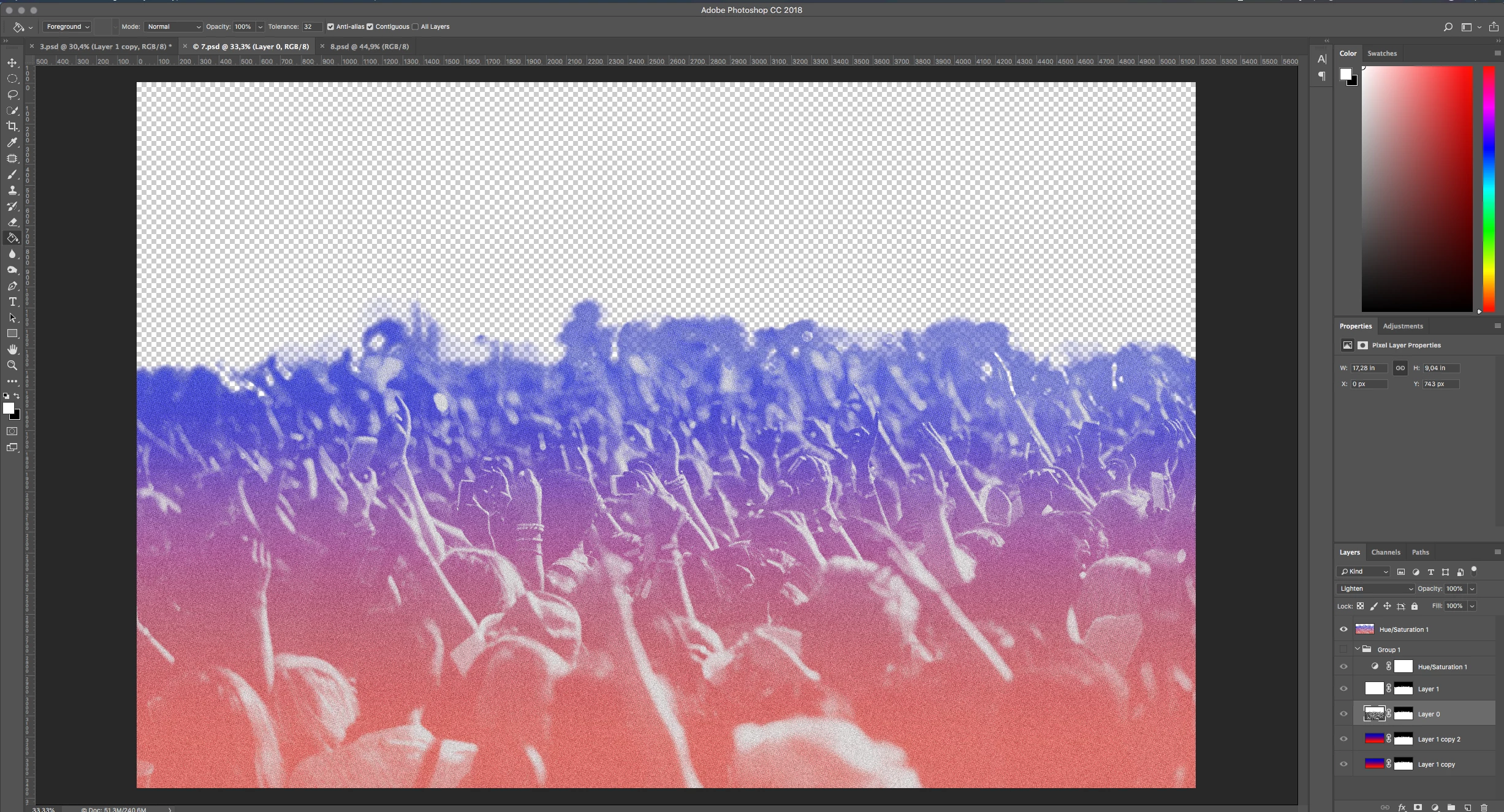
I'm trying to merge those different layers into one to apply a noise filter, as I did in my other files.

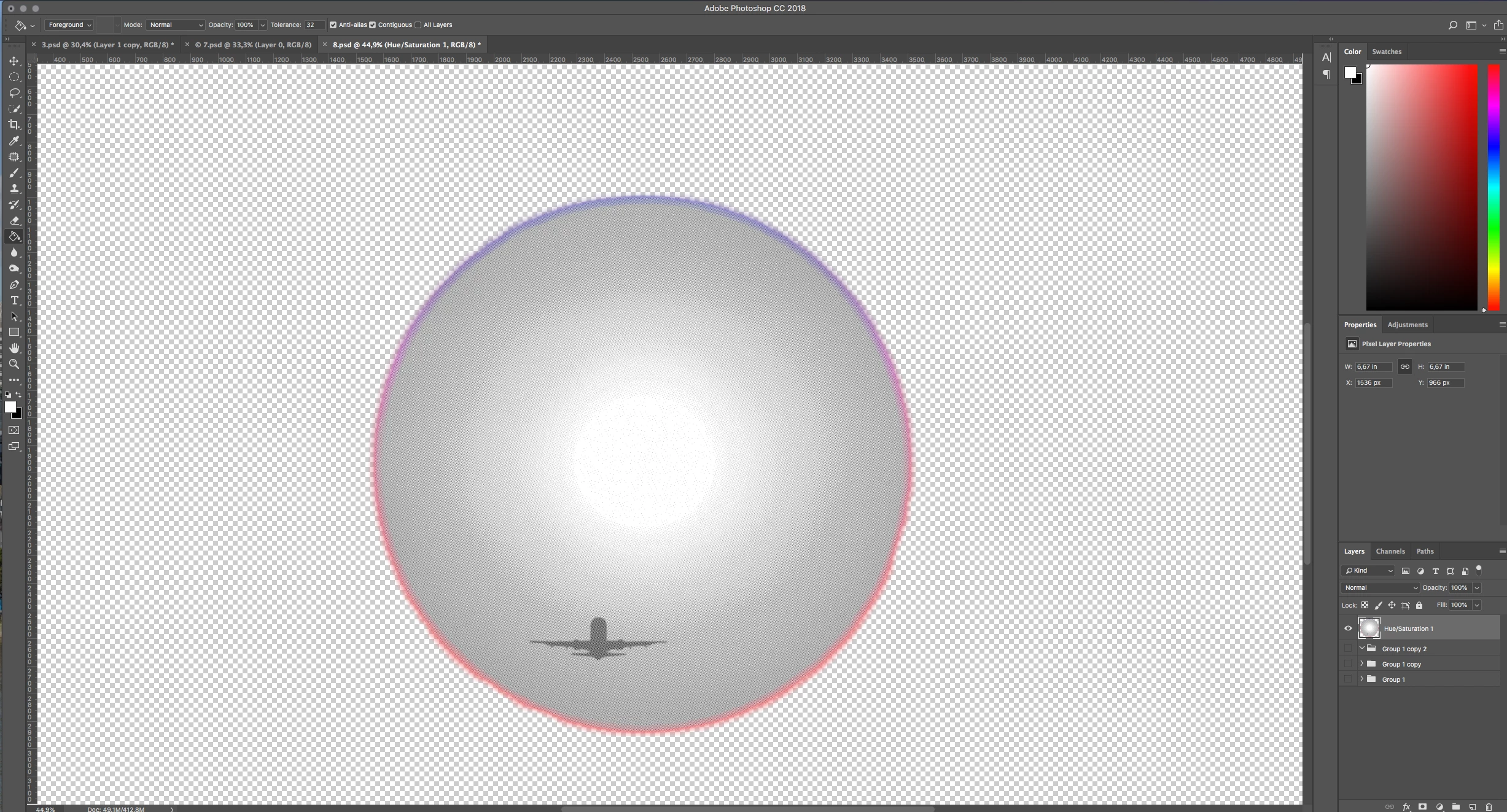
But as soon as I merge the Visible layers the "sun" becomes gray.

Does anyone know how I can fix this?

Cheers

Daniel

This topic has been closed for replies.
Correct answer Trevor.Dennis

You have at least one Layer Mode set to Lighten.  In my experience flattening documents with layer modes set to other than Normal, can sometimes lead to weird things happening.  This seems to be even more likely when Smart Objects are involved.  My workaround is to select the topmost layer, and add a Copy Merged layer to the top of the stack (Shift Ctrl Alt E) before merging or flattening.  As far as I can remember, this has never failed to fix this sort of situation.

It was actually only a few days ago the last time I ran into this, and from an interest point of view, I spent some time trying to isolate why it was happening.  And failed.   I'd have liked the satisfaction of having worked out — it would be like solving a puzzle — but I tend to take a black box approach to stuff like this.

5 replies

D Fosse
Community Expert
Community Expert
January 28, 2019

I'm still convinced that this is noise, not viewed at 100% and therefore a false preview.

cinziamarotta
Participating Frequently
January 28, 2019

Hi,

you have many layers and groups. What is the content of "Group 1 copy"?

Trevor.Dennis
Community Expert
Trevor.DennisCommunity ExpertCorrect answer
Community Expert
January 27, 2019

You have at least one Layer Mode set to Lighten.  In my experience flattening documents with layer modes set to other than Normal, can sometimes lead to weird things happening.  This seems to be even more likely when Smart Objects are involved.  My workaround is to select the topmost layer, and add a Copy Merged layer to the top of the stack (Shift Ctrl Alt E) before merging or flattening.  As far as I can remember, this has never failed to fix this sort of situation.

It was actually only a few days ago the last time I ran into this, and from an interest point of view, I spent some time trying to isolate why it was happening.  And failed.   I'd have liked the satisfaction of having worked out — it would be like solving a puzzle — but I tend to take a black box approach to stuff like this.
D Fosse
Community Expert
Community Expert
January 28, 2019

Trevor.Dennis  wrote

can sometimes lead to weird things happening.

Yes, but the question is - does viewing at 100% cause these weird things to happen prior to flattening/merging/committing, in other words giving you a reliable preview?

I still maintain that when it comes to noisy images, you have to hit ctrl+1 to see what's really going on with your data. Then you won't get any surprises.

D Fosse
Community Expert
Community Expert
January 27, 2019

With noisy images you must view at 100% to get a reliable preview of the finished result. This is an absolute requirement. Any other zoom ratio gives you an unreliable preview because the data are resampled and softened.

barbara_a7746676
Community Expert
Community Expert
January 27, 2019

Sometimes the results are not predictable if only some of the layers are merged. Try merging all layers into a single layer.